
You use a removable drive to carry print packets. Opening File Explorer at This PC puts the drive list one step closer. Verify the destination by its label before copying.
Change the opening location
Open File Explorer’s See more menu and choose Options. Set Open File Explorer to to This PC and choose Apply. Open a new Explorer window and check that the drives appear.
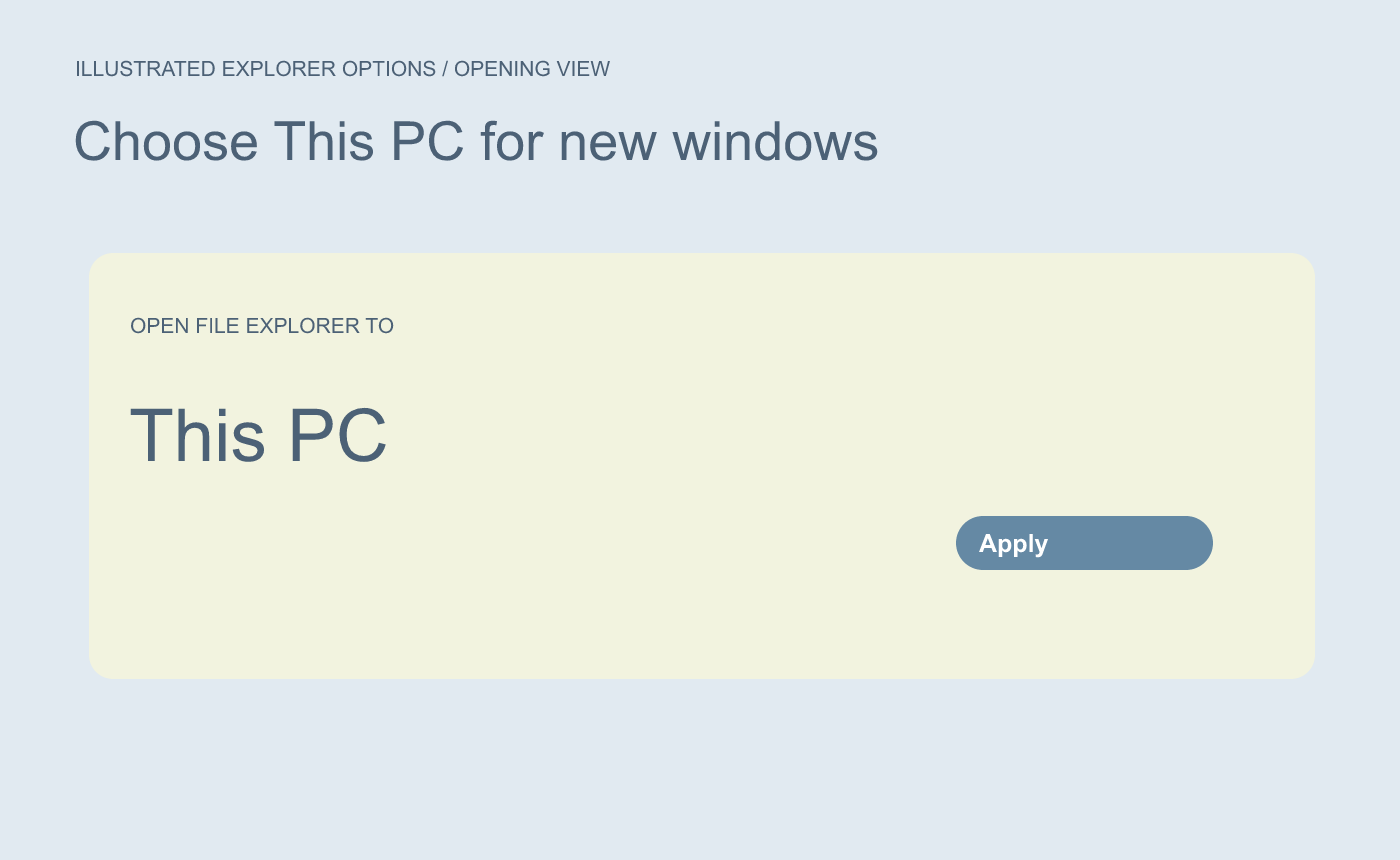
Illustrated setting. Open a fresh window to check the new landing view.
Confirm the drive and reopen the copied file
In this example, the removable drive is named EVENT-USB. Check the drive label and the destination folder, then copy the file. Open the copy from that drive and check the first page or revision.
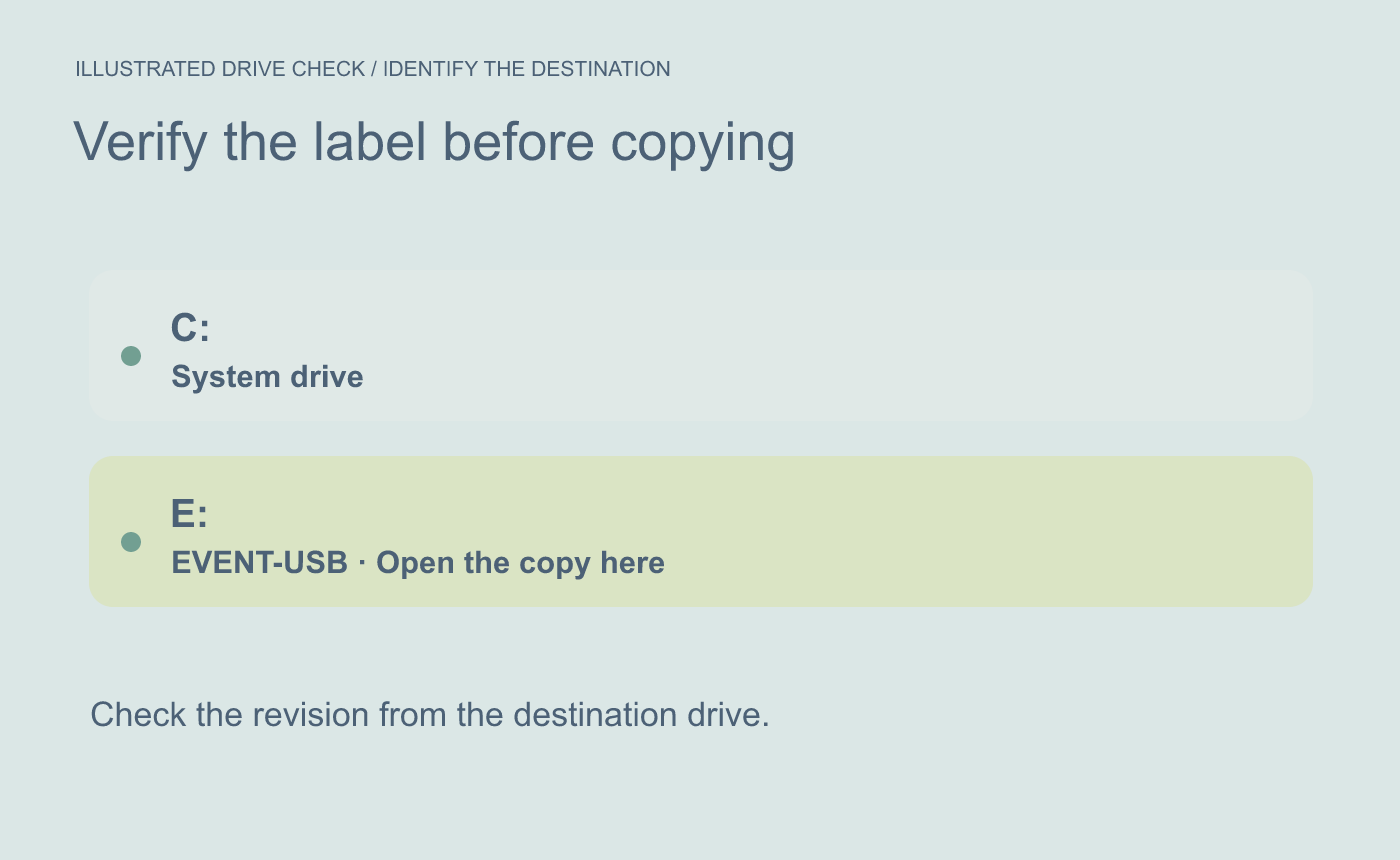
Illustrated verification. Match the drive label and folder before opening the delivered copy.
Drive letters can change when devices are connected in another order. Recheck the volume label if several drives appear.



