
The staged delivery has the same number of files as the expected folder. One workbook still has an old suffix. Open both lists together so you can see the mismatch.
Put both Finder windows in the same order
Open the expected folder. Press Command+N for a second Finder window and open the staged delivery. Place the windows beside each other. In both, press Command+2 for List view and sort by Name.
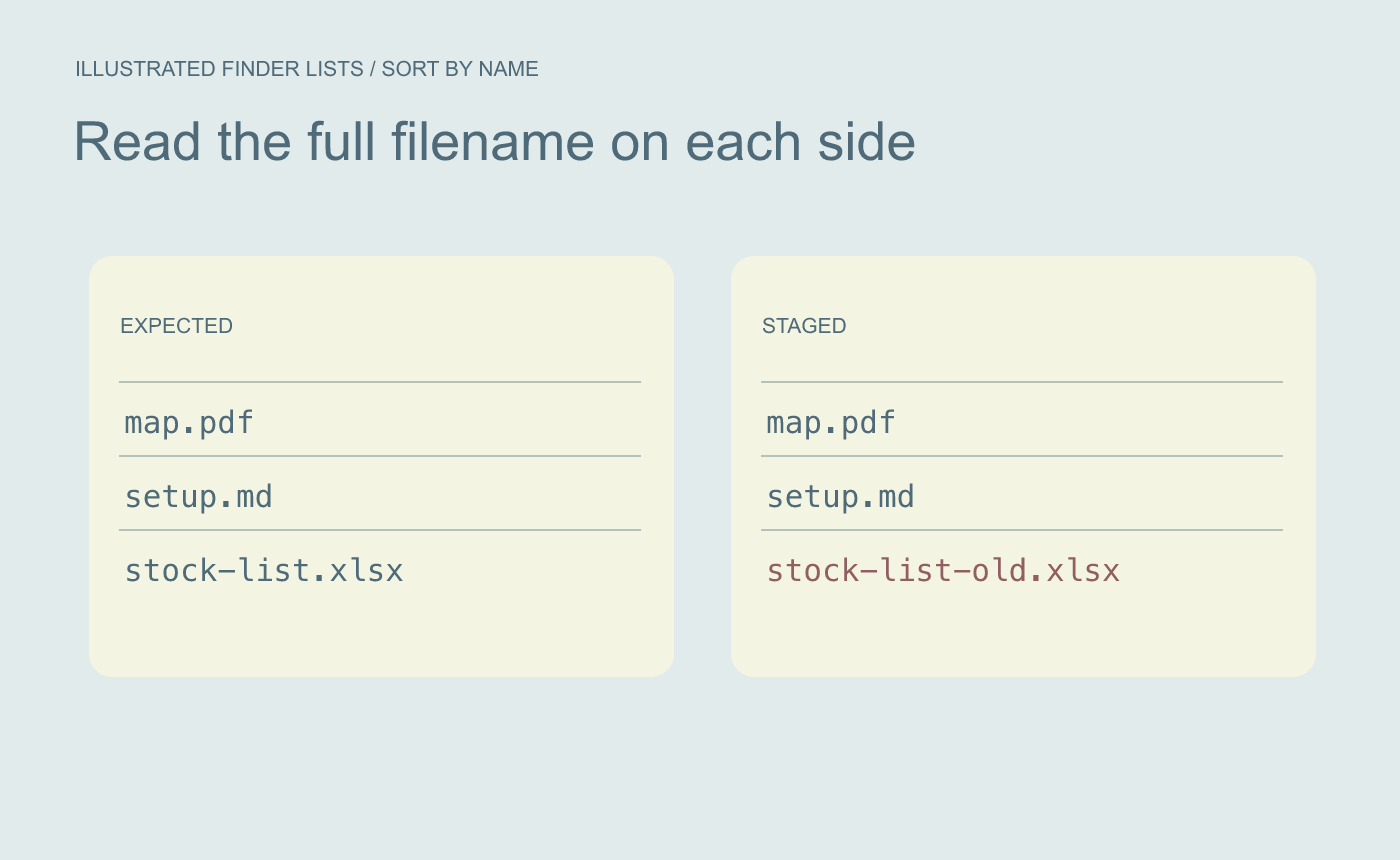
Illustrated inventory. Read the full names in both windows.
Resolve the difference before replacing the stage
In the example, map.pdf and setup.md match. The stage has stock-list-old.xlsx where you expected stock-list.xlsx. Open the intended workbook, check the revised quantity in Units, and update the staged copy after confirming the revision.
Illustrated proof. Inspect a known changed value before replacing a staged copy.
Compare the lists again. Open the actual staged workbook to verify the copy a recipient will get.



