
You review recently changed proof PDFs each week. A Smart Folder can keep the search criteria ready so you can reopen the list without moving any files.
Set the folder scope, kind and date
In Finder choose File → New Smart Folder. Set the search scope. Use the plus button to add Kind for PDFs, then add Last Modified Date for the last seven days. If that field is absent, look under Other.
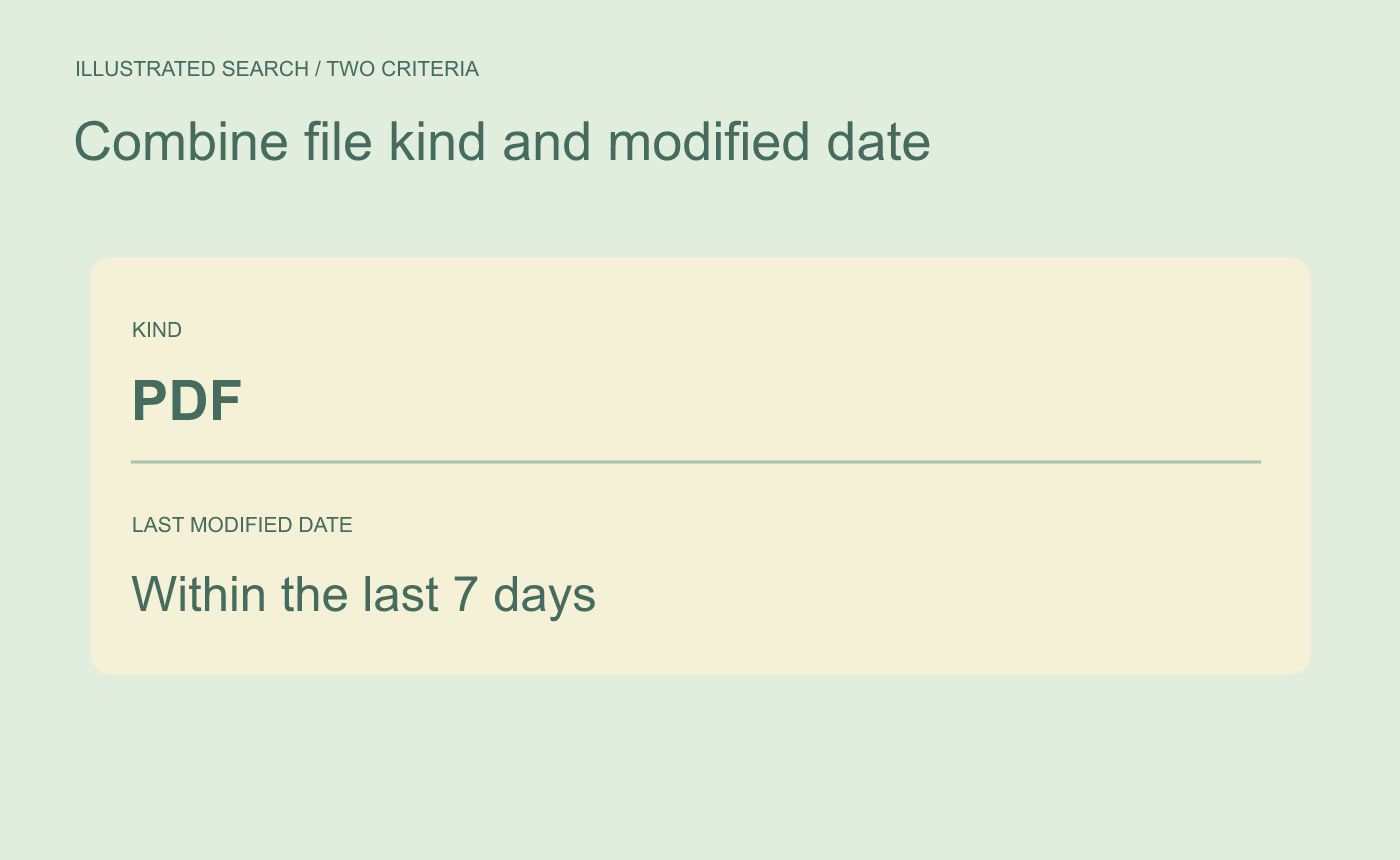
Illustrated search. Confirm the scope before adding both conditions.
Test three known files before saving
Within the scope, check a PDF modified yesterday, a PDF modified earlier than seven days ago, and a DOCX modified yesterday. Only the recent PDF should appear. Save the search with a name that states the window. When you open it again, the relative window uses the current date.
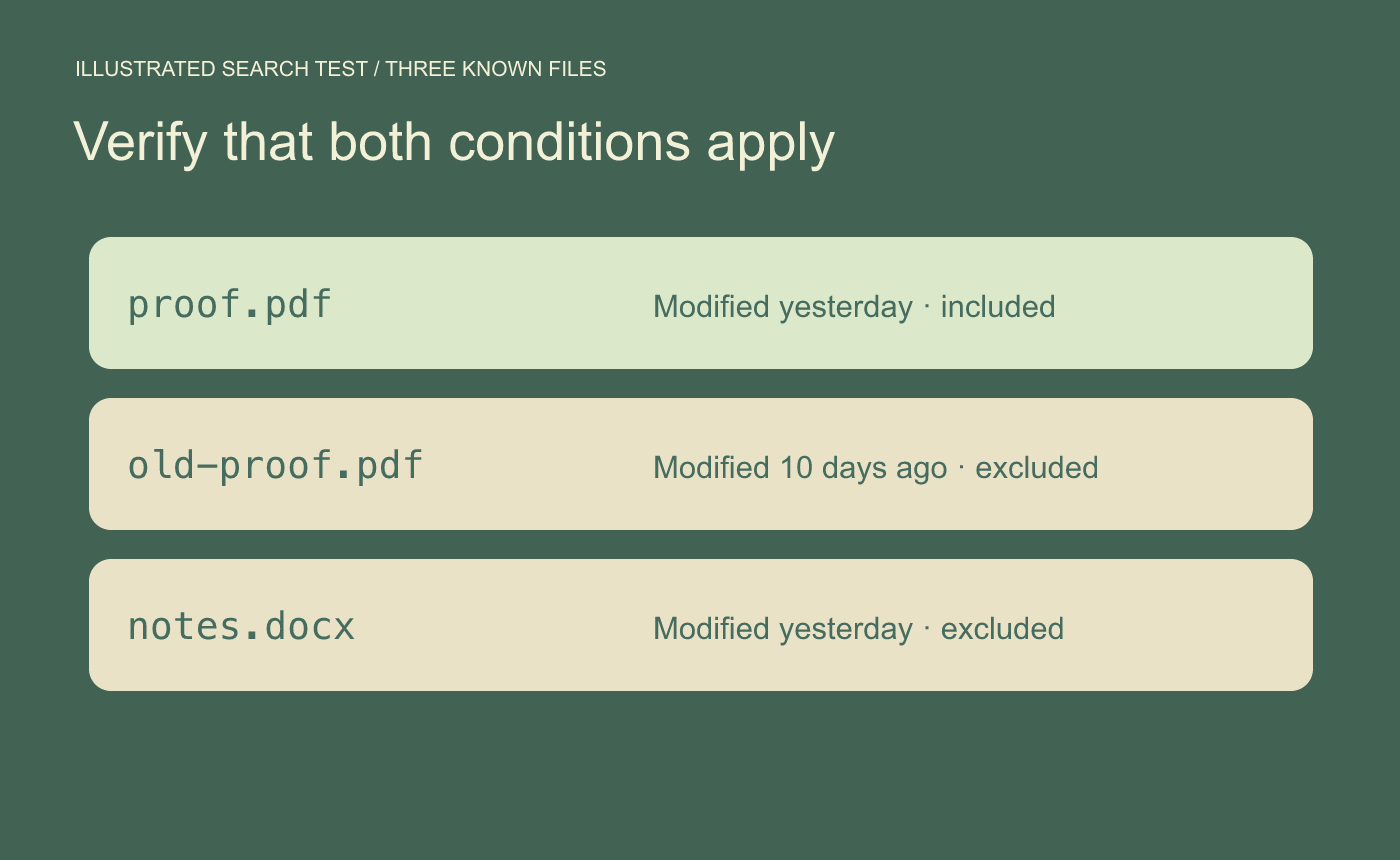
Illustrated check. Use known examples to verify both criteria.
Open a result’s containing folder if you need to confirm which project owns the file.



