
The source note and the attachment live on different drives. Their “Size on disk” figures may differ because the drives store files differently. Compare the exact byte count under Size when you check the attachment.
Read the same field in both files
In File Explorer, right-click the file and choose Properties. In the example, packing-notes.md reports 1,460 bytes under Size and 4,096 bytes under Size on disk. Compare the exact Size number with the same field on the attachment.
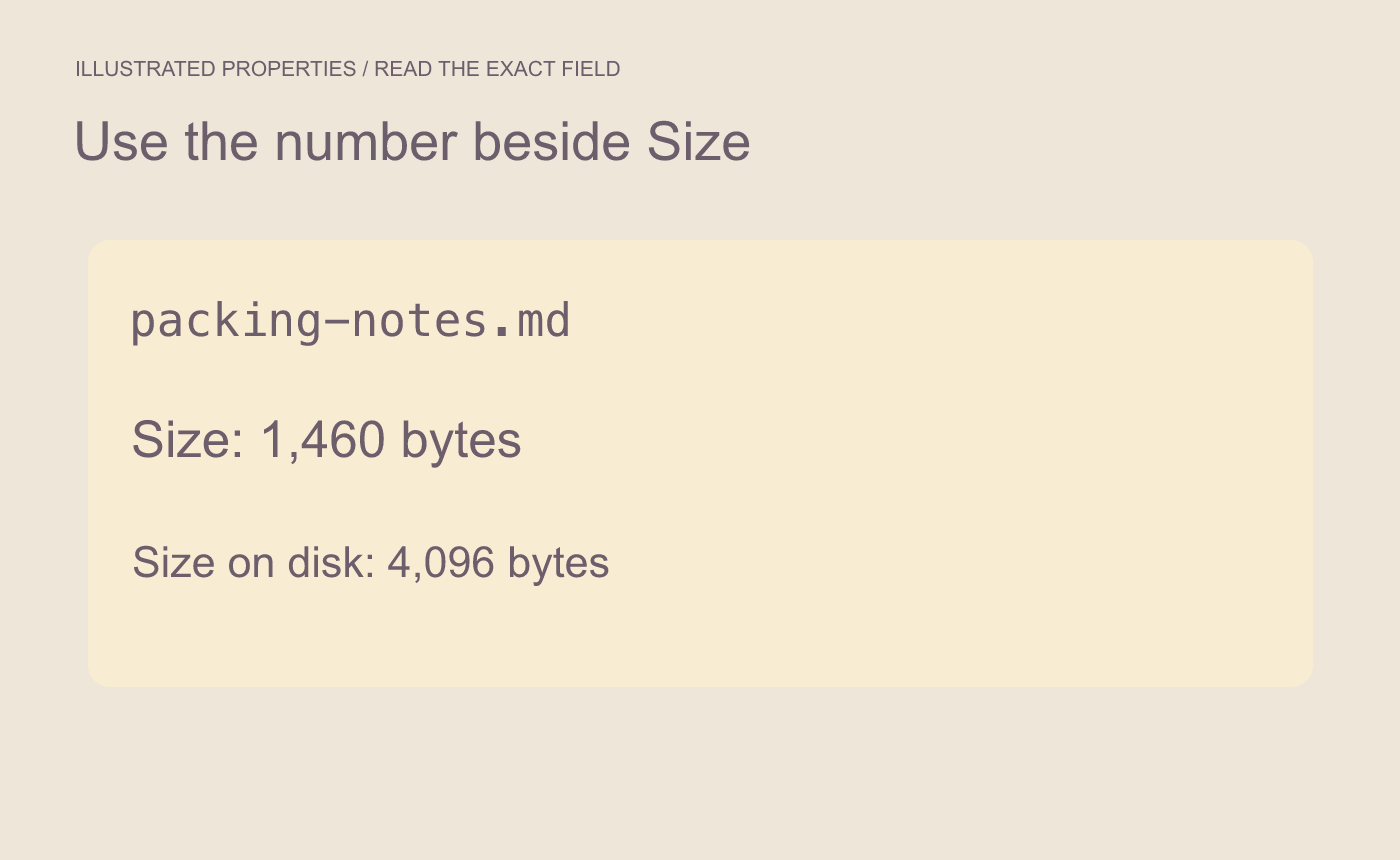
Illustrated Properties reading. Record the exact number under Size.
Check the actual contents as well
If the byte counts differ, verify which copy you selected. Equal counts can occur with different contents. Open the attachment and check the date, revision and a detail you expect to differ between versions. The storage figure can vary with allocation, compression or other filesystem behavior.
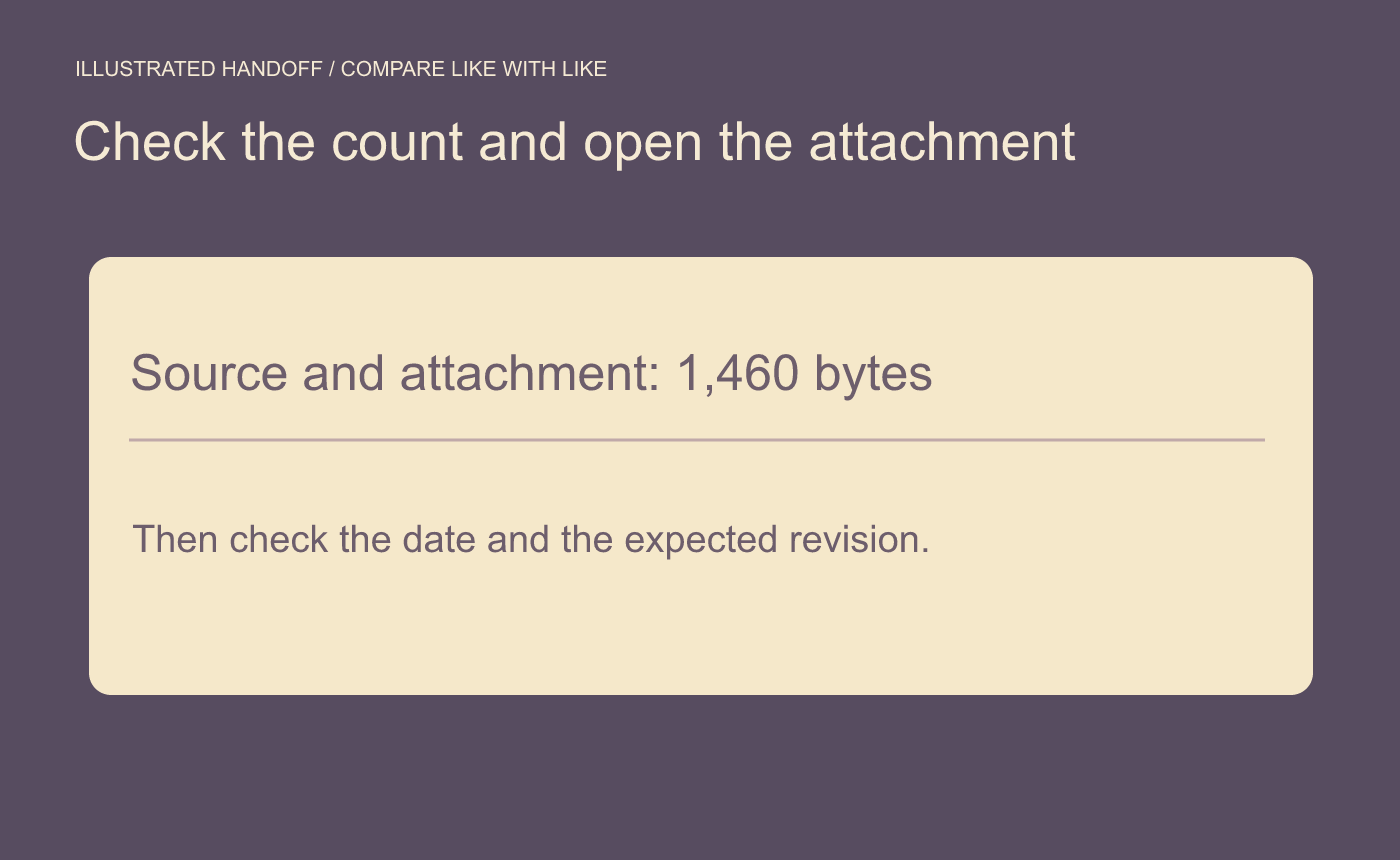
Illustrated handoff check. File size is one clue, and the visible revision is another.



