
The final poster proof is synced to OneDrive. You rarely use it on this PC and want to clear its local copy. Use Files On-Demand on that file, then download it again if you need it offline.
Check the synced version before freeing space
In the OneDrive folder in File Explorer, confirm sync has finished and locate poster-proof-final.pdf. Right-click it and choose Free up space. Check for the online-only cloud icon after the change. The file remains listed in the OneDrive folder and needs a connection to download again.
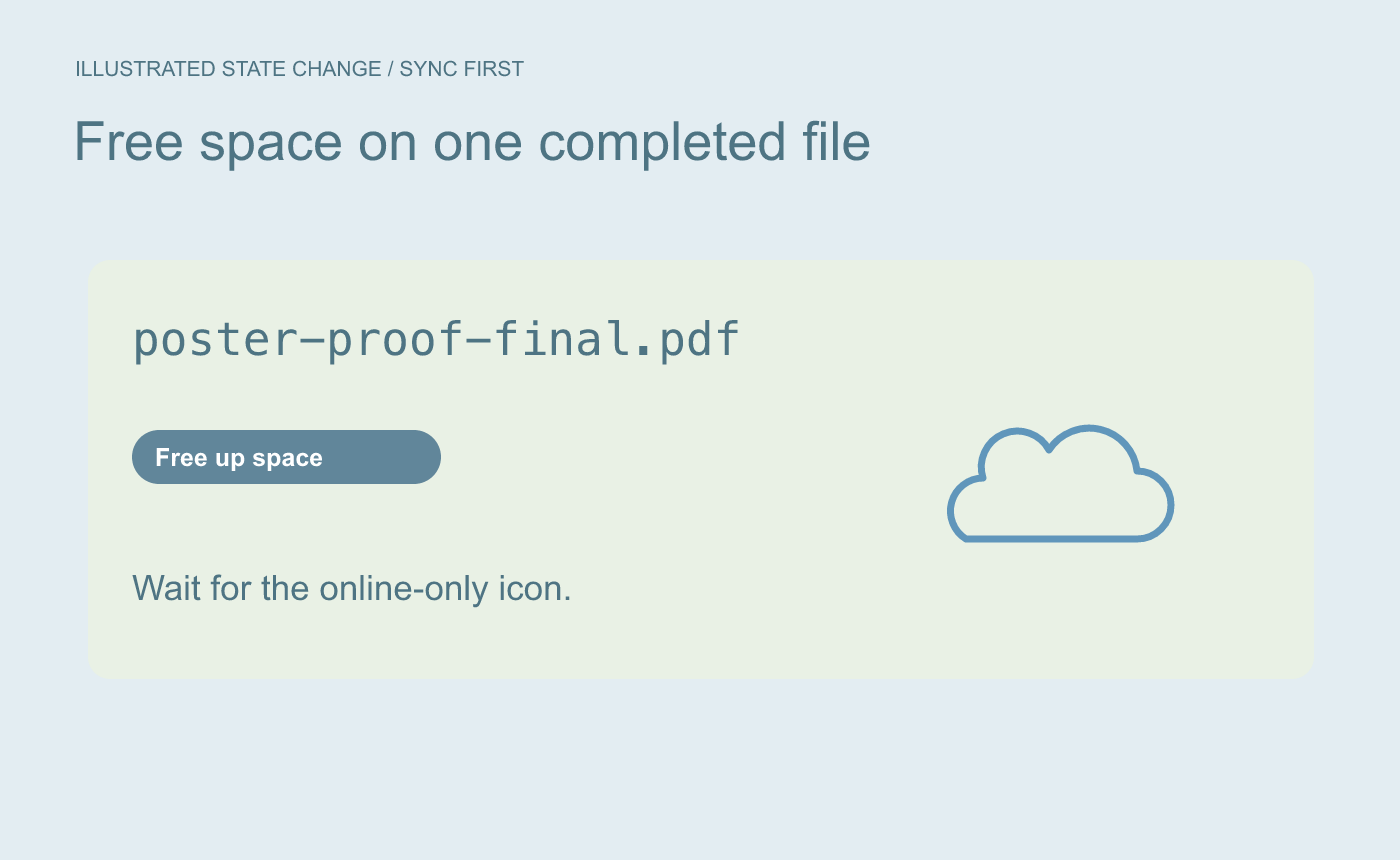
Illustrated state change. Confirm that OneDrive finished syncing the intended revision.
Restore offline availability before leaving
While connected, right-click the file and choose Always keep on this device. Wait for the download and its status change, then open the PDF and check the revision. If offline use is essential, verify it under the conditions in which you will need it.
Illustrated offline check. Open the intended copy after downloading it.



