
The runbook says “open stage-plan.xlsx.” Two copies have that name, and one is a download. Copy the full path from the working file’s recent entry so the note points to a specific copy.
Choose the working entry in Ulet Home
Open the actions beside the intended file and choose Copy file path. Paste it into plain text first. Read the folder names and check that it points to the working folder.
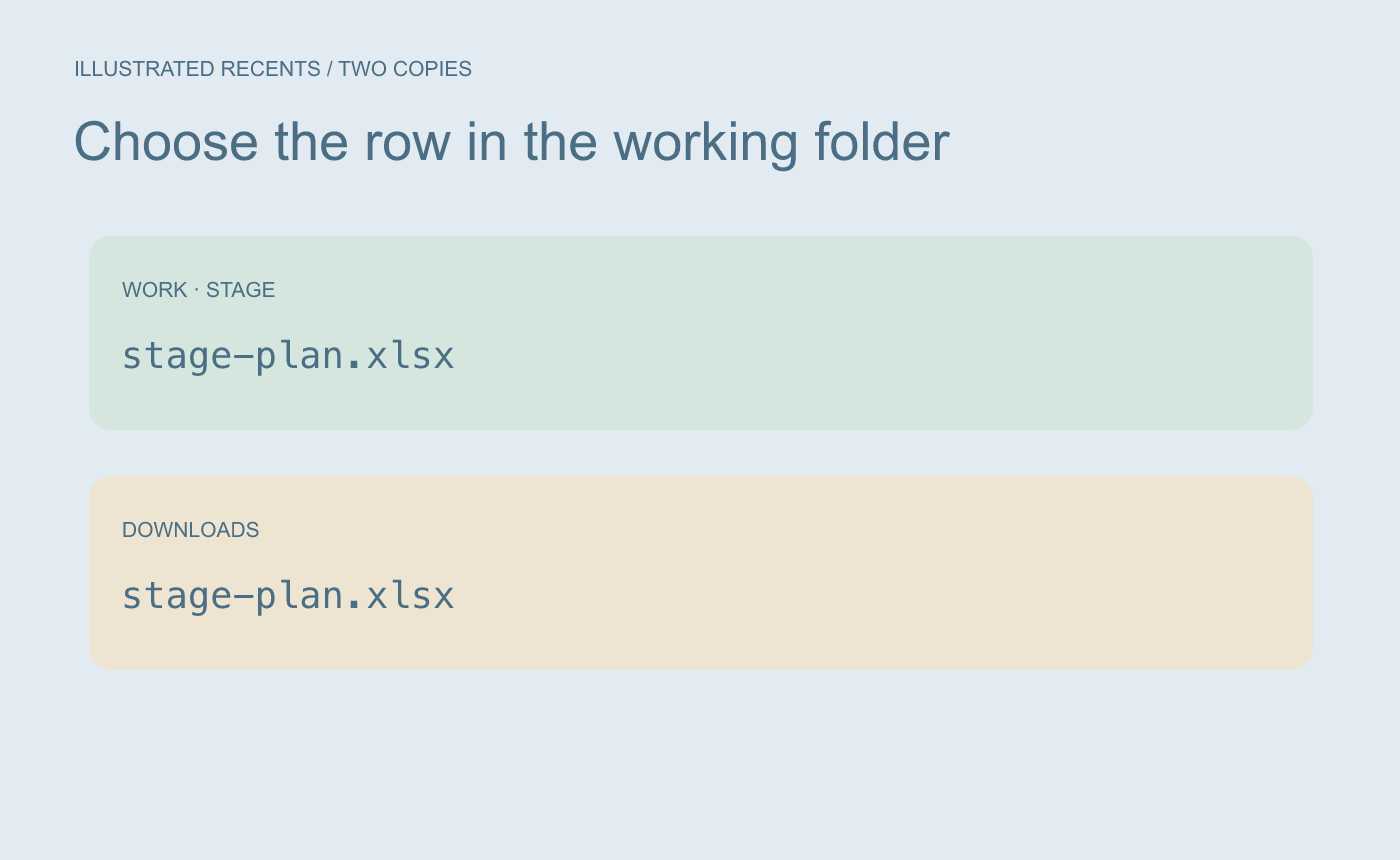
Illustrated choice. Check which folder owns the working copy before copying its path.
Pair the path with a usable instruction
For example:
Open before the lighting rehearsal.
/Users/casey/Work/Stage/stage-plan.xlsx
Keep the path on its own line. Open the named workbook from that location and check the rehearsal worksheet. A local path depends on this computer’s folder structure. Update the note if the workbook moves or the runbook is used on a different machine.
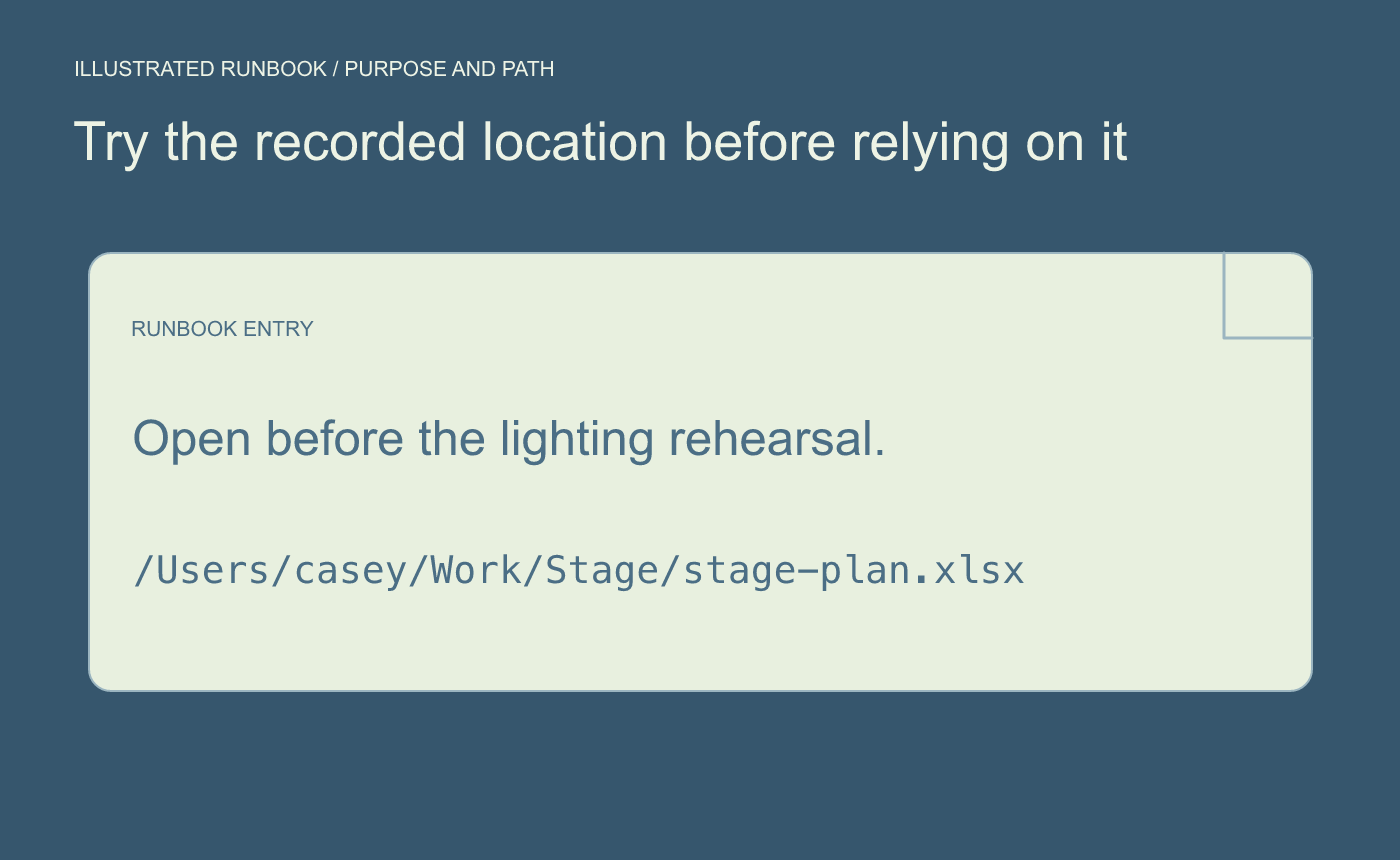
Illustrated check. Try opening the named file from the path you recorded.



