
You read the lighting guide just before lunch. It has not been edited in a week, so a recently modified worksheet may appear above it. Sort by when you opened files to recover the reference.
Choose opening time as the sort key
On Ulet Home, open Sort files, choose Last Opened and set Newest First. In the sample, lighting-guide.pdf was opened at 11:20 and cue-sheet.xlsx at 10:00, so the guide comes first even if the worksheet was edited at 10:35.
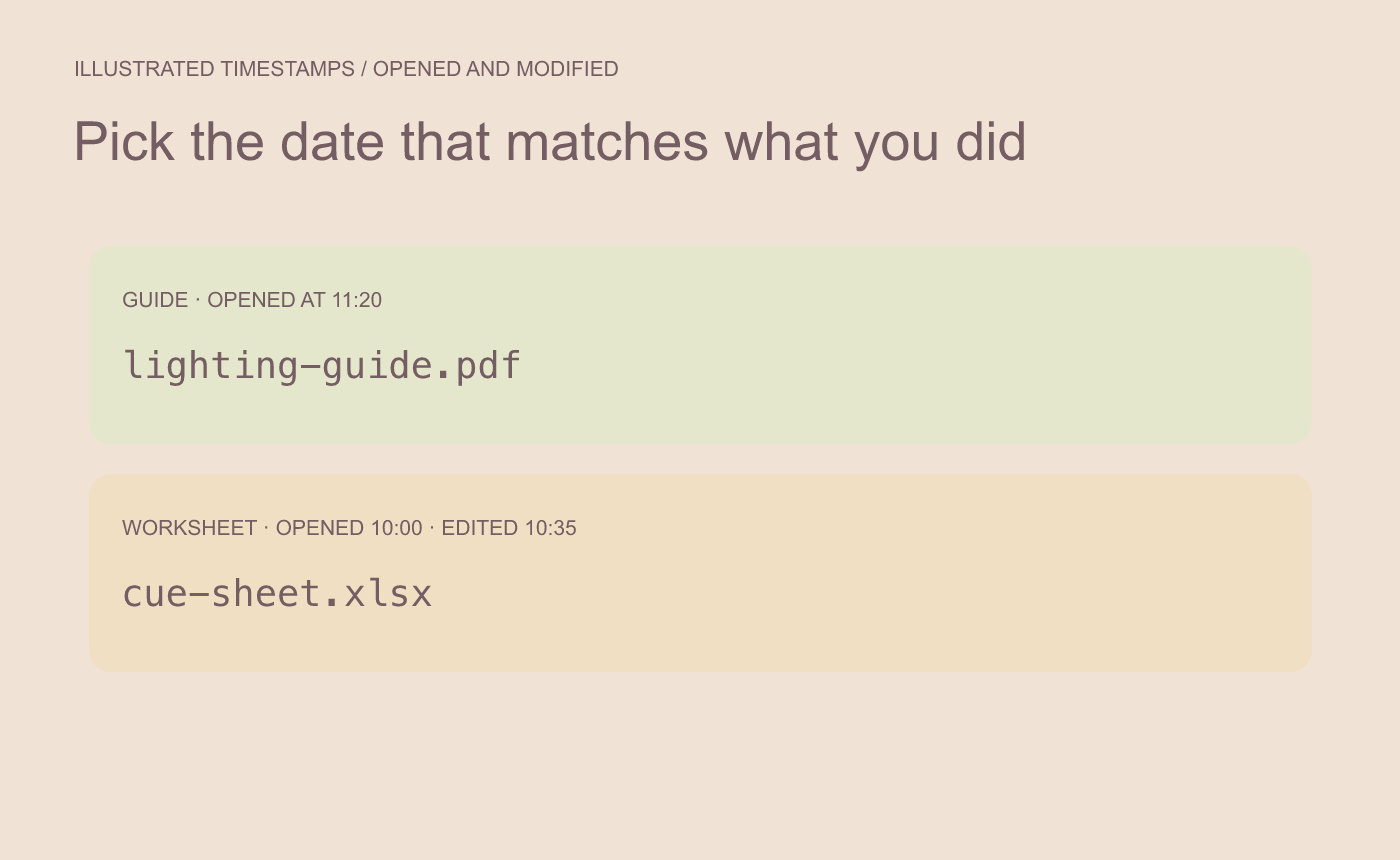
Illustrated timestamp comparison. Choose the date that matches what you remember doing.
Open the result and check a known detail
If the guide name appears twice, compare their folder locations. Open the copy from the expected location and confirm the cue number you were looking up. Reverse the sort if you are trying to find an older entry.
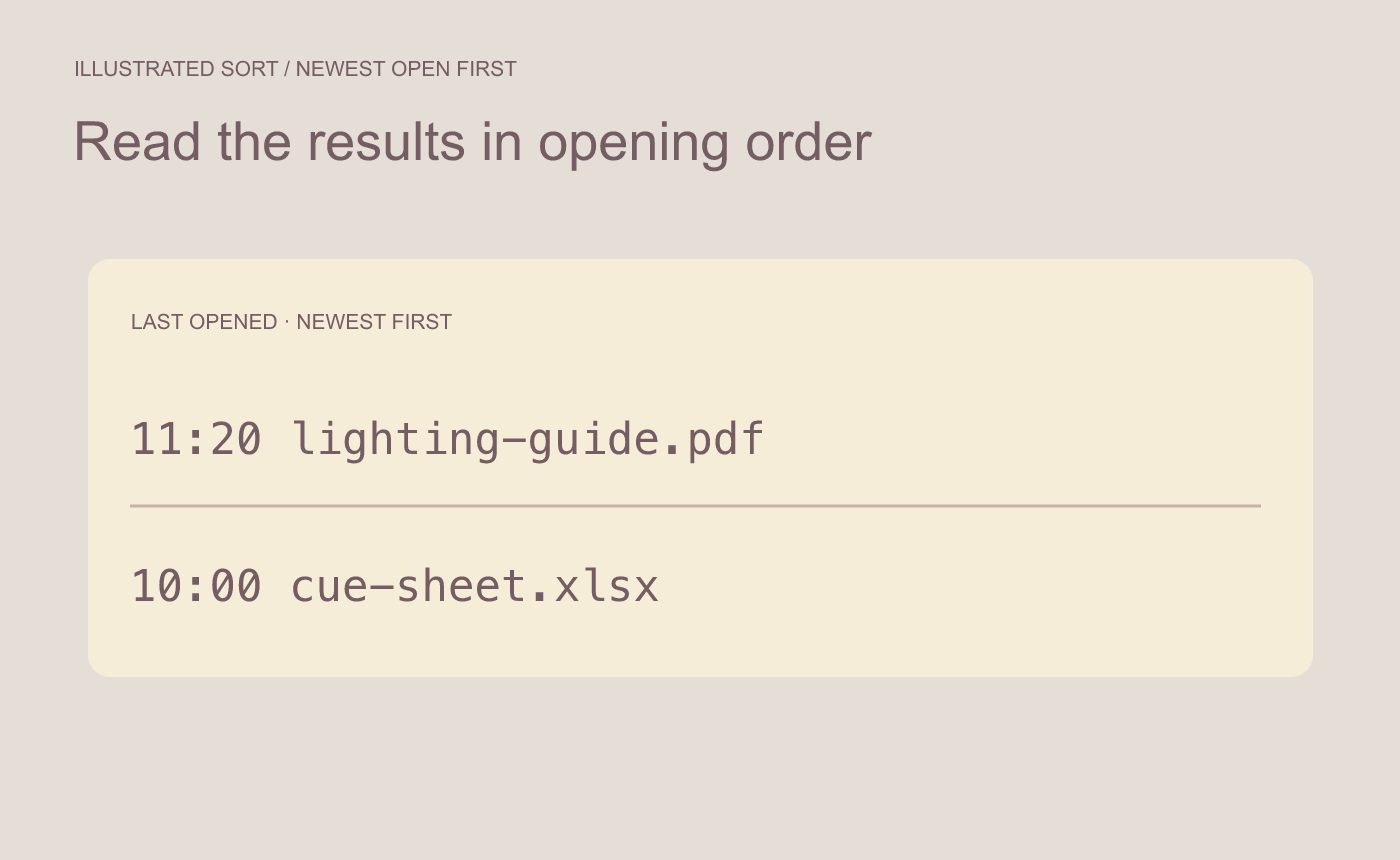
Illustrated result. Check the first entry and confirm it is the intended copy.



