
You have opened the floor plan recently. Now you need the measurements file stored beside it, and you cannot remember the folder. Use the plan’s recent entry as the way back.
Reveal the specific file’s location
In Ulet Home, open the actions for floor-plan.pdf and choose Show in folder. The file manager opens at the recorded location. Check which folder it revealed if there is more than one copy of the plan.
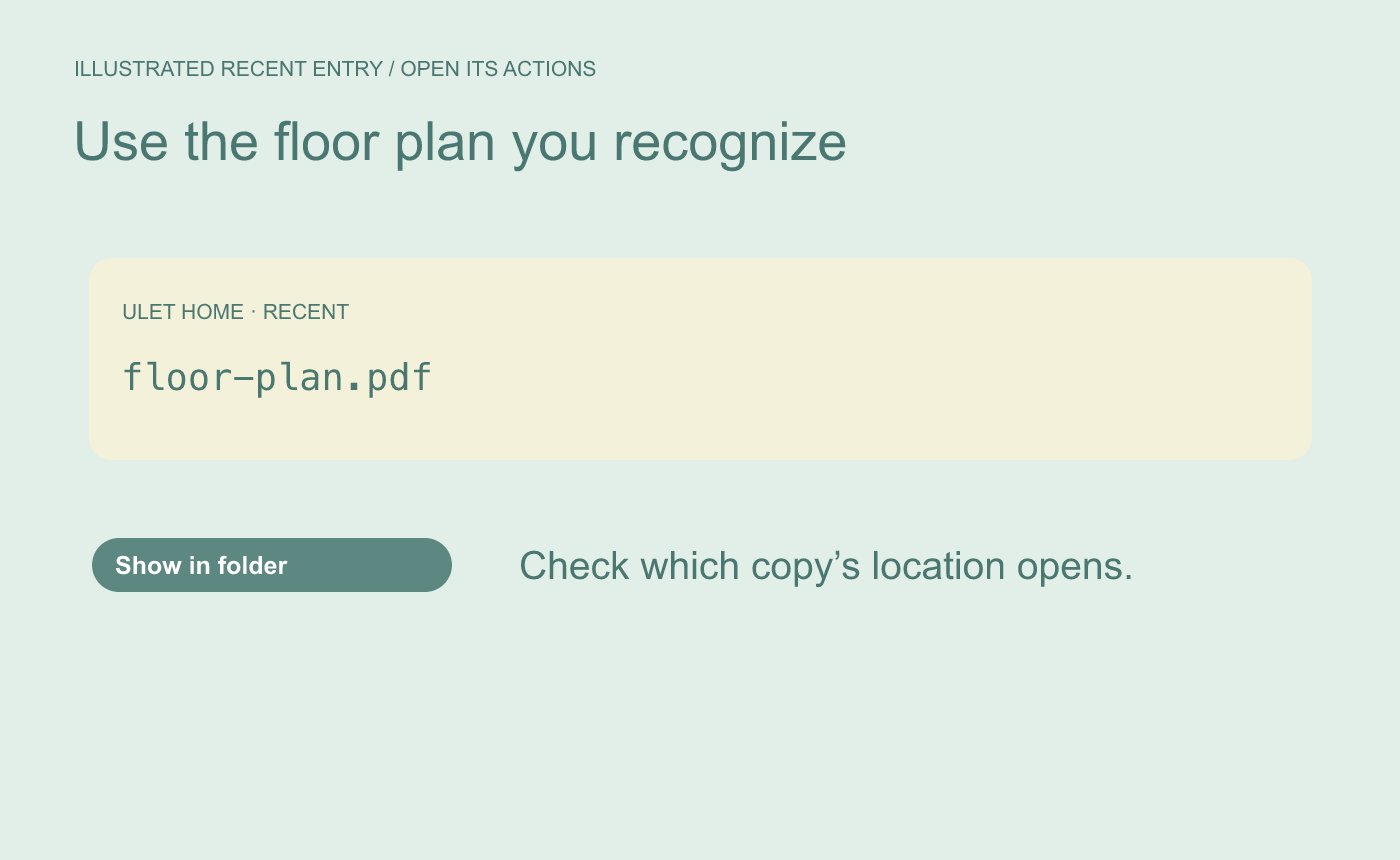
Illustrated starting point. Choose the row for the actual working copy.
Check the parent and the neighboring file
In the example, the working copy lives in Workshop/Layout/ with measurements.md. Read the folder name and open the note from there. If you landed in Downloads or the old location no longer exists, find the current plan and open that copy so its recent entry points to the current folder.
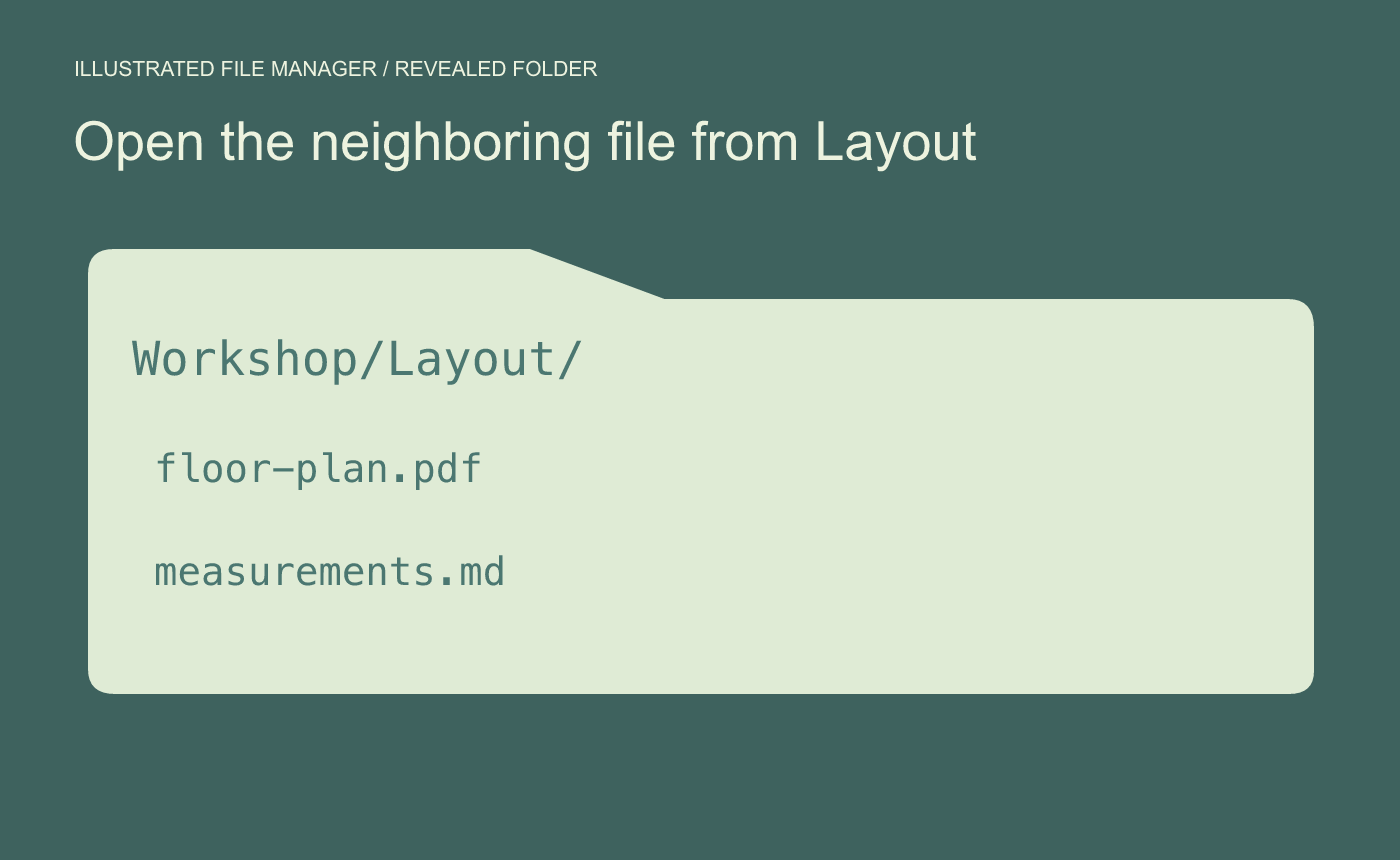
Illustrated folder check. Confirm the parent folder before opening a nearby file.



