
The release note gives readers a test address and a live address. If both links say “Open service,” someone may do the right action in the wrong environment. Separate the instructions and make each destination clear.
Give each environment its own label and action
In a fictional example, use staging.example.org under Test and say “Use sample requests here.” Use service.example.org under Live and say when real requests can begin. Avoid including authentication material in the note.
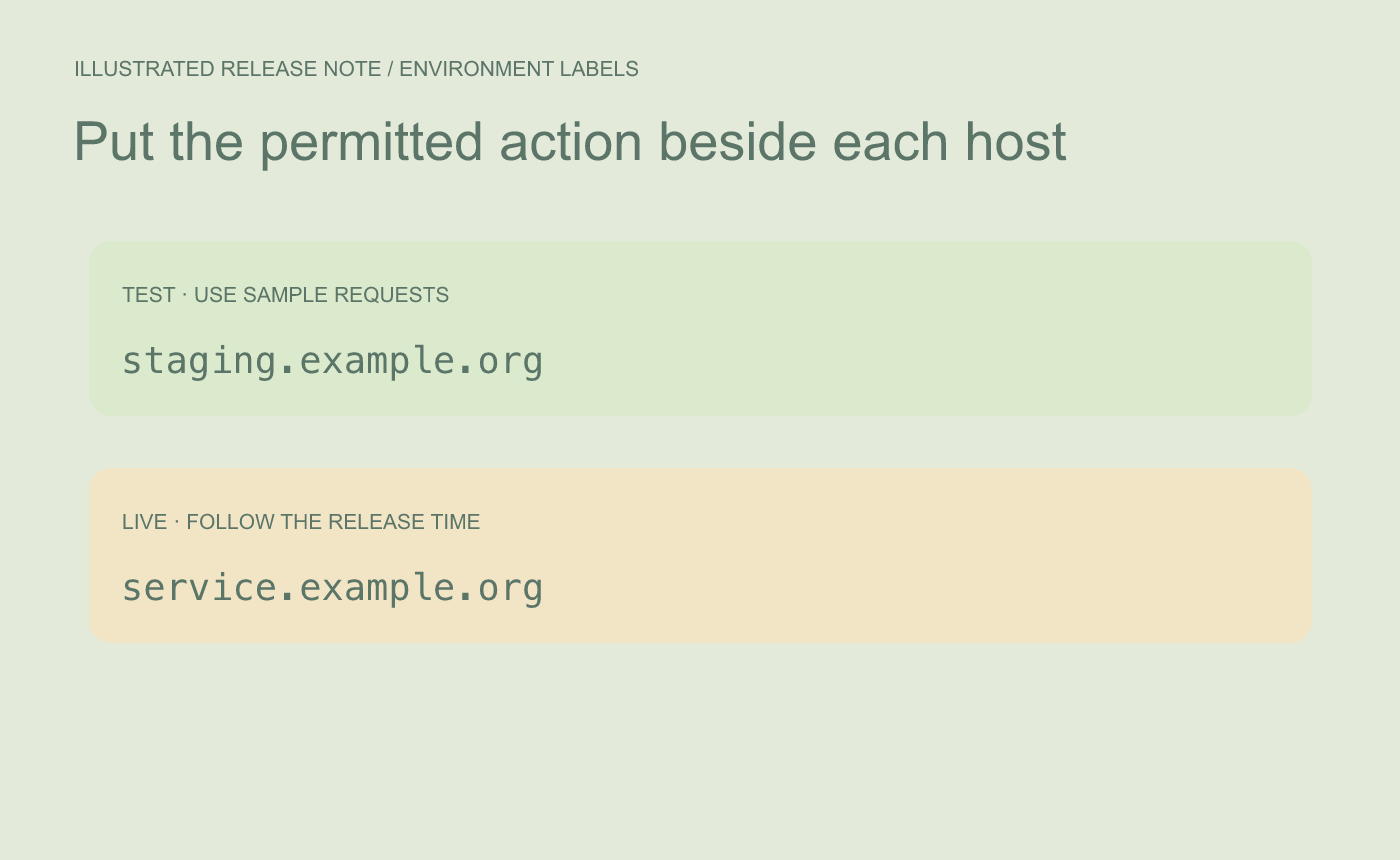
Illustrated separation. Put the environment name and permitted action beside each address.
Check the rendered target for each link
Open the Markdown preview and inspect each link’s destination. Confirm the hostname agrees with the section label and that the action suits the environment. When the release time changes, update the availability language separately from the URLs.
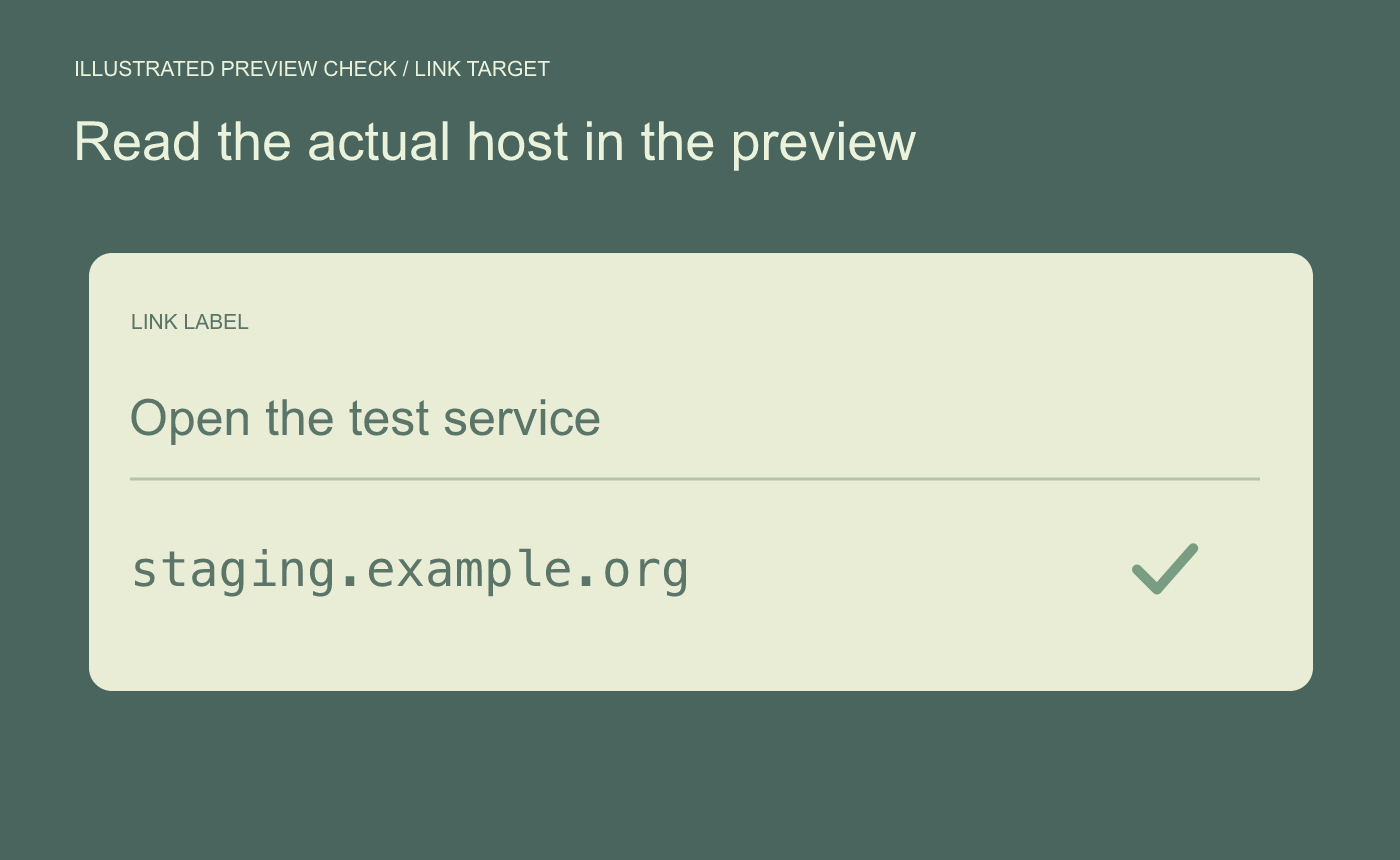
Illustrated link proof. Inspect the real destination rather than trusting visible link text.
Have someone read the rendered note and identify where they would test and where they would submit a real request. If they cannot answer from the labels alone, clarify them.



