
You were writing a site briefing around 10:40 when the untitled file closed. Check which recovery draft matches the work before giving it a new filename.
Identify the draft by type and time
On Ulet Home, look for Recovery drafts. In this example, the DOCX backed up at 10:41 matches the briefing. The PPTX backed up at 09:22 is a different file. Choose Recover copy… for the DOCX and save it in your working folder as site-briefing-recovered.docx.
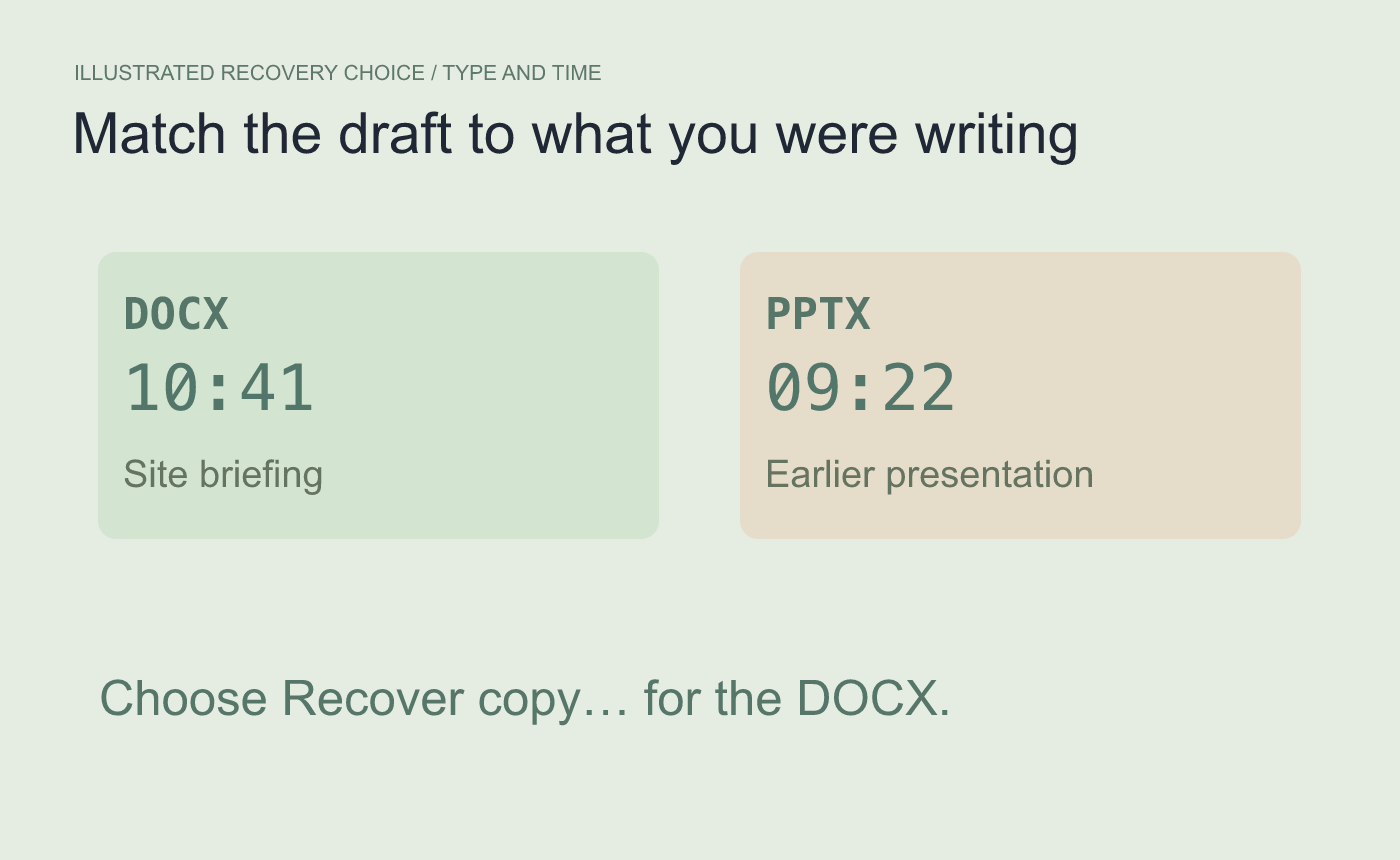
Illustrated recovery choice. Match the format and the approximate time you were editing.
Open the copy and look for the last section you added
Check the name, folder and last paragraph or heading you remember. If the copy has the first two sections but is missing the third, continue from the recovered version and save again. If there is no matching recovery entry, check your normal project folder for a previous manual save.
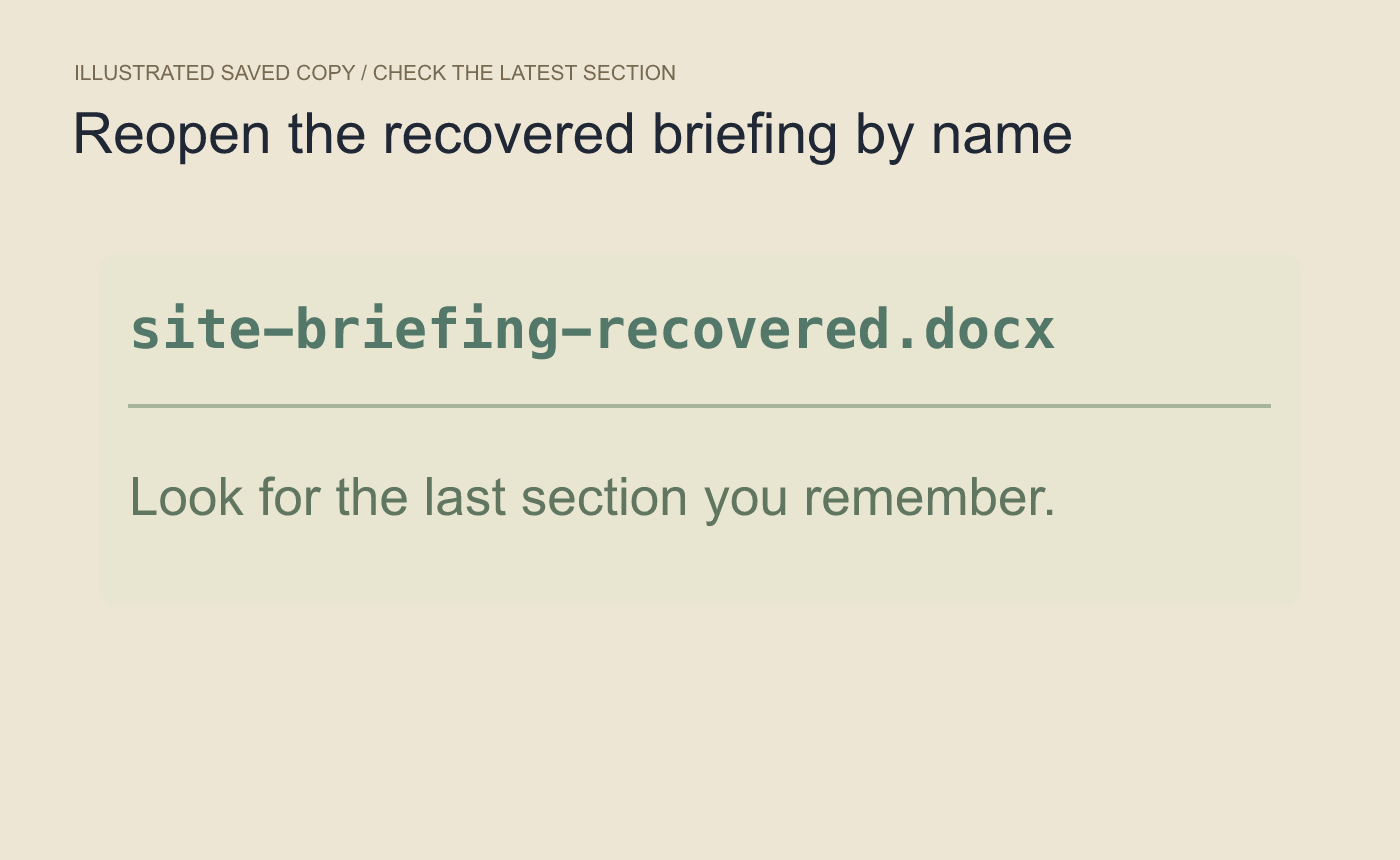
Illustrated saved-copy review. A snapshot can predate the last edit.



