
Confirm the last label in the issued Part 1. If it ends at 24, the first sheet of Part 2 should display 25.
Set the number for the intended section
In Ulet click in that section and choose Insert → Page No. → Format Page Numbers. Select a decimal format and set Start at to 25. Confirm that the document has a page-number field. Inspect any existing header or footer before choosing a gallery placement that could replace its content.
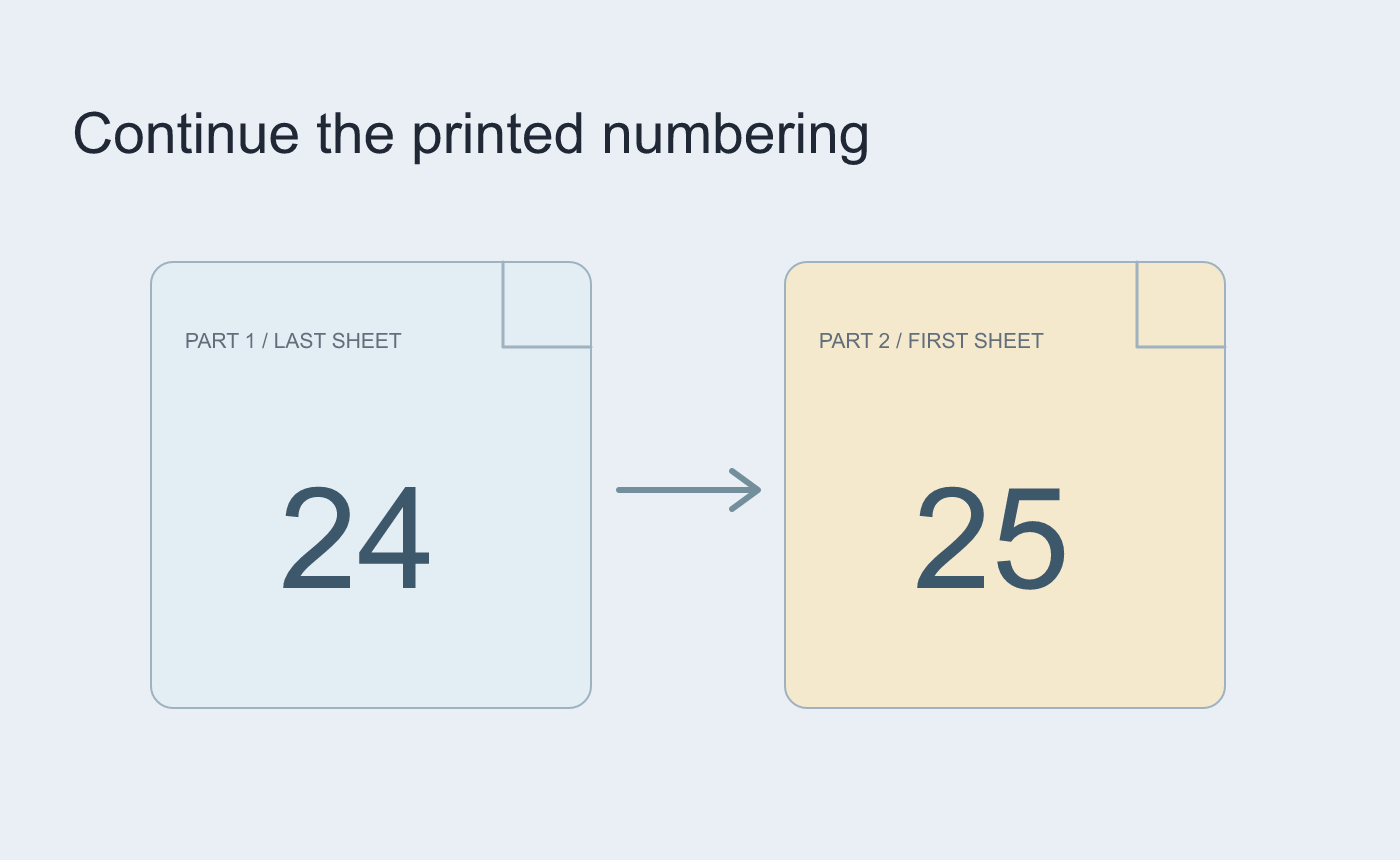
Illustrated numbering across two files.
Reopen and verify the sequence
Check that the first two sheets display 25 and 26. If later sections have their own settings, inspect each transition. Check the delivered PDF as well if that is the reference readers will use.
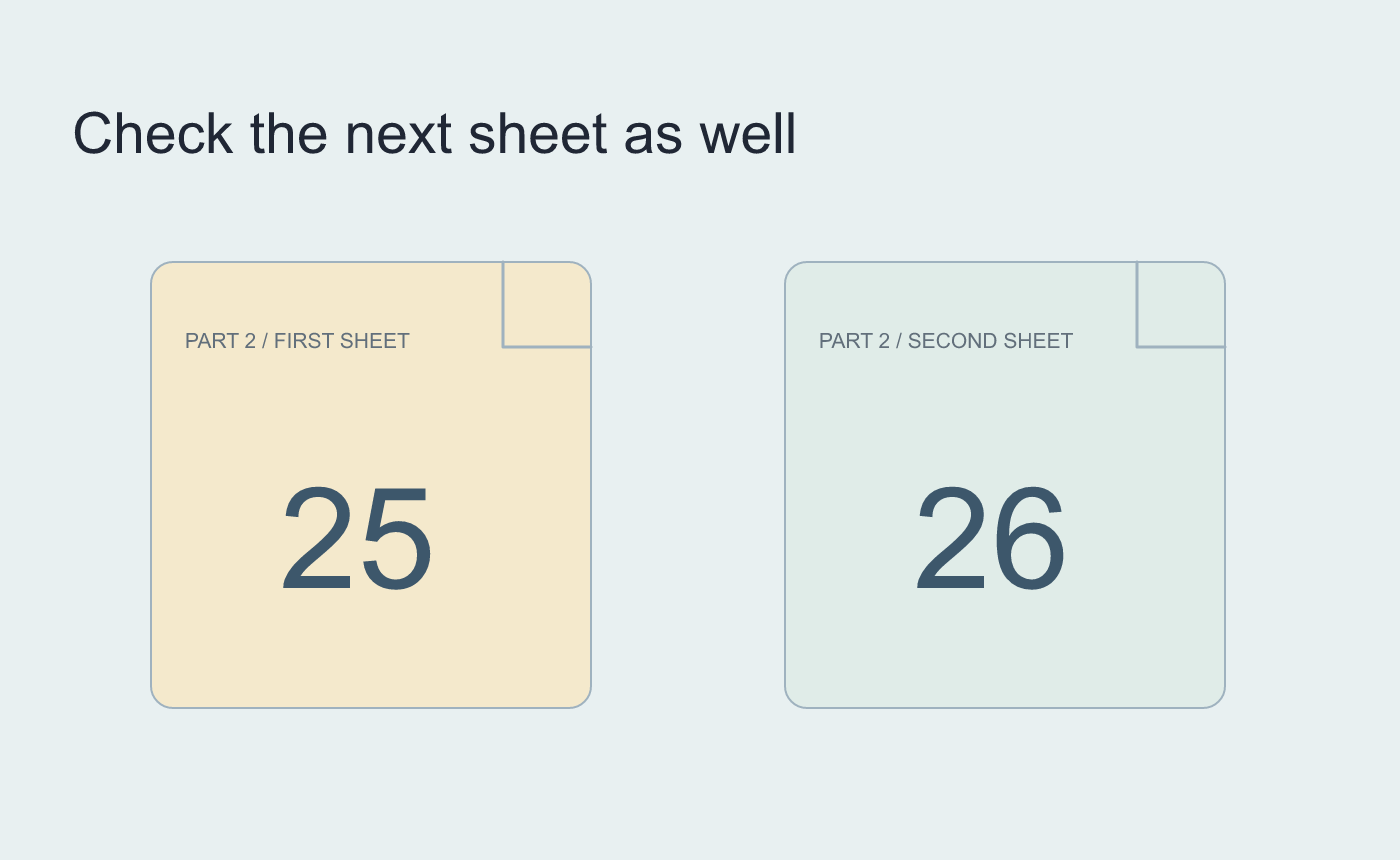
Illustrated continuation check after saving.



