
Duplicate the training guide as Training-guide-comment-review.docx. Keep the editable master with the document owner.
Set the restriction on the review copy
In Ulet choose Review → Protect Document, enable Protect document for and select Comments. Confirm and save. Apply your team’s access controls separately if the file is restricted.
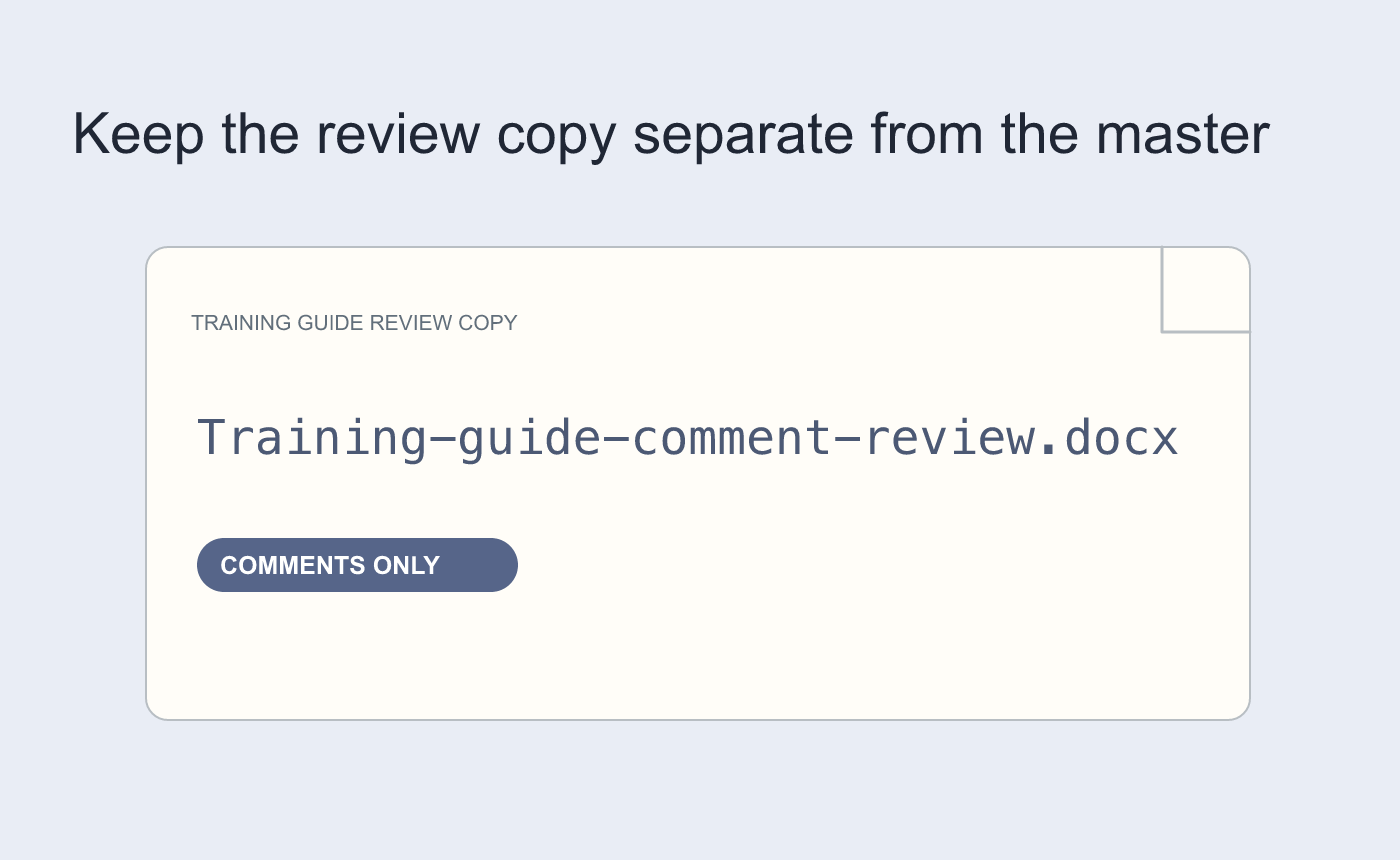
Illustrated file separation. Keep the editable master.
Try the two actions a reviewer might take
Reopen a test copy and add a comment to a phrase. Then try a plain text edit in the body. The first should succeed and the second should be restricted. Test in the recipient’s editor when it differs and give reviewers a return route.
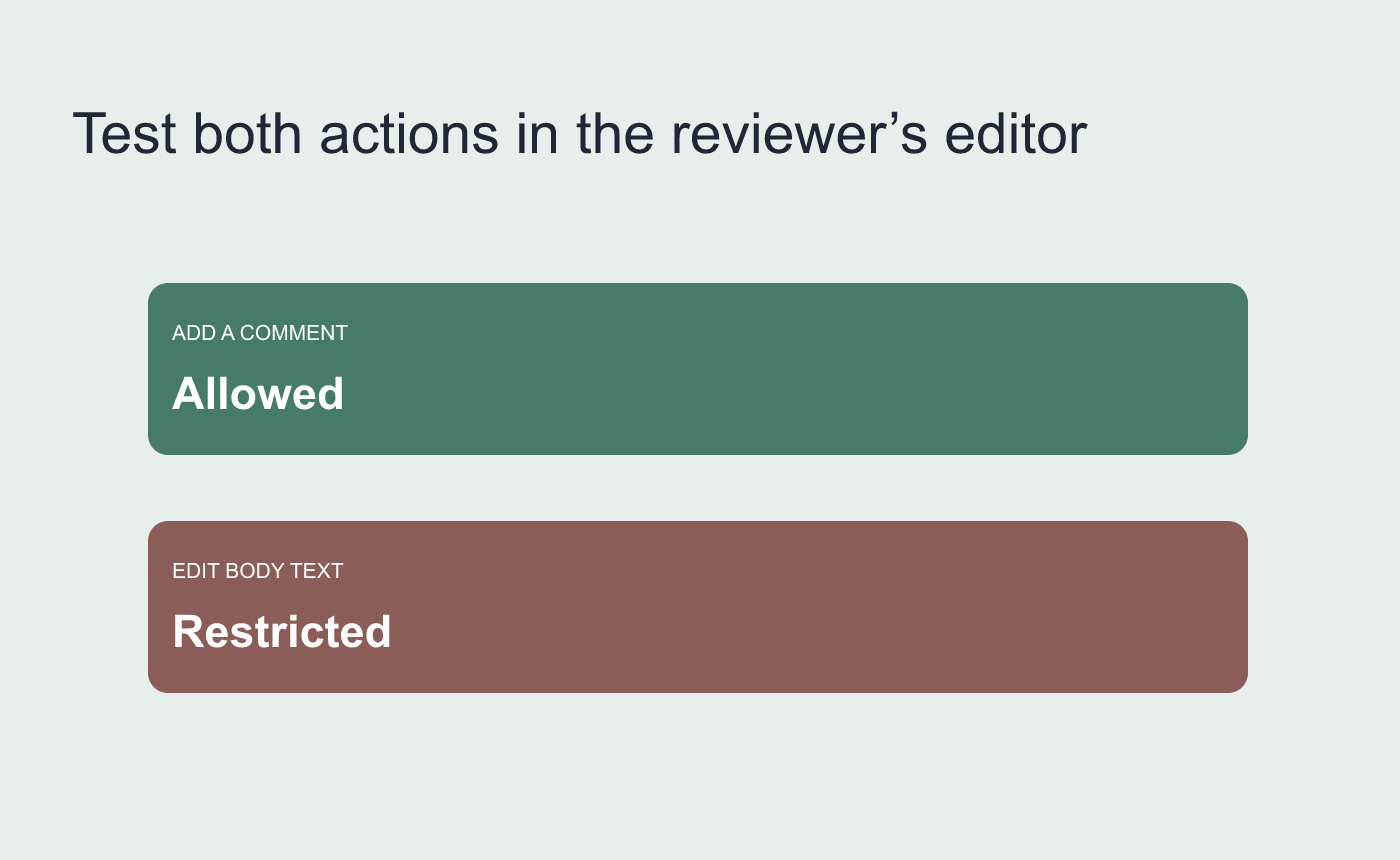
Illustrated two-action check in a spare copy.



