
A card has a bold green Check-in point label. Exit point should have the same appearance. Select only the source letters in Ulet.
Apply Format Painter to the destination letters
Click Format Painter in the Home tab’s Clipboard group, then select Exit point. Compare the weight and color and confirm that the wording and adjacent punctuation remain correct.
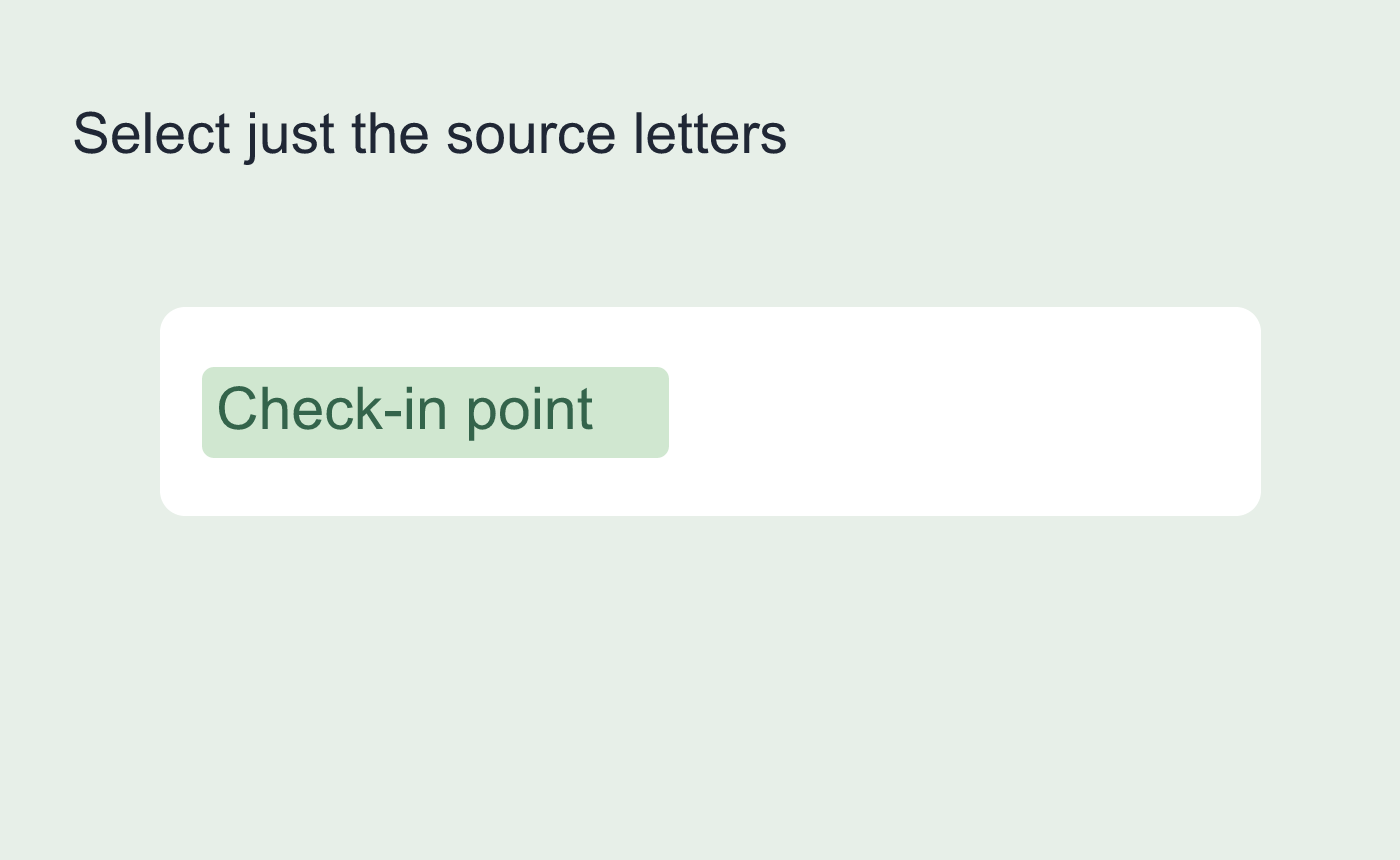
Illustrated character selection for Format Painter.
Narrow the source if a paragraph changes
A cursor in a paragraph or a selection spanning paragraphs can pick up block formatting. Undo an unintended indent or paragraph style change and select only characters. Save and reopen to check the two labels again.
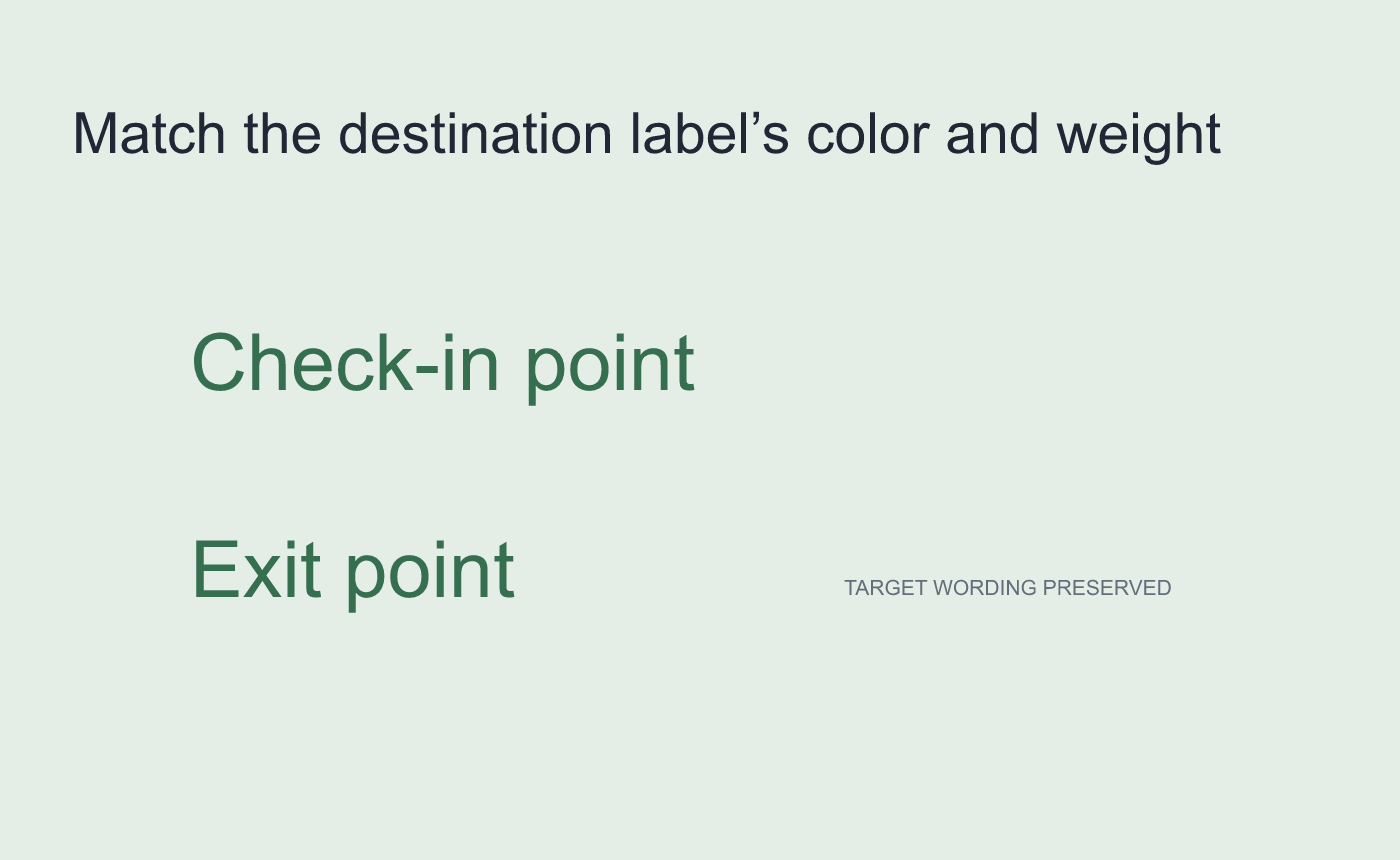
Illustrated scope check for the target.



