
“Room 204” uses a different font, while the next words link to a map. Select only Room 204 in a working copy. In Ulet choose Home → Clear All Formatting.
Compare the words and their marks
Check that Room 204 still says the right room and that the separate map link points to the intended destination. If a range contains several meaningful marks and only the font is wrong, change the font alone.
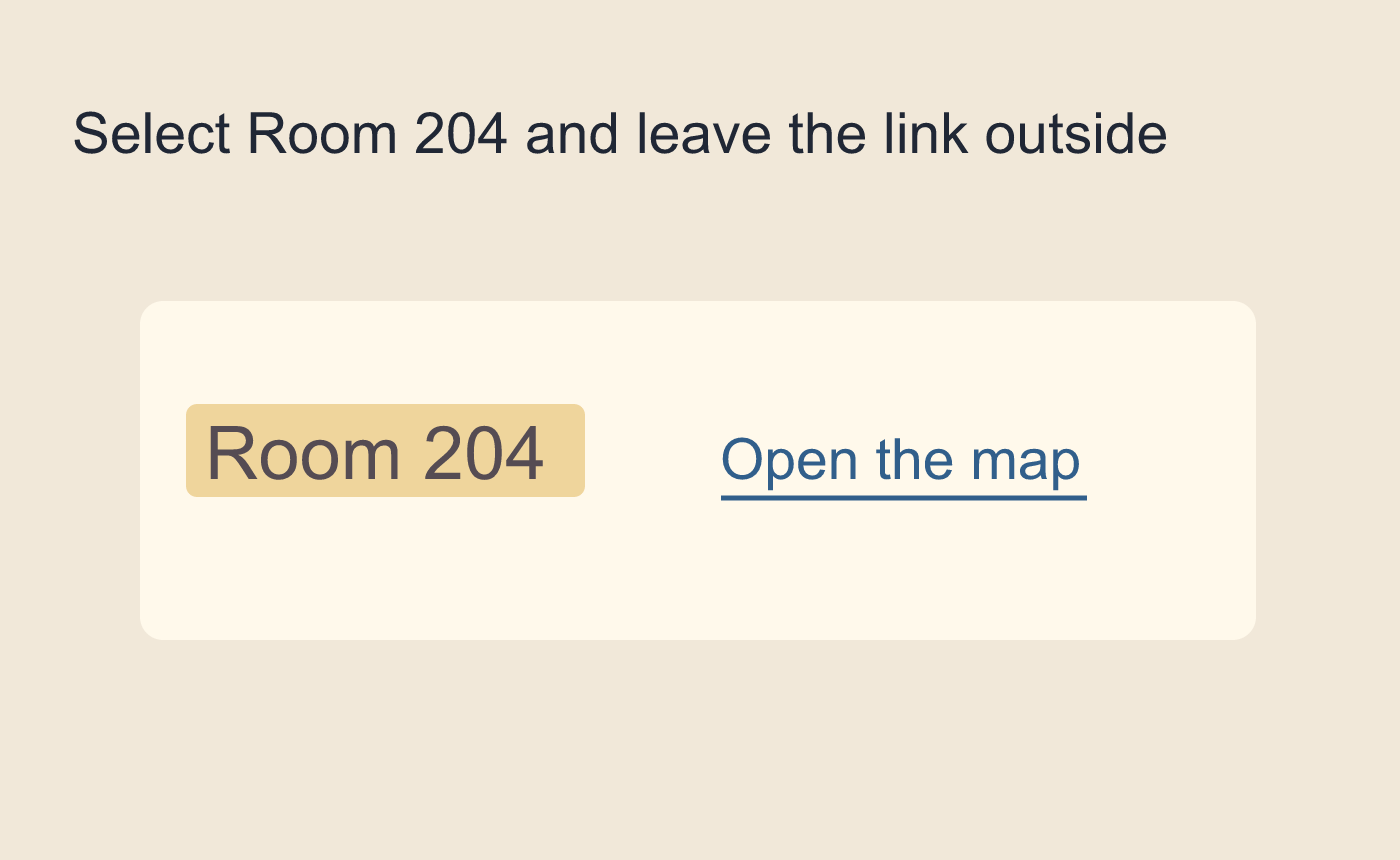
Illustrated selection beside a separate map link.
Inspect paragraph properties if the problem remains
A line can still have its own style, indent or spacing after character marks are cleared. Inspect that paragraph separately. Reopen the DOCX and check the selected phrase and nearby link again.
Illustrated meaning and formatting check.



