
Keep the check-in instructions in ordinary body text. Use the box for “Extra paper labels are available beside the welcome desk.”
Place and fill the box
In Ulet choose Insert → Text Box near the relevant paragraph. Double-click inside to enter the note. Click back in the document and check that the box leaves the instructions visible.
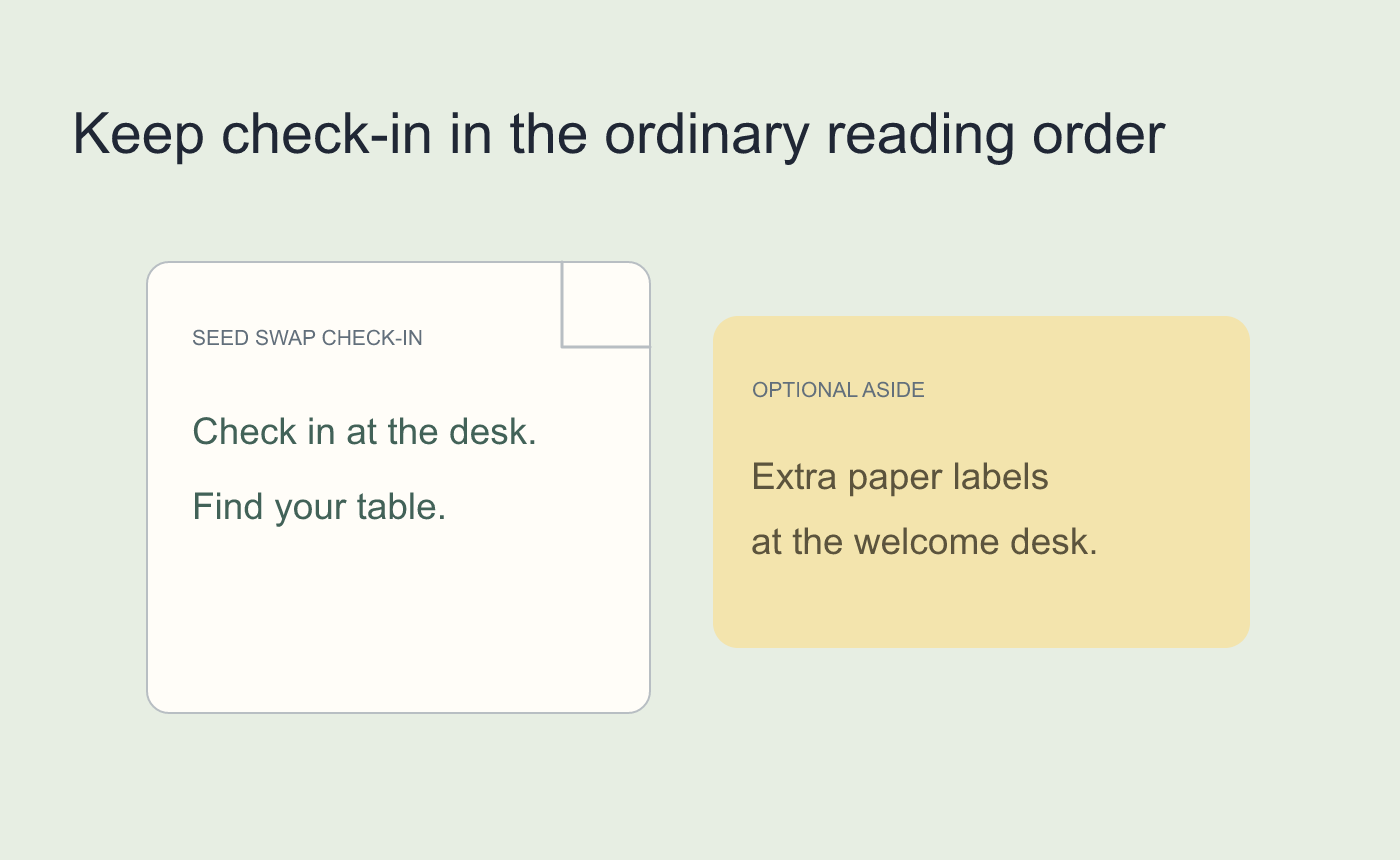
Illustrated reading order for a fictional seed swap.
Test a nearby edit before keeping the layout
Add a temporary sentence before the callout. Check the last line of the note and the next body paragraph, then undo the test. Reopen the saved DOCX and inspect the version readers will get.
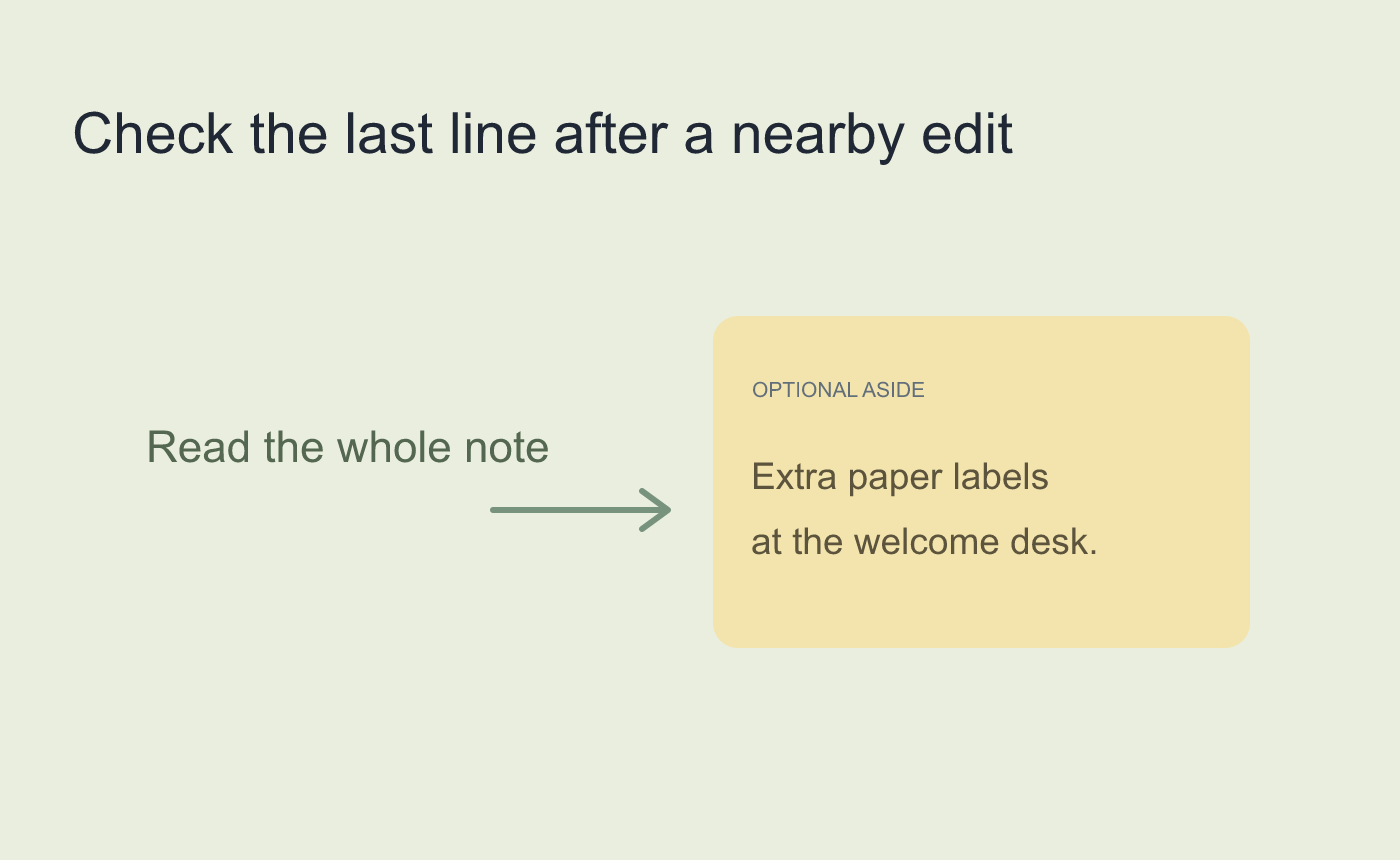
Illustrated stress test in a working copy.



