
Select “EXPORT THE PDF FROM ULET” in Ulet. Use Home → Change Case → Sentence case for the heading. Then read it word by word and restore the final form “Export the PDF from Ulet.”
Keep literal identifiers out of bulk edits
Leave out filenames, serial numbers and commands that someone needs to copy exactly. If the characters already have the right case but the document displays capitals, inspect the style before changing the letters.
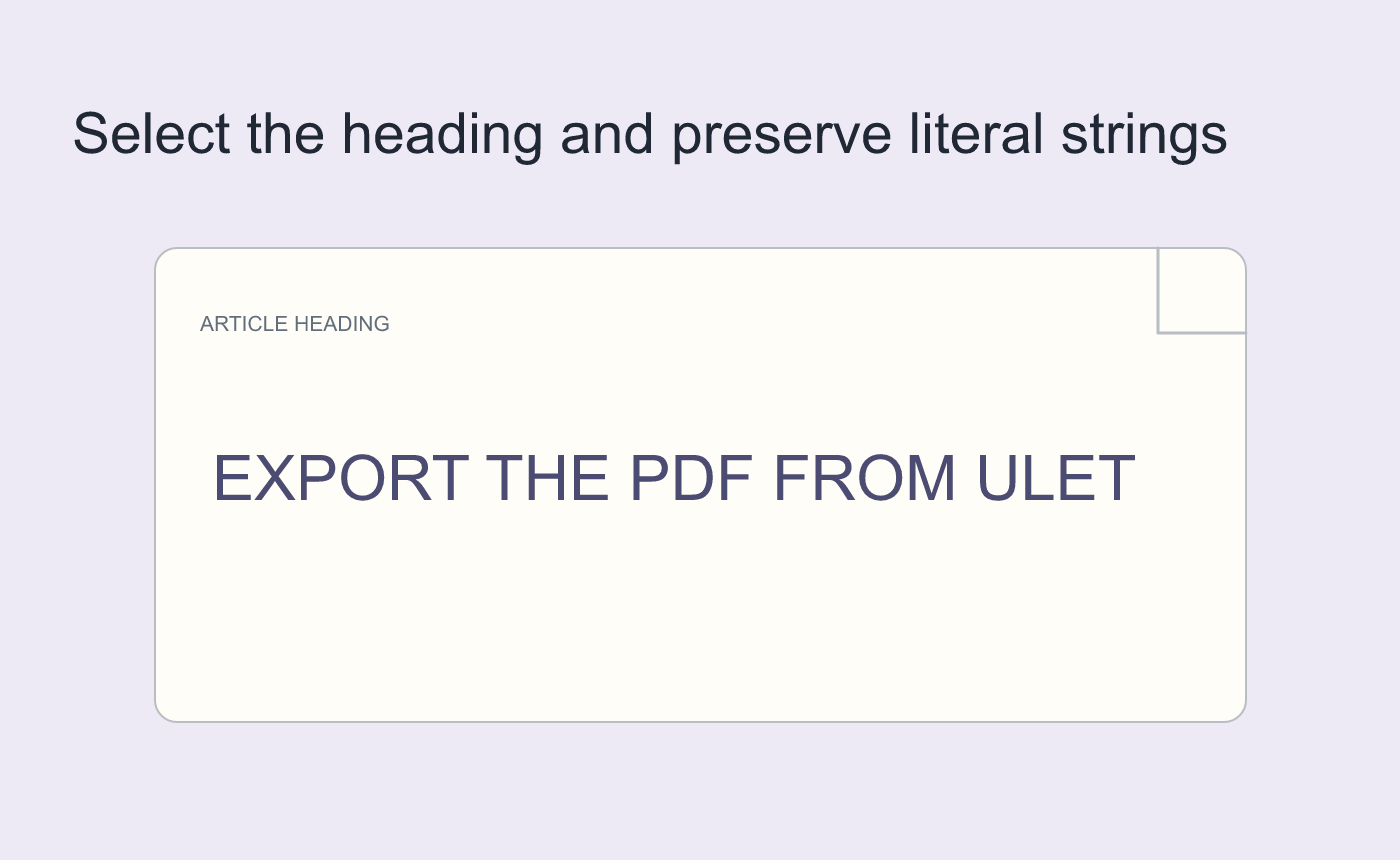
Illustrated example of a safe conversion scope.
Verify the text beyond its appearance
Copy the repaired heading into plain text in a spare file. Check the characters and acronym, then reopen the DOCX and compare the title and any nearby literal text.
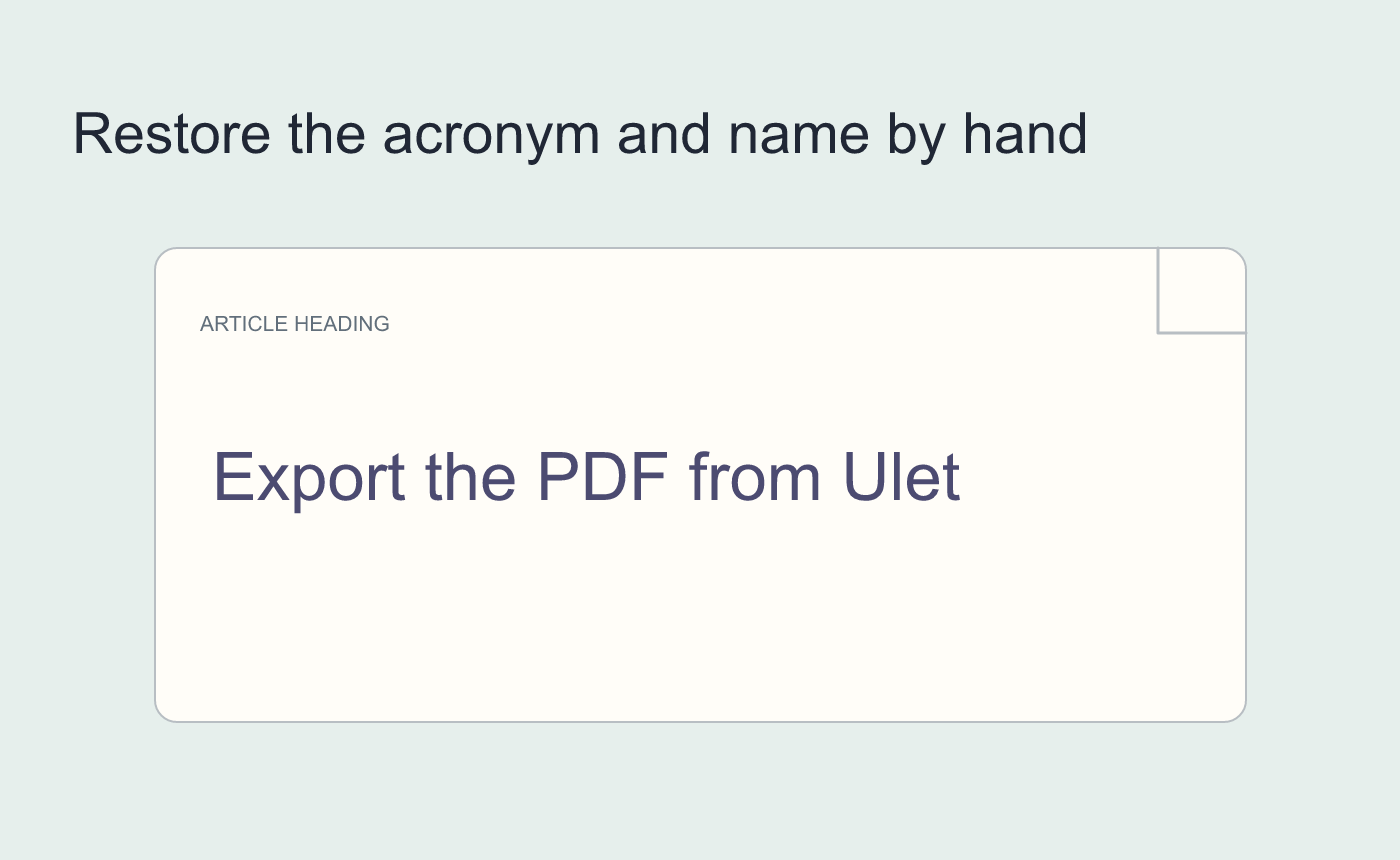
Illustrated manual case review.



