
“150 words for the description” describes one field. Check whether the submission instructions include captions, references or headings before you count.
Measure only the text the rule covers
Click the word count on Ulet’s status bar to see words and characters with or without spaces. For a single-field limit, put the exact description in a spare DOCX and count that file.
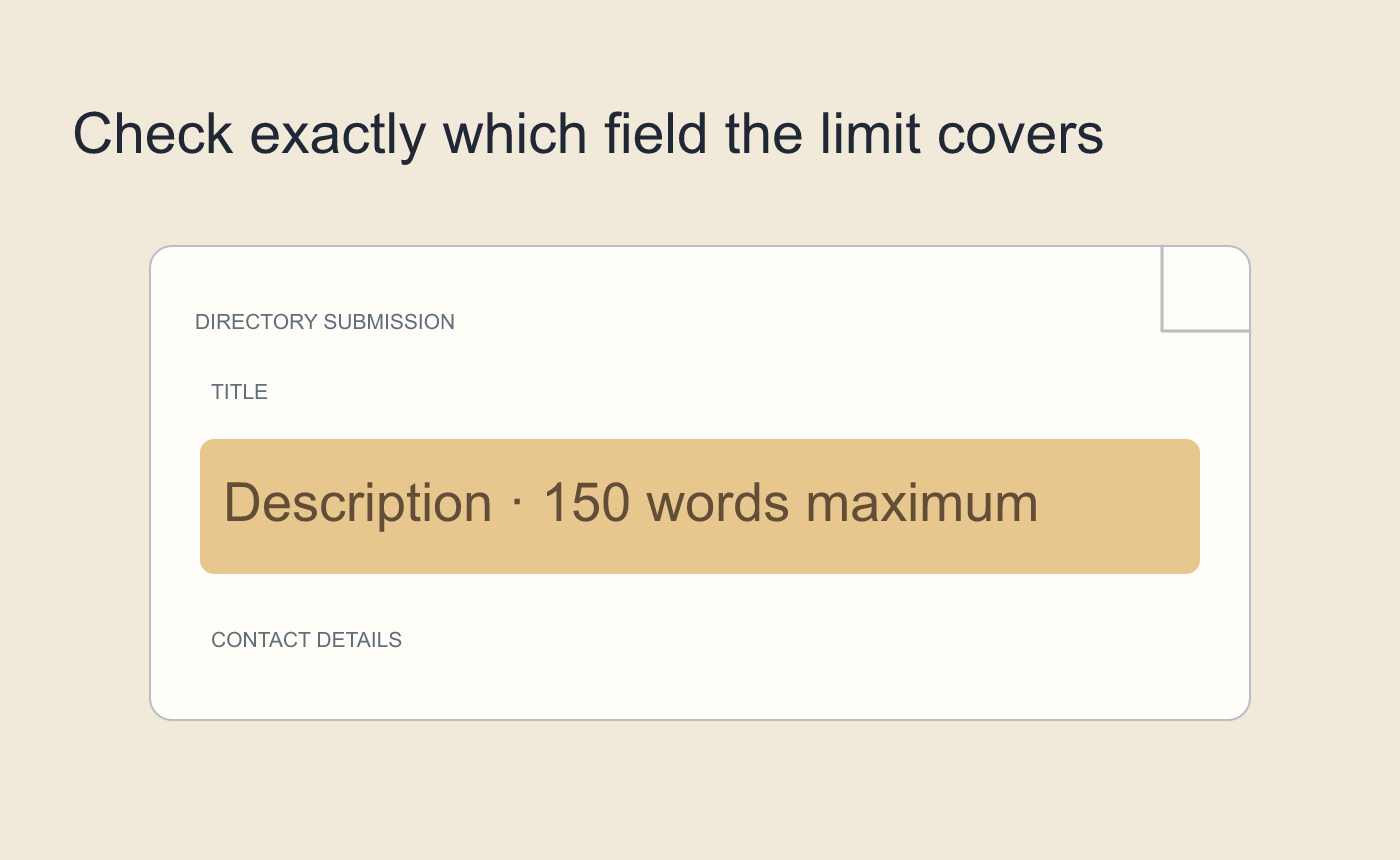
Illustrated submission scope.
Check the submitted version
Trim repeated details that already appear in another required field. Recount after editing and paste the final text into the destination. If its counter handles punctuation or hyphens differently, use the number shown there.
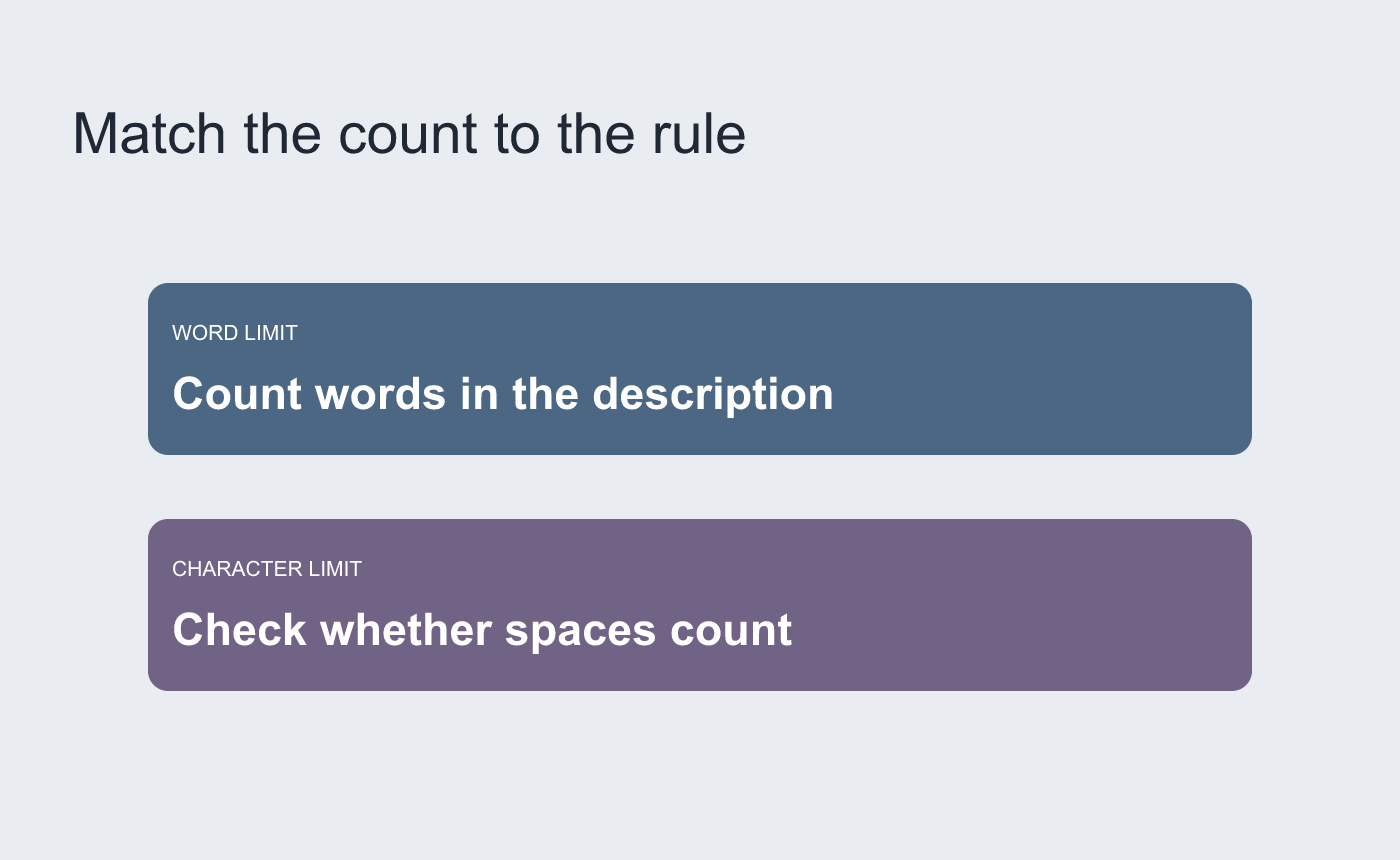
Illustrated unit check. Use the destination’s count when it is available.



