
In Ulet place the cursor after 45 in an angle and choose Insert → Symbol → °. For a temperature, include the scale, such as 22 °C under a house style that uses the space.
Fix a lookalike in context
If a handout contains 22oC, select only the letter o and replace it with °. For a larger file, search for exact suspect strings and inspect each match.
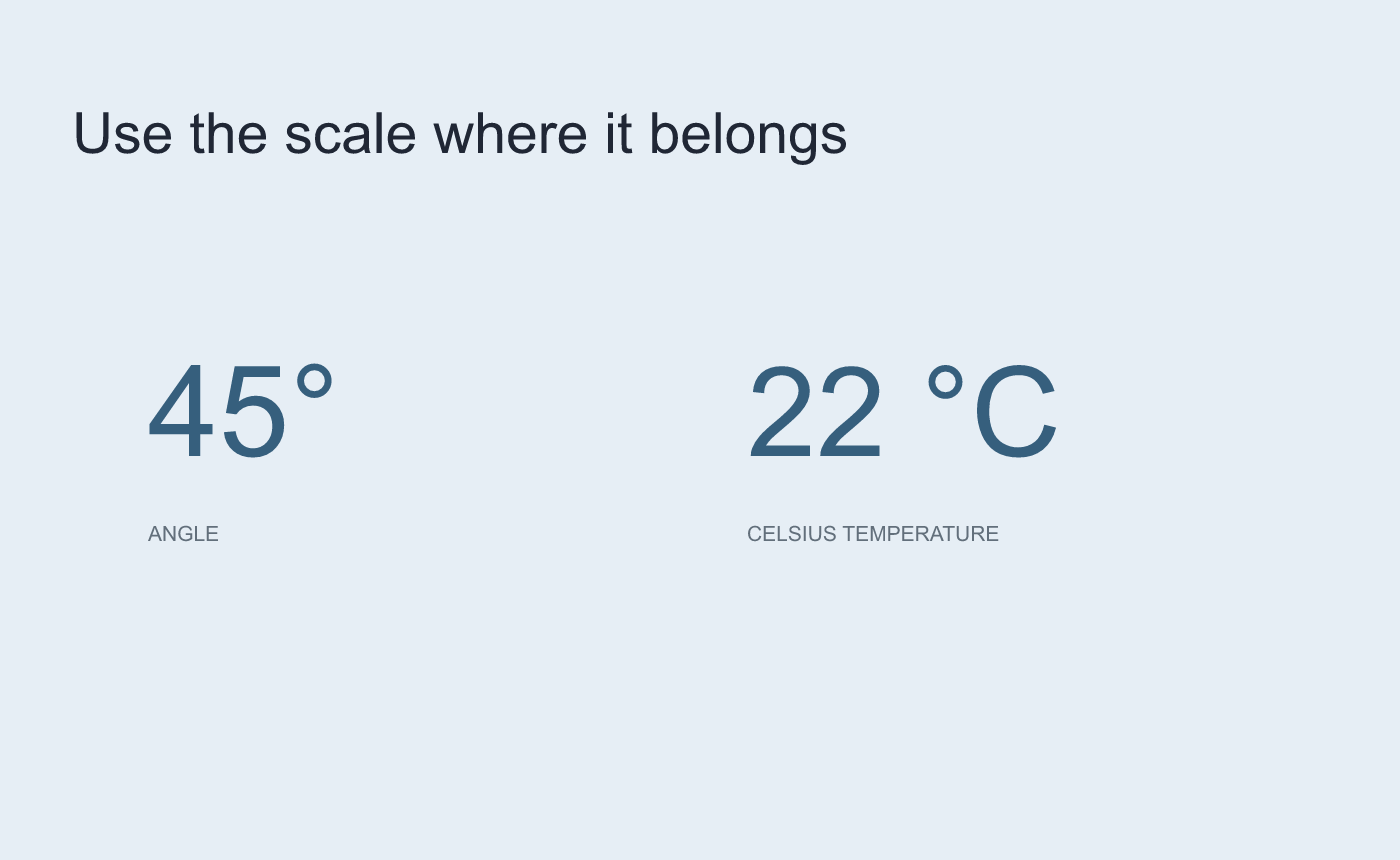
Illustrated unit check. Follow your document’s spacing convention.
Verify the delivered notation
Reopen the DOCX and check the angle and temperature against the original values. Copy one example to plain text if readers will reuse it and verify the degree character survived. Inspect the delivered PDF when relevant.
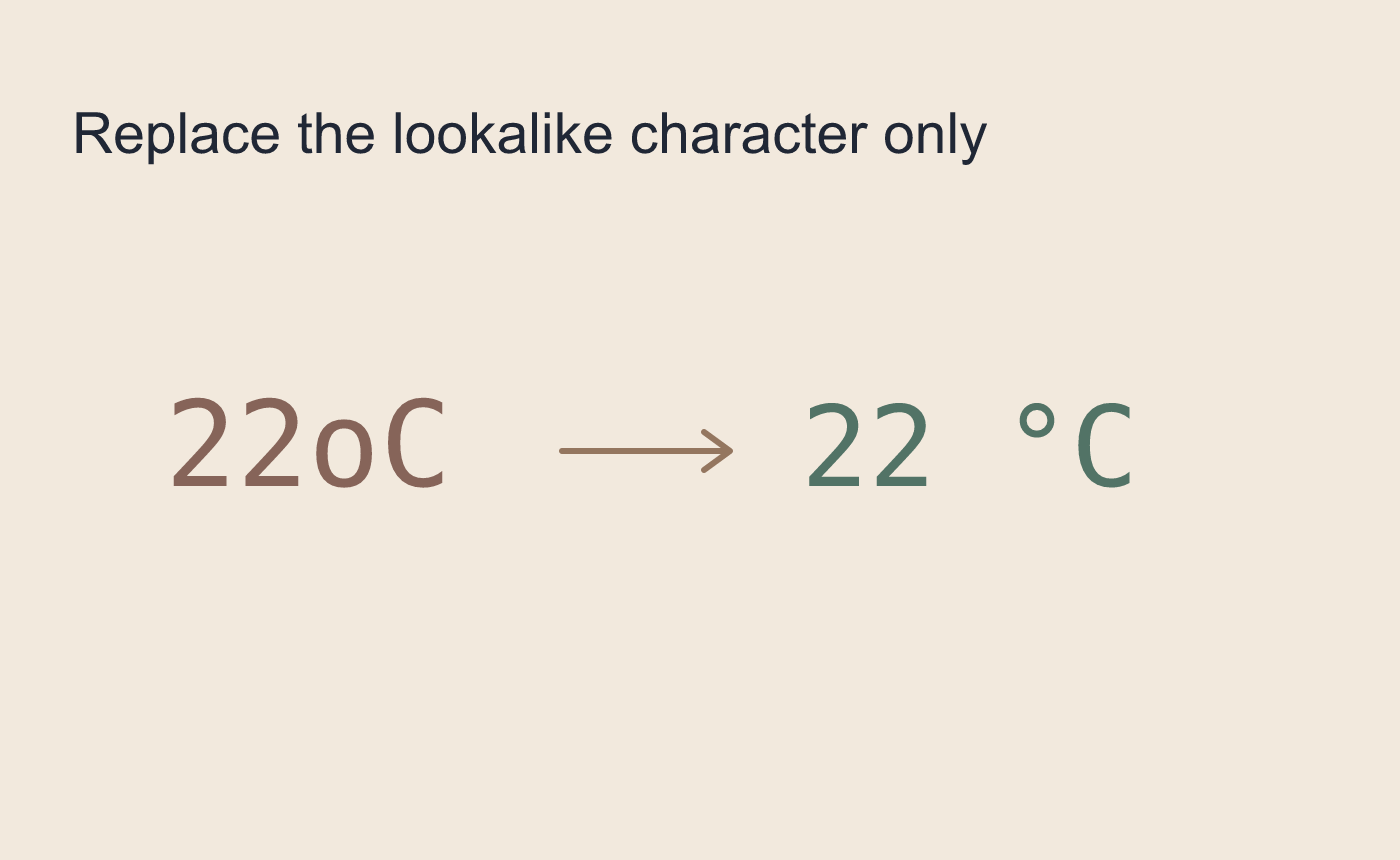
Illustrated narrow repair. Select the substitute character only.



