
Place the cursor in Storage update in Ulet. Choose Home → Paragraph Borders → Bottom Border. Try a longer heading in a copy and check that the line sits below the whole paragraph.
Find the paragraph that owns an existing line
If the line does not select like typed characters, put the cursor in the paragraph immediately above it and inspect its border. Use Paragraph Borders → No Border. If the line stays, check the next paragraph for a top border or look for a separate object.
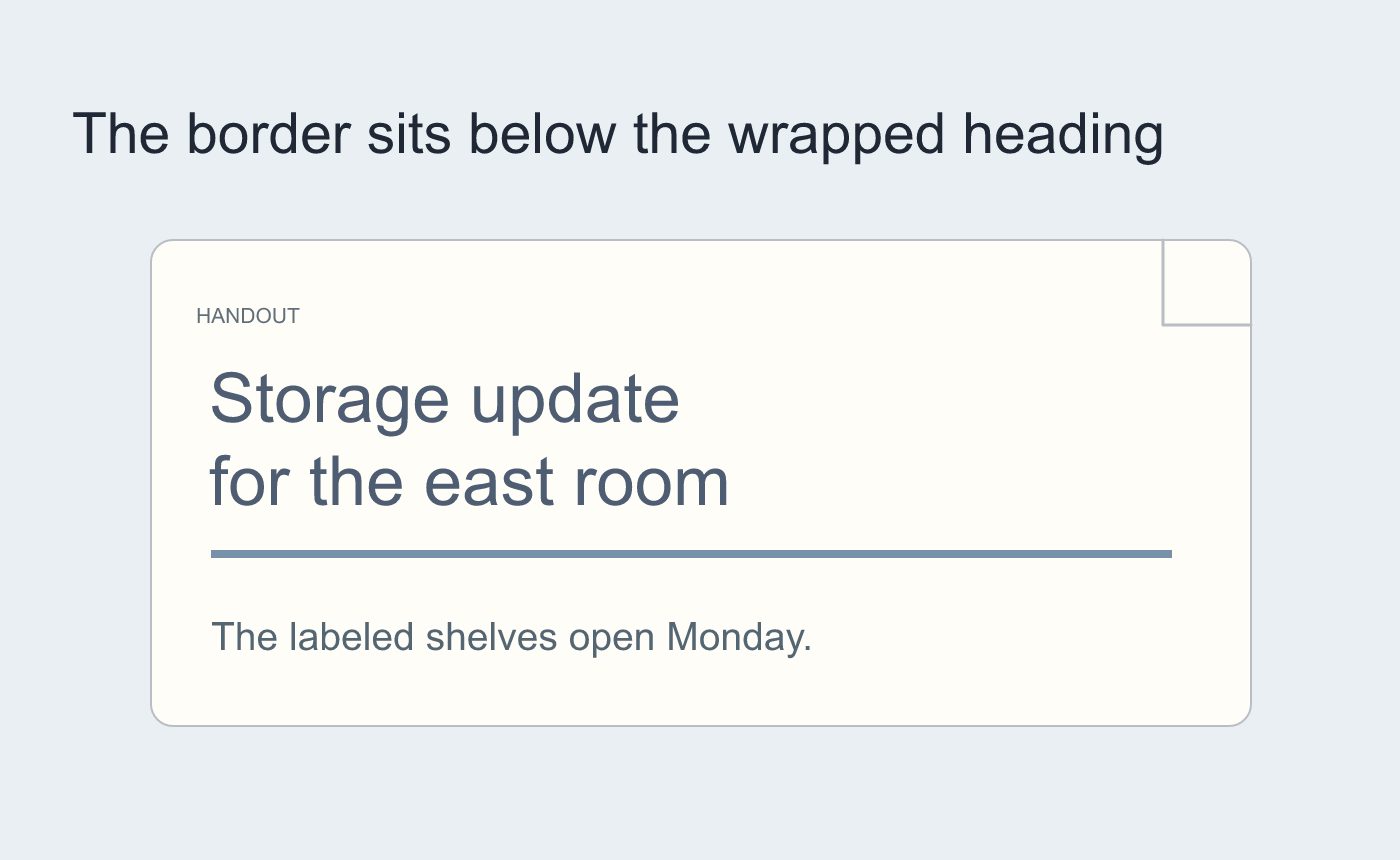
Illustrated test at a narrower width.
Inspect the saved page
Reopen the DOCX and check that the intended text remains. Try the narrow version and verify the line still follows the heading if you kept it.
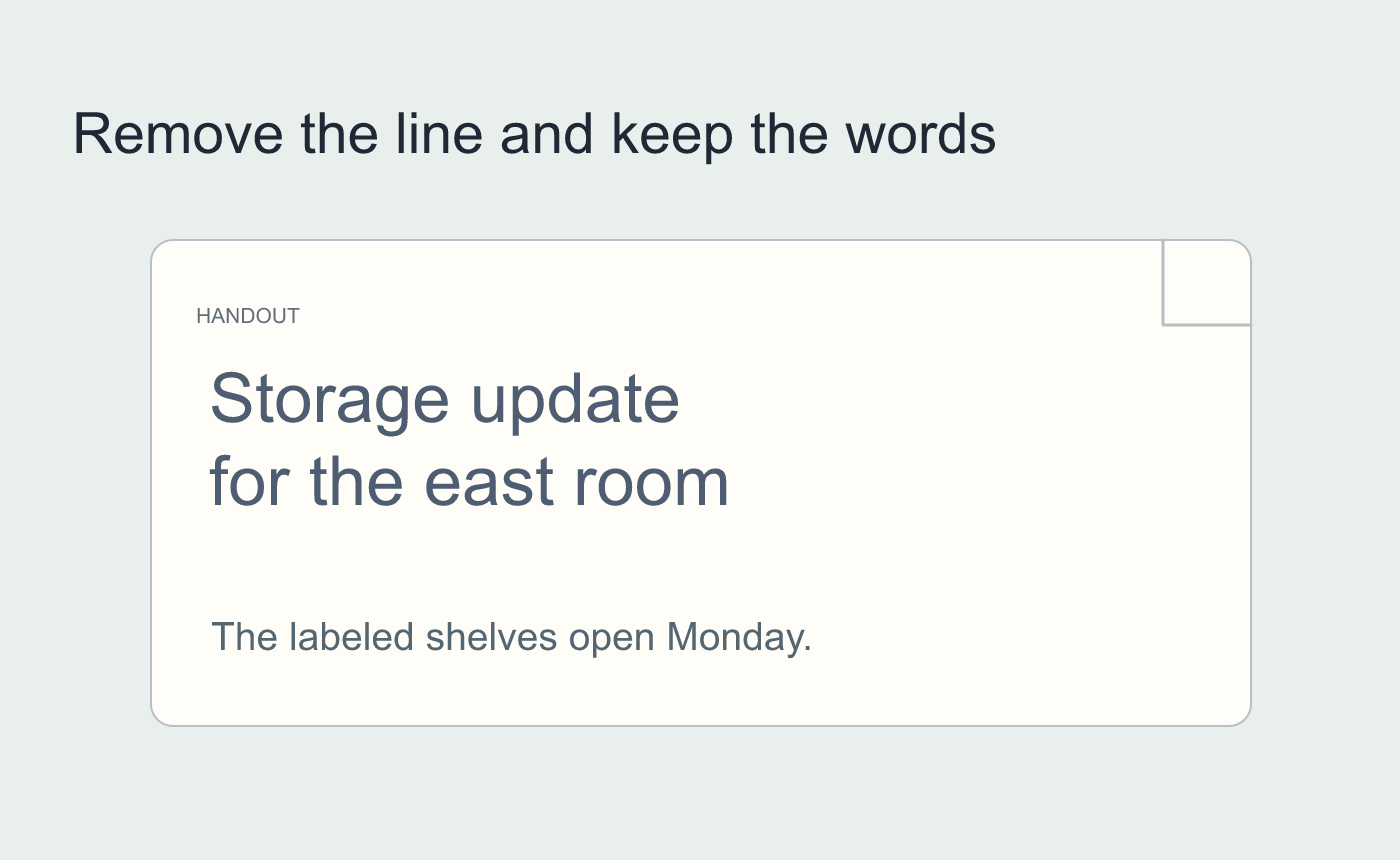
Illustrated check of the neighboring paragraph.



