
Keep the ID instructions fixed in an equipment confirmation. Write the changing line as “Collect [[Equipment name]] from [[Pickup location]] at [[Pickup time and time zone]] on [[Pickup date]].” Give a return date its own prompt if needed.
Duplicate before filling in the booking
Name the source Equipment-confirmation-STARTER.docx. Make a copy for each booking and replace all its prompts. Use exact names such as Pickup date and Return date so a reader can tell which value belongs where.
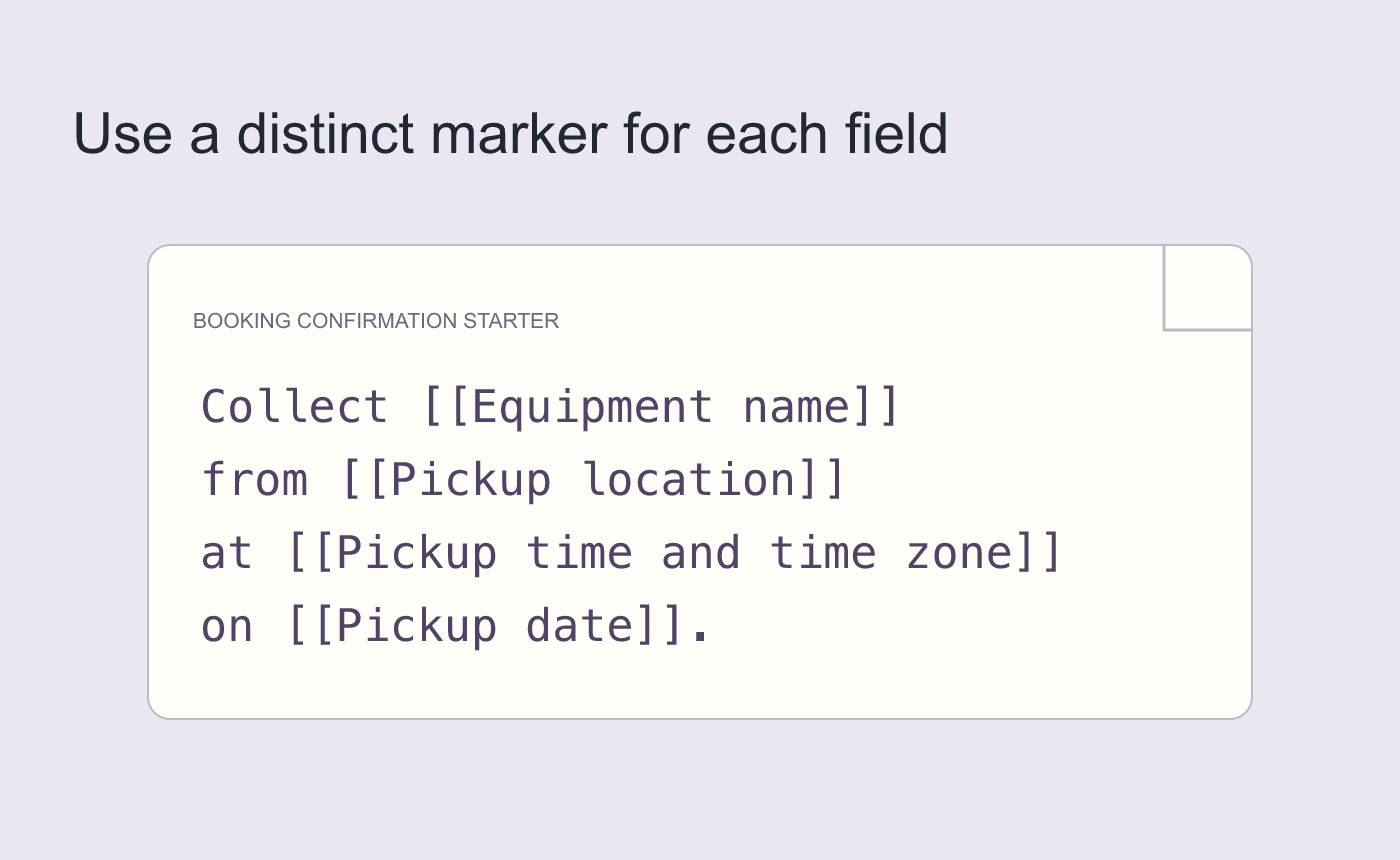
Illustrated starter text with searchable prompts.
Search for the marker before sending
Search for [[ and verify there are no unintended prompts left. Compare the time, zone, location and date against the booking record. Make another copy from the starter to confirm it still contains clean prompts.
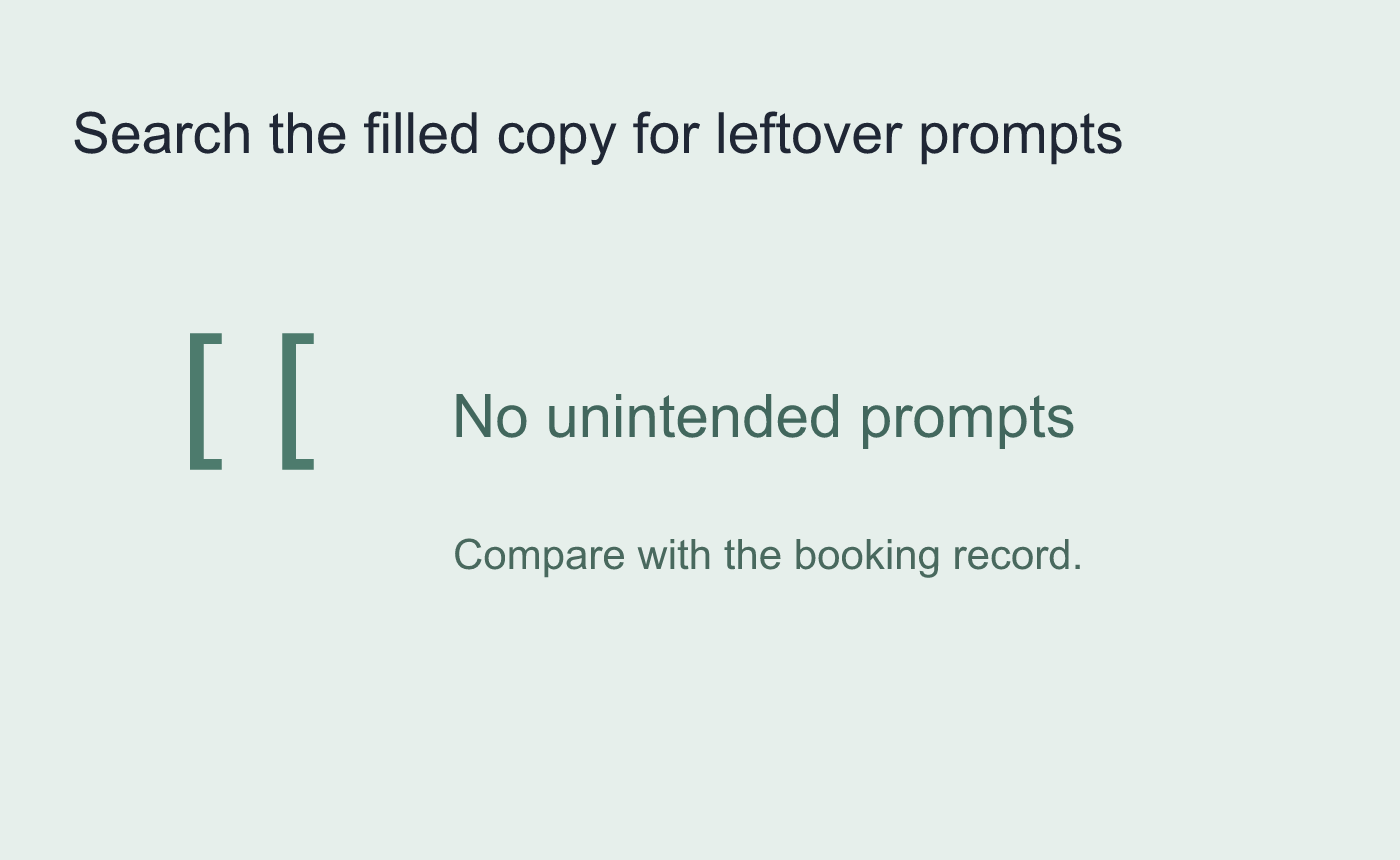
Illustrated final verification before sending.



