
Put the cursor in the Spare parts list heading in your maintenance report. Choose Insert → Bookmark in Ulet. Use a unique name without spaces, such as SparePartsList, and choose Add.
Check the destination in the bookmark list
Look for the expected text preview and select the bookmark. It should jump to the heading. Choose names by subject so they still describe the location when page numbers change.
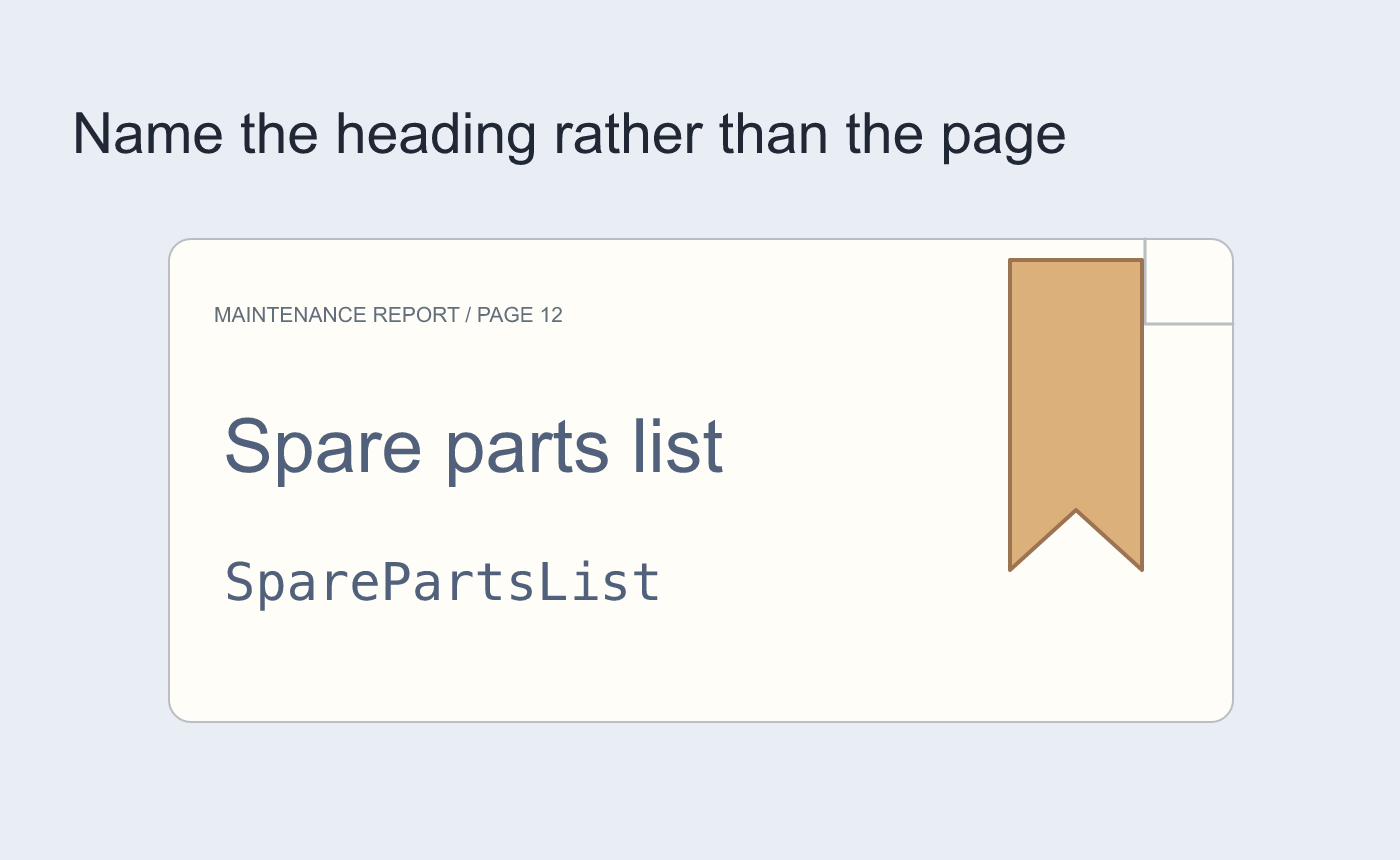
Illustrated bookmark placement.
Verify after a page moves
In a working copy add material earlier in the report. Save and reopen, then use the bookmark again. Check the heading instead of assuming the old page number is still right.
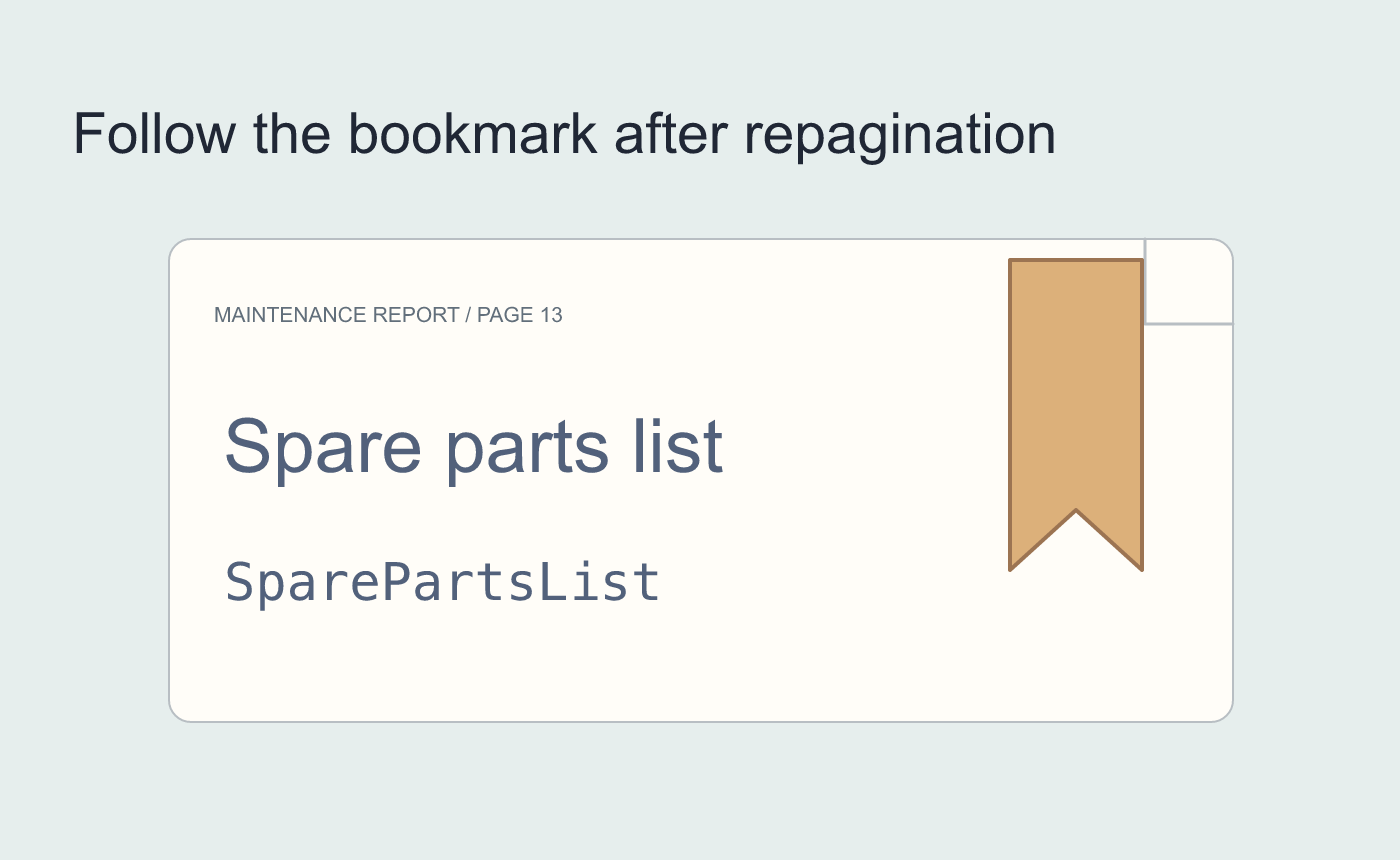
Illustrated saved-document check.



