
A volunteer handbook’s directory should print on its own sheet. A short announcement may need a full-width introduction above columns on one page. The first calls for Next Page. The second can use Continuous if the new layout fits.
Set the boundary before editing the next section
In Ulet work in a copy. Place the cursor at the end of the last paragraph in the first section. Use Layout → Section Breaks and choose Next Page or Continuous. Apply the new layout with the cursor in the new section. For a new sheet with the same layout, a page break is usually enough.
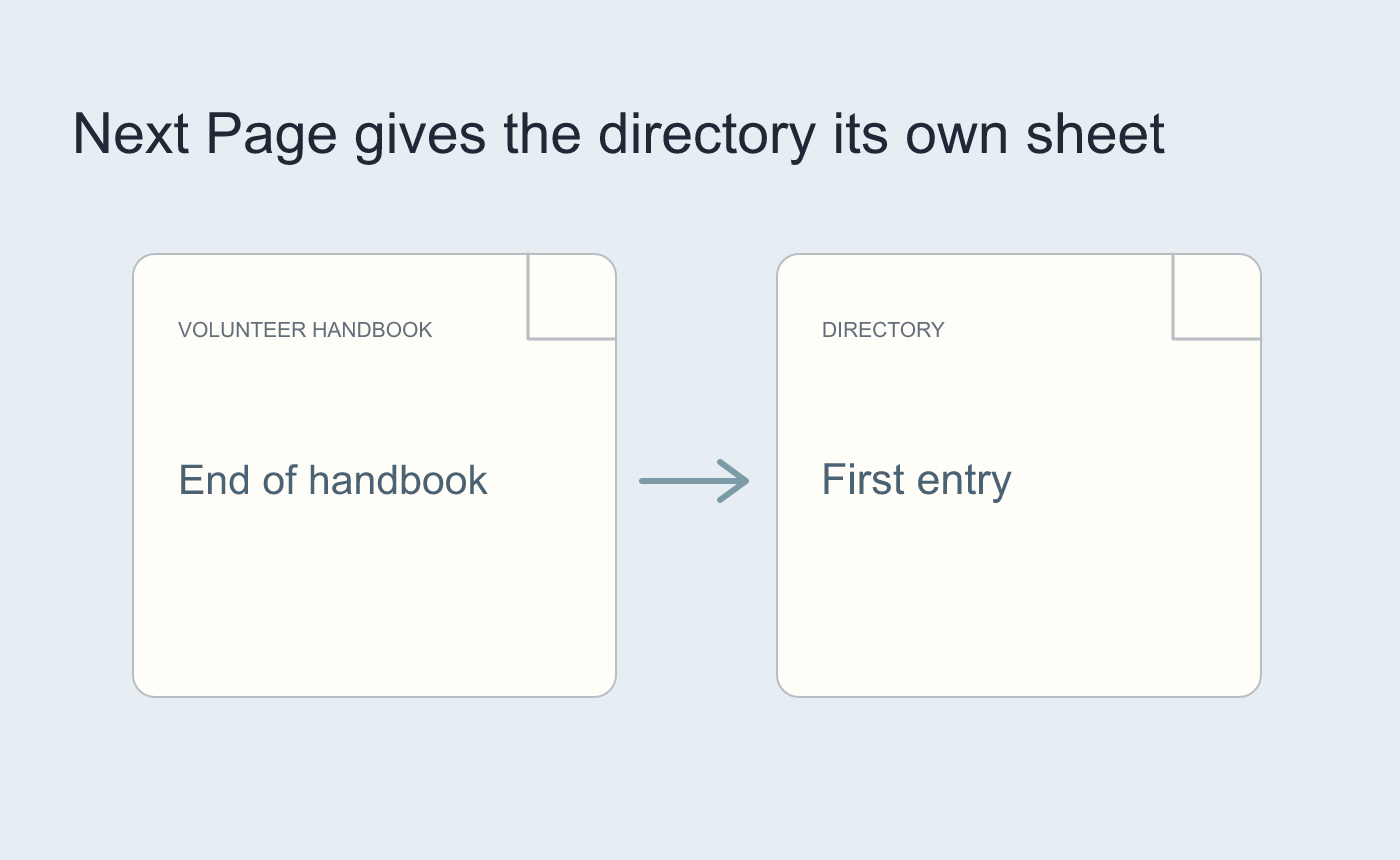
Illustrated section start when the directory will be printed separately.
Check the pages on both sides
Inspect the last line above the break and the first item below it. A Continuous break can still lead to pagination when content needs more room. Save and reopen and check any headers, widths or page breaks that should retain their old settings.
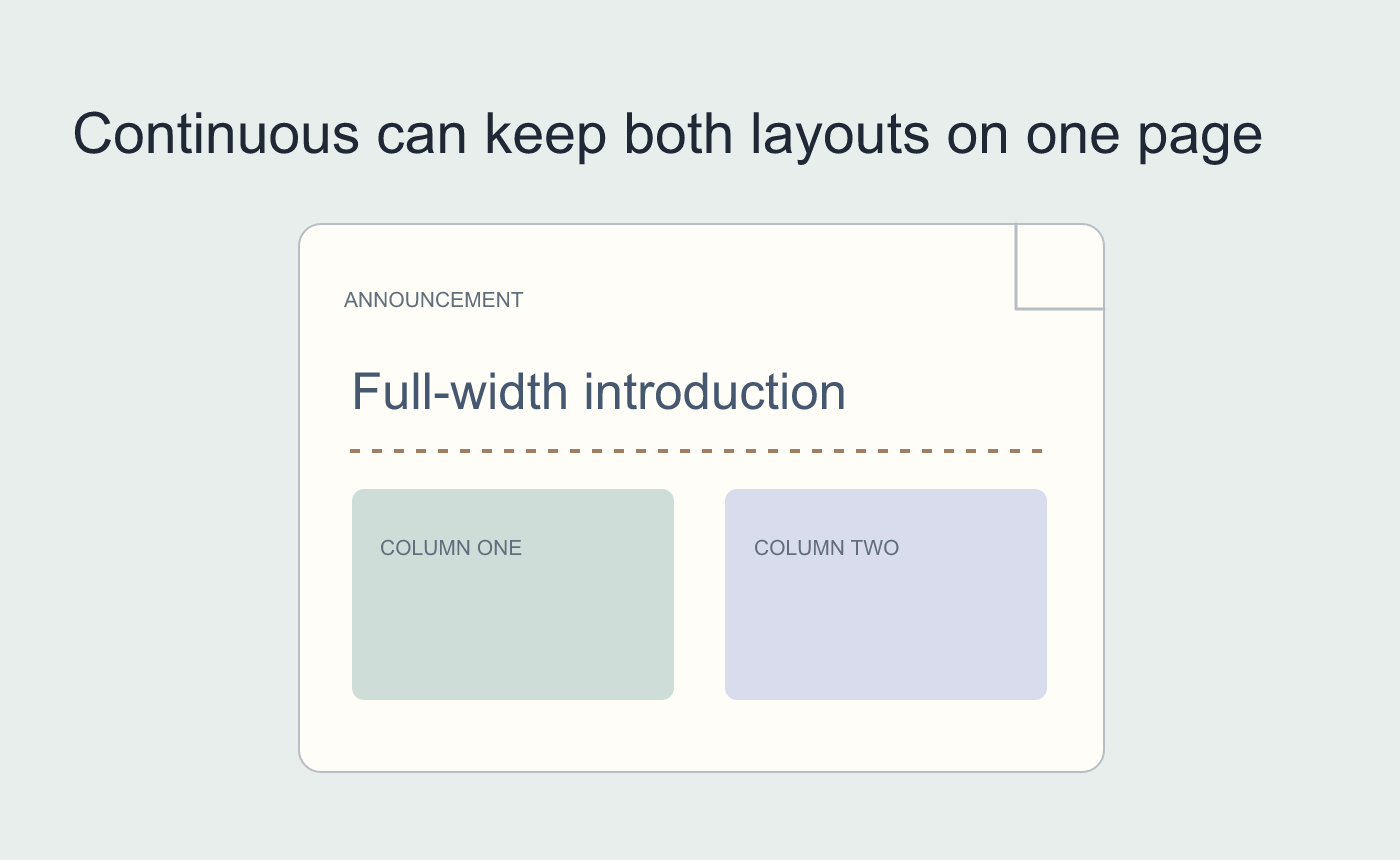
Illustrated layout when there is room below the introduction.



