
In a working venue guide, choose Review → Track Changes in Ulet before replacing “main desk” with “side desk.” Use Show Markup → All Markup to see the deletion and insertion. Add a comment if the reviewer needs to know who confirmed the location.
Decide on the replacement in context
Put the cursor in a revision and choose Accept This Change or Reject This Change from its menu. Review both parts of the replacement and read the full sentence afterward.
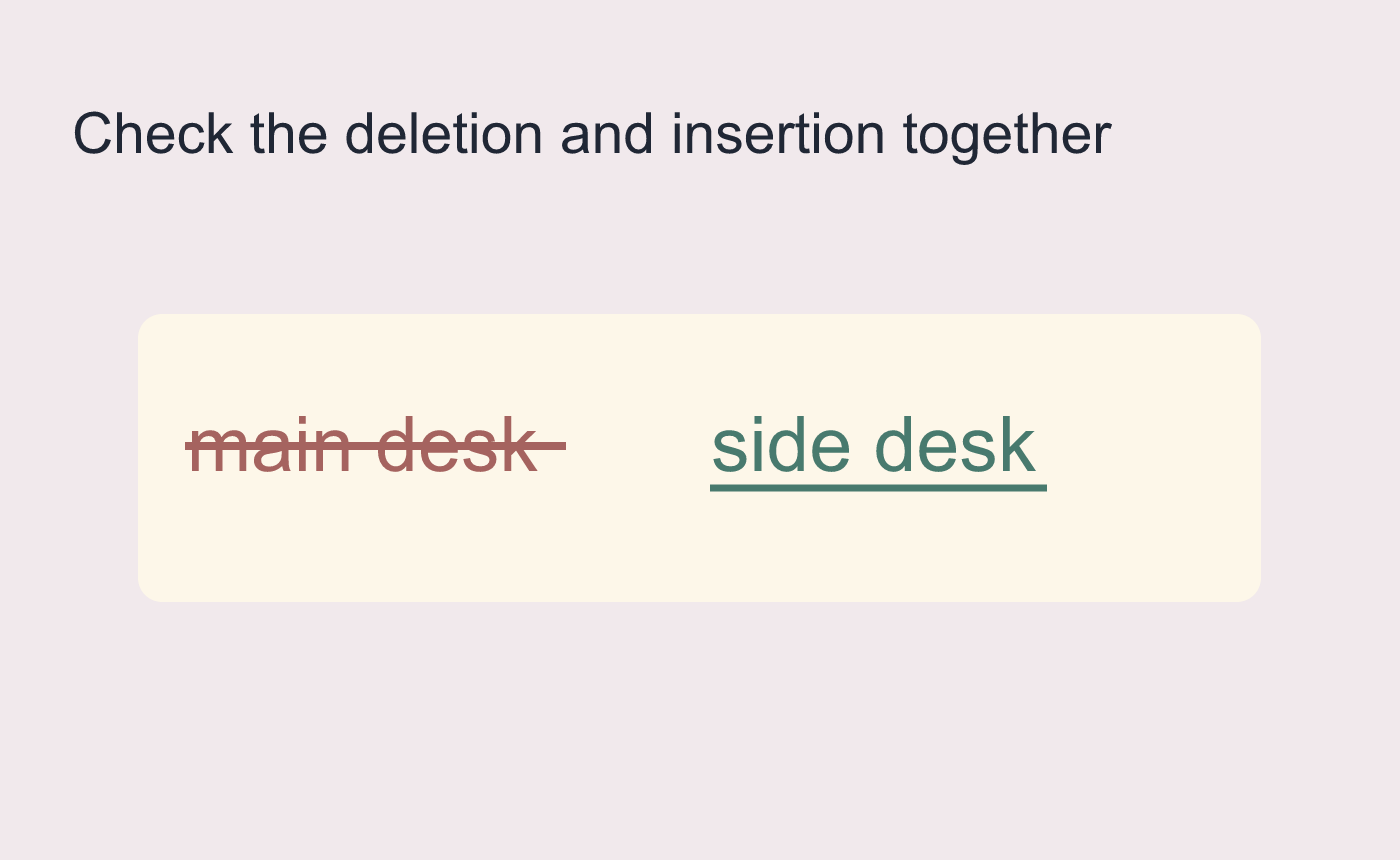
Illustrated venue-guide revision.
Return to All Markup before sending a clean copy
No Markup changes how the file looks while revisions are still pending. Review remaining changes with All Markup and inspect comments separately. Save a distribution copy, reopen it and confirm the intended location and review state.
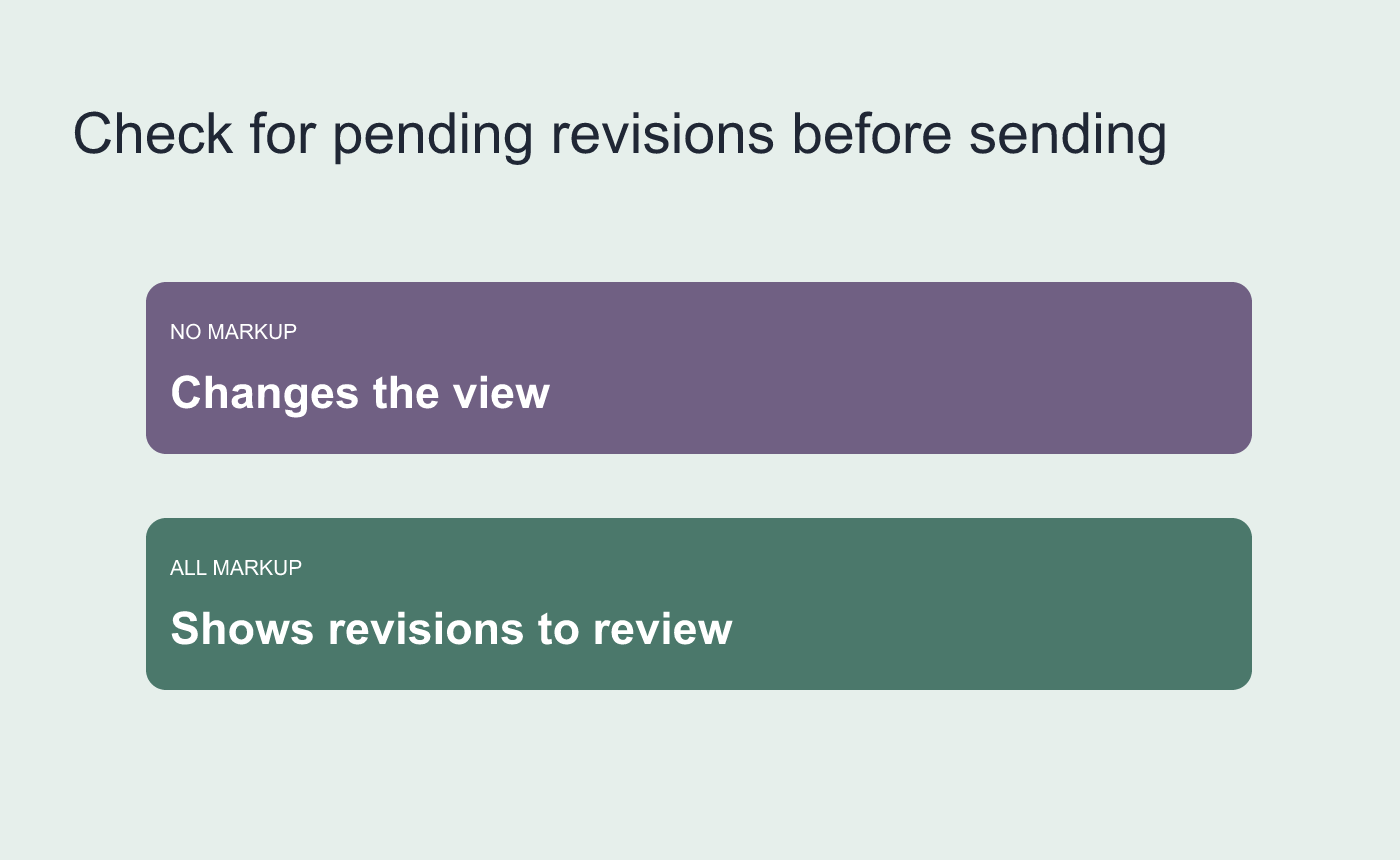
Illustrated review step. Confirm the correct location in the saved copy.



