
“Open the room” and “Close the room” each begin at step 1. A note between setup steps 2 and 3 is part of the same procedure. Decide which case you have before changing a number.
Use the command on the first affected item
Right-click the item in Ulet and choose Restart at 1 or Continue Numbering when available. Check the preceding list and the next two items. If you can select a digit as normal text, convert typed prefixes to a real numbered list in a copy first.
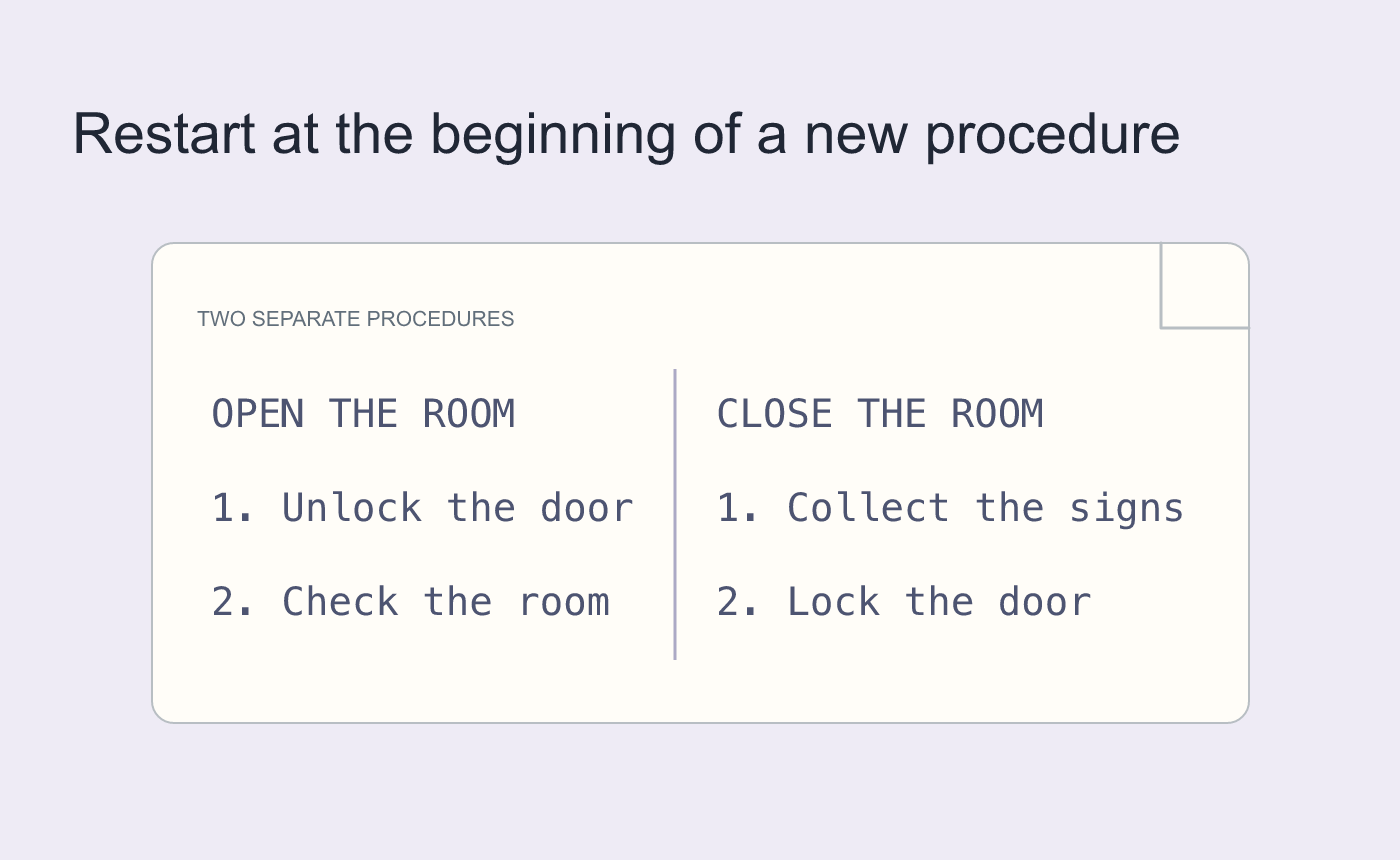
Illustrated restart case.
Check the sequence after one temporary insertion
Add a sample step and confirm later items renumber, then undo. Reopen the saved DOCX and review the starting and continuing sequences. Check typed references such as “see step 4” separately.
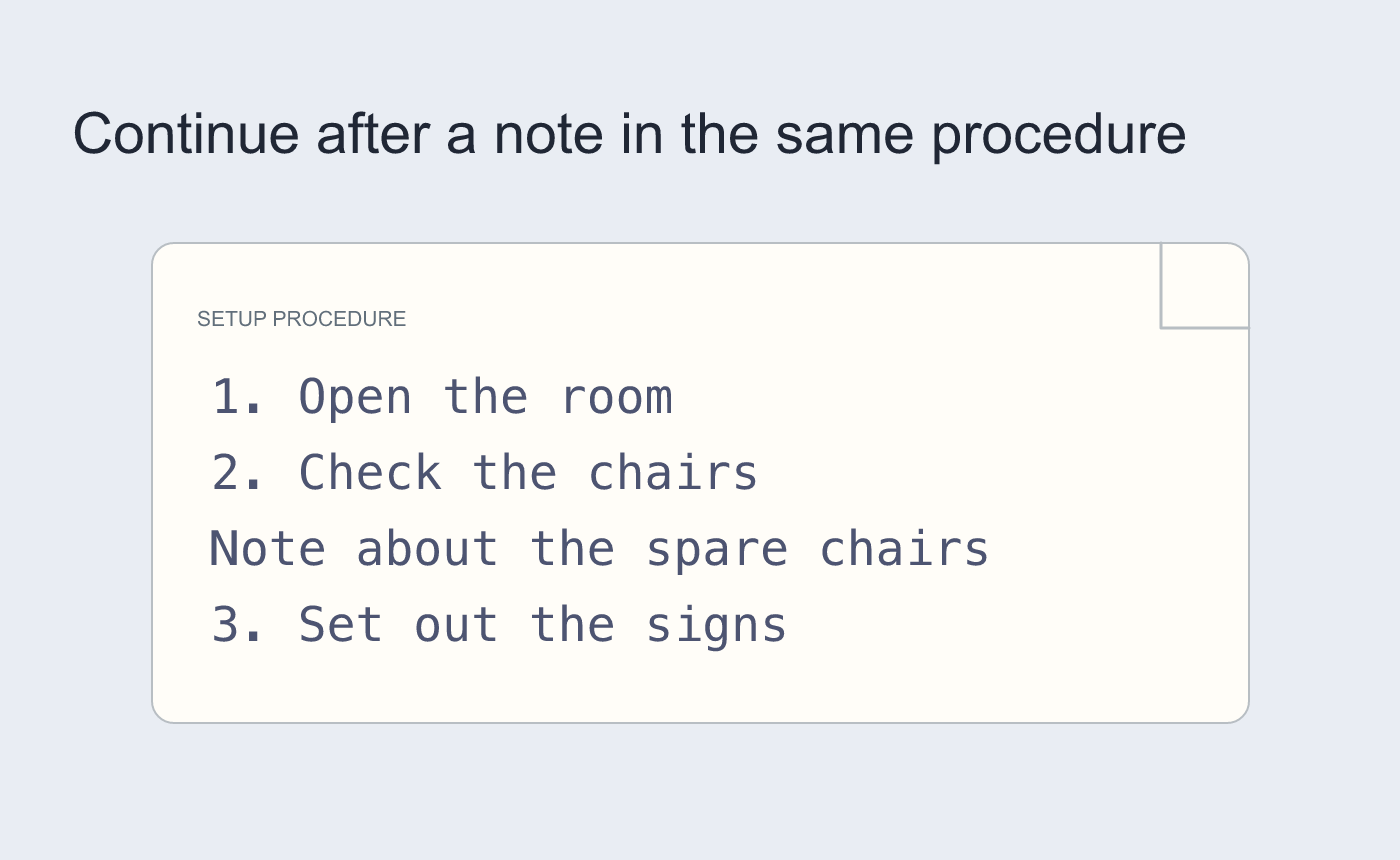
Illustrated continuation case.



