
A room report says the space seats 24. Save enough source detail for a reader to find the table behind the number.
Add the source once and reuse it
In Ulet choose References → Insert Citation → Add New Source. Enter the title, author or organization and other details available for that source type. Keep a table or page locator in your notes. Put the cursor beside the claim and choose the saved record from Insert Citation.
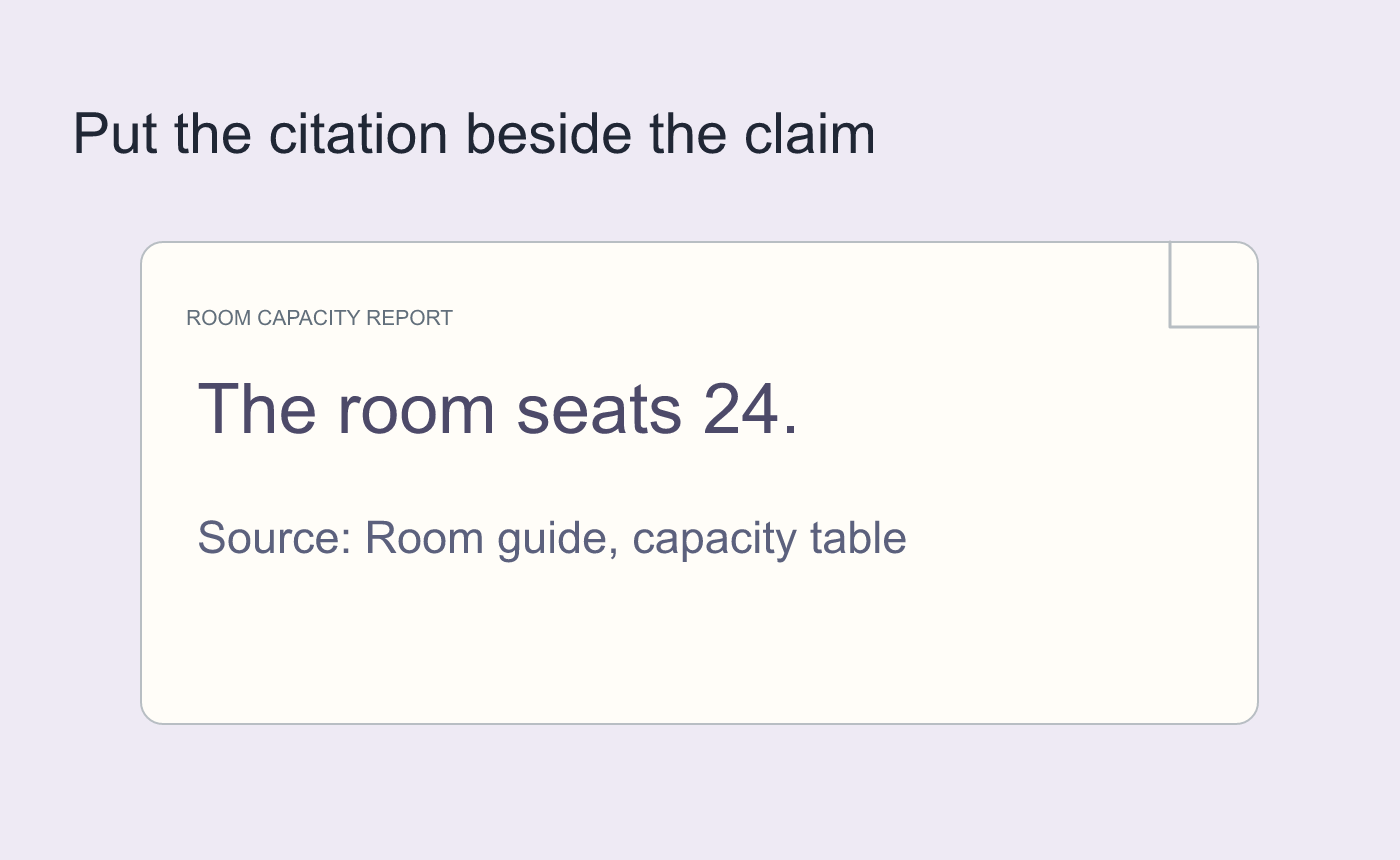
Illustrated citation placement.
Build and audit the bibliography
Choose References → Bibliography near the end. Review for research records that were never cited. Compare the required style with the actual text, particularly after editing a source. Reopen and follow the 24-seat claim to the bibliography and back to the exact source table.
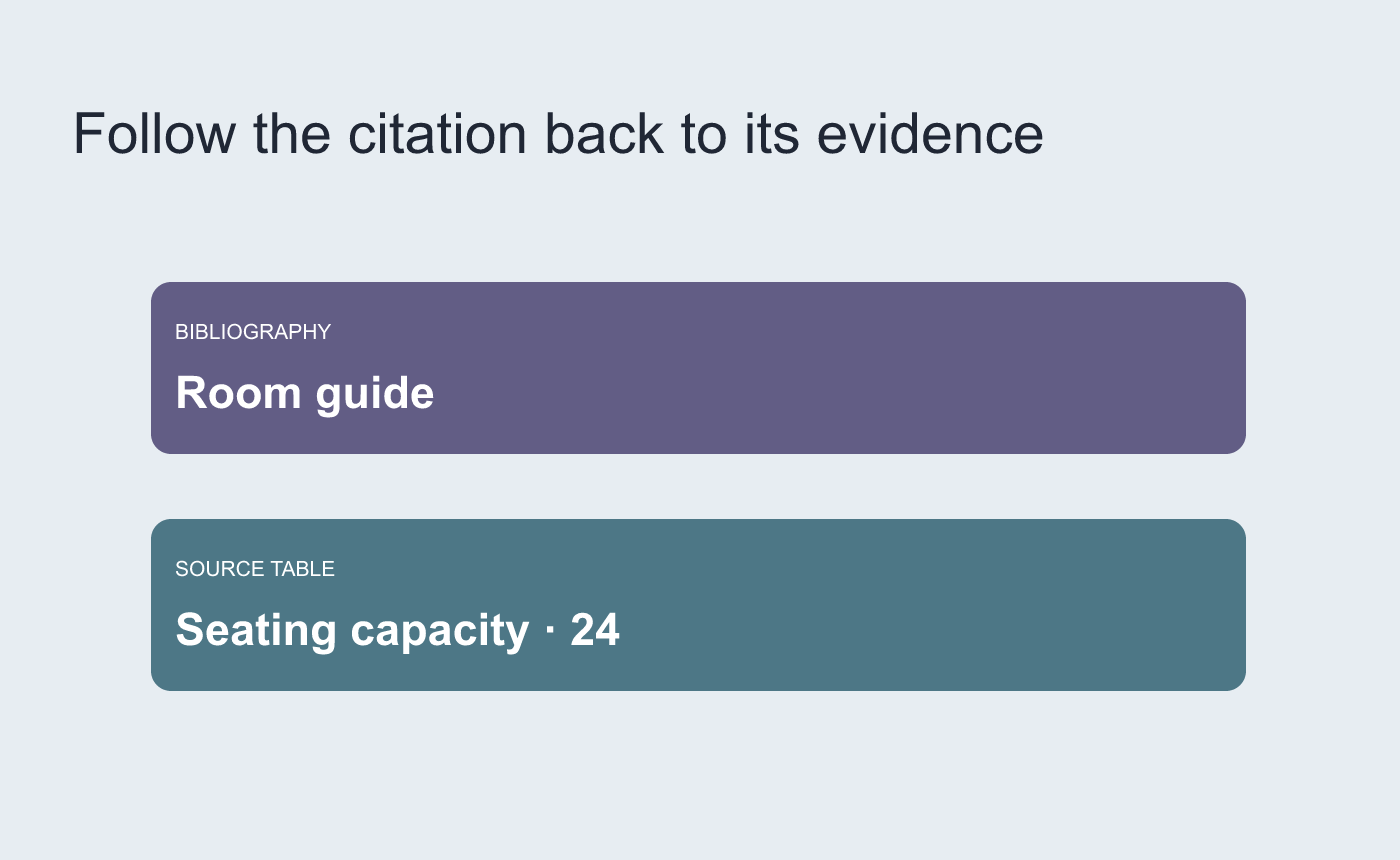
Illustrated traceability check after saving.



