
A data dictionary explains each workbook column: its exact name, meaning, data type, unit, allowed values and missing-data rule. Keep it tied to the sheet and version it describes.
Write the rules a new reader needs to interpret the values. A heading such as “Duration” is incomplete when nobody knows whether it means planned minutes or measured hours.
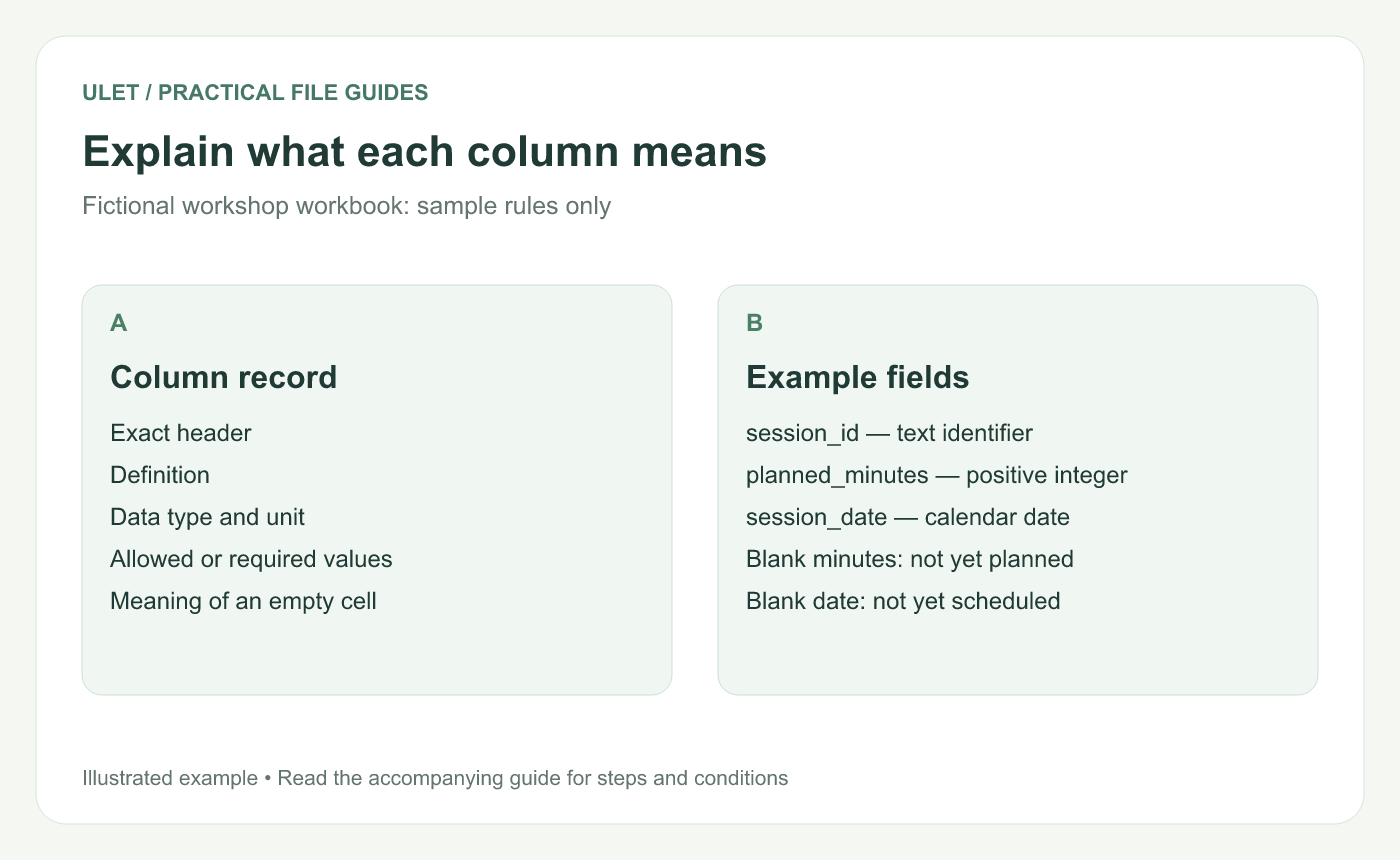
Explain what each column means. Original instructional illustration; fictional examples are not software screenshots or measured product results.
Start with the actual column headers
List the headers exactly as they appear. Add the sheet name and workbook version so a reader can locate them.
USGS describes data dictionaries as a way to communicate data structure and content, including definitions, properties, missing-data codes and rules. USGS data dictionary guidance.
Use a small example
Column | Meaning and type | Sample rule |
|---|---|---|
session_id | Text identifier for one workshop session | Required and unique in this example |
planned_minutes | Whole-number planned duration, in minutes | Positive when known; blank means not yet planned |
session_date | Scheduled calendar date | Blank means not yet scheduled |
These are fictional rules for a sample workbook. Confirm the real rules with the data owner instead of copying them automatically.
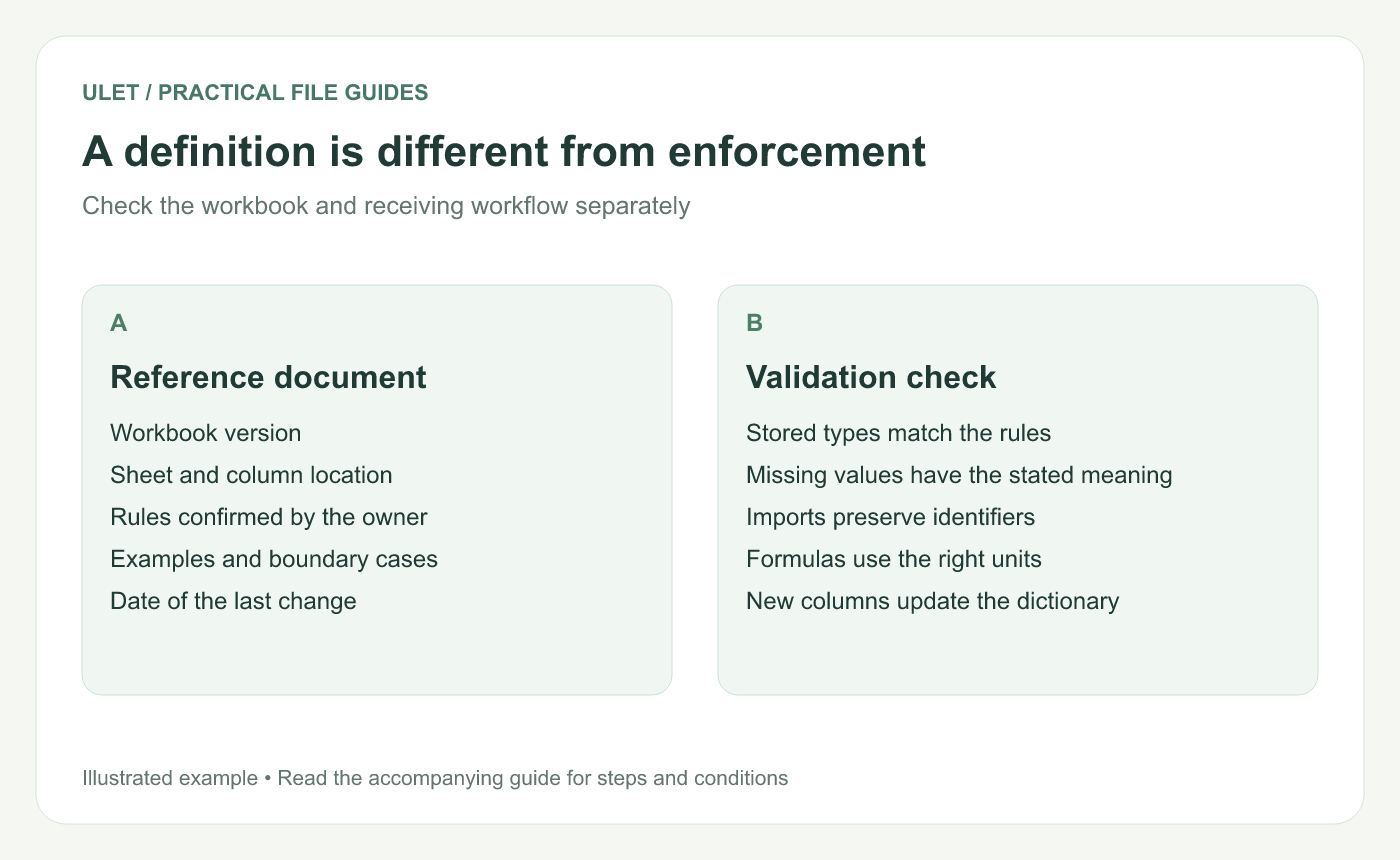
A definition is different from enforcement. Original instructional illustration; fictional examples are not software screenshots or measured product results.
Explain missing values explicitly
A measured zero and an unknown value are different. State what an empty cell or special code means and how it should be treated in calculations.
For dates and identifiers, describe the stored value and any exchange-file requirement. A display format alone may not determine what a receiving importer reads.
Keep rules separate from the controls that enforce them
Writing “unique ID required” in a document does not automatically make the workbook reject duplicates. Check validation, imports and calculations in the actual workflow.
Add a known valid example and a boundary case for rules that are easy to misinterpret. Record the result of a test only if it was actually performed.
Update the dictionary with the workbook
Record a new column or changed meaning.
Confirm its owner and affected calculations.
Update the dictionary's version reference.
Review related imports and reports.
Check a real record against the new definition.
Ulet lets you maintain a local DOCX or Markdown dictionary beside the XLSX on Windows and macOS. Free basic editing helps keep the explanation and the working data in the same project.



