
Remove an unwanted DOCX background by identifying whether it is text highlighting, paragraph shading or a table-cell fill. Change the relevant control rather than clearing every kind of formatting at once.
Work on a copy while diagnosing it. Similar-looking background colors can come from different parts of the document structure.
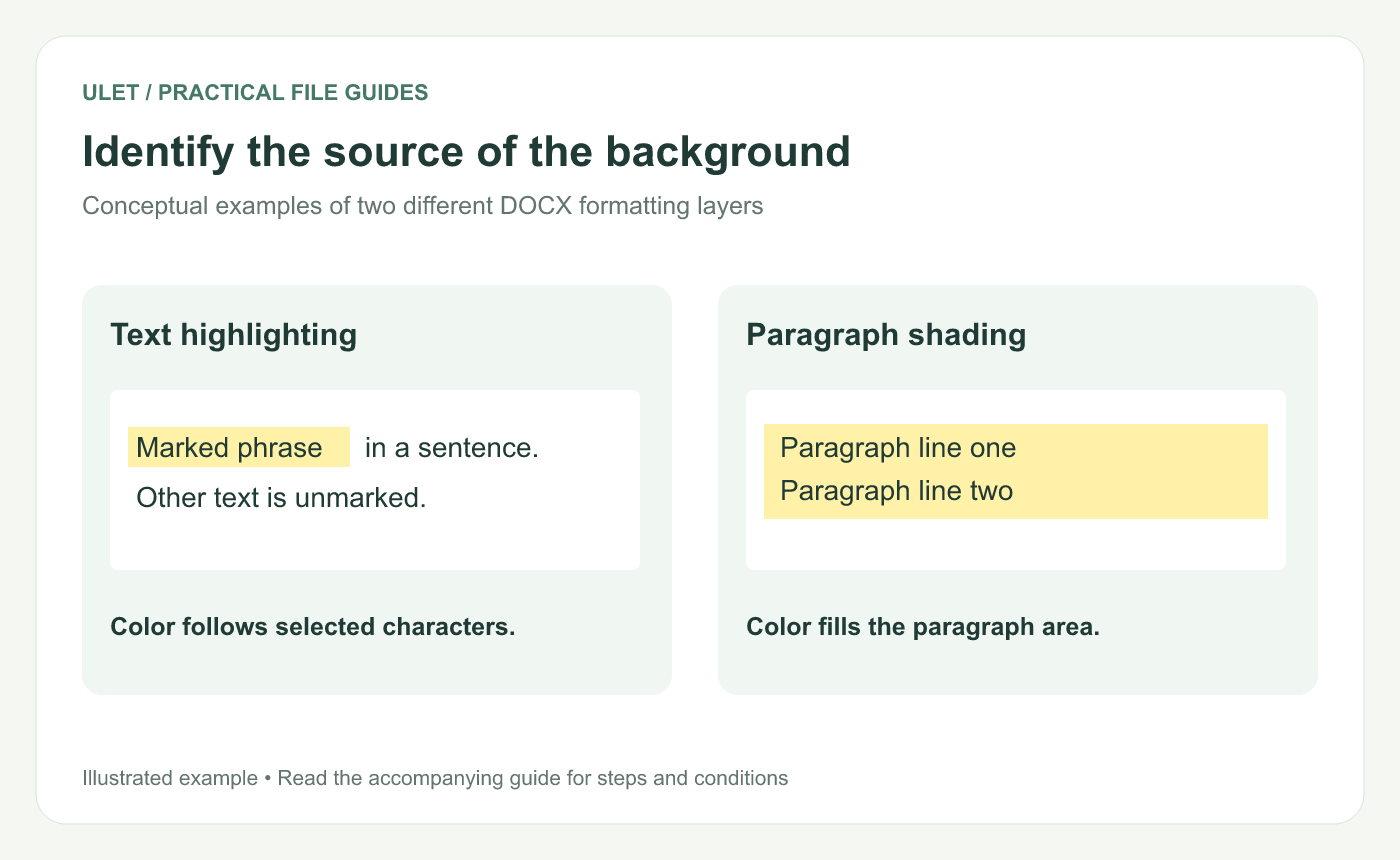
Identify the source of the background. Original instructional illustration; fictional examples are not software screenshots or measured product results.
Inspect what the color follows
Appearance | Setting to inspect first |
|---|---|
Color closely follows letters | Text highlighting |
Color fills the paragraph area | Paragraph shading |
Color fills an entire table cell | Cell fill, plus formatting inside the cell |
These are diagnostic clues rather than guarantees. Inspect the selected text and its container to confirm the actual setting.
Clear text highlighting
Open the working DOCX in Ulet.
Select the characters that have the unwanted highlight.
Open the text-highlight color controls.
Choose No Color.
Inspect the complete phrase, including adjacent spaces or punctuation.
Ulet's current highlight palette has a No Color action. If the background remains, inspect paragraph or cell shading instead of repeatedly applying the same action.
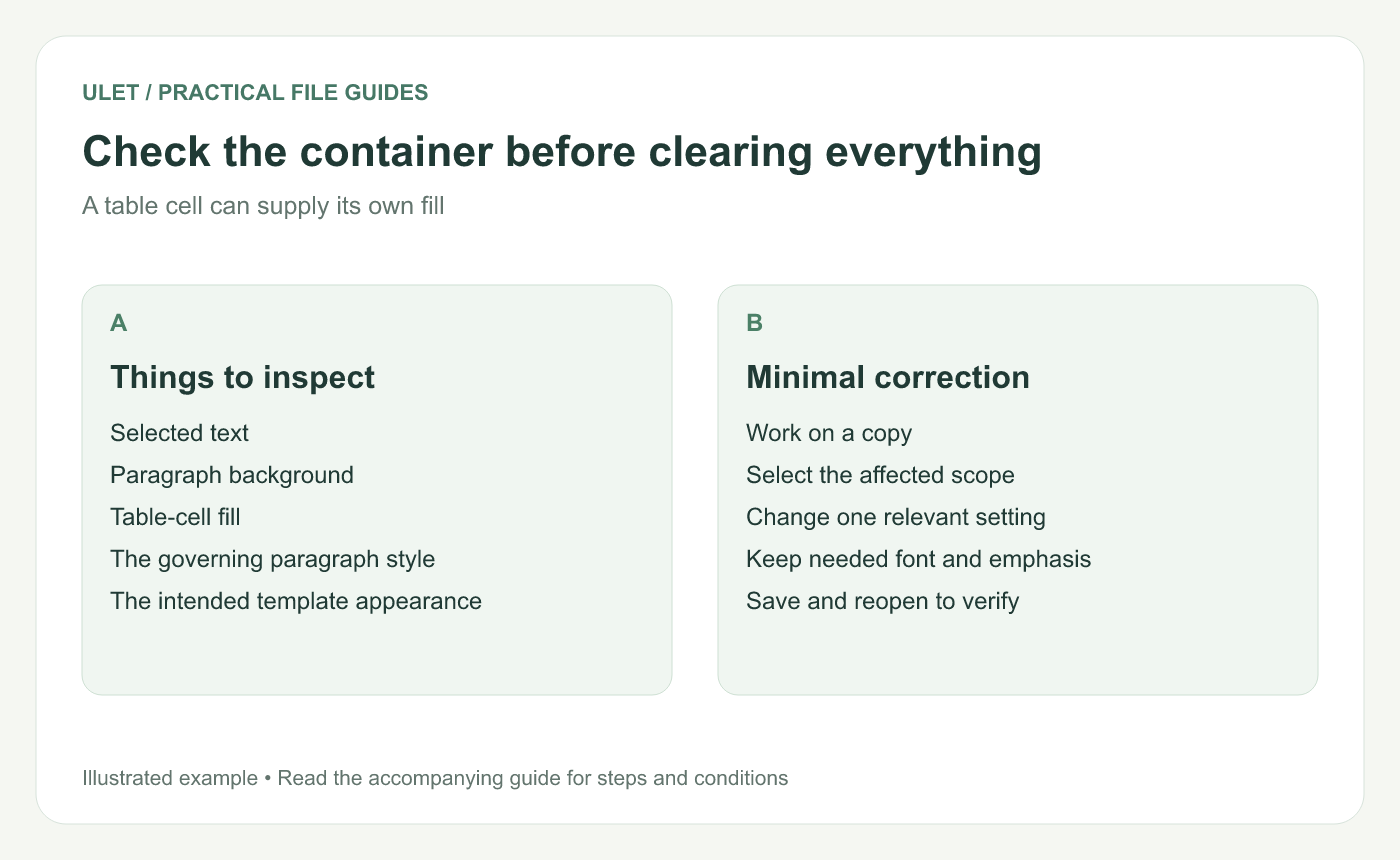
Check the container before clearing everything. Original instructional illustration; fictional examples are not software screenshots or measured product results.
Clear paragraph shading separately
Place the cursor in the affected paragraph or select the intended paragraphs. Open Paragraph Shading and choose No Shading when the background is not part of the required design.
That is a separate setting from the text highlight. Check the visible paragraph area after applying it, especially when the paragraph is inside a table.
Keep intentional formatting intact
A template may deliberately use a shaded warning, heading or table cell. Confirm the purpose before removing its fill.
If the color returns after applying a style, inspect the style or template decision. A temporary local change may not address the formatting source you intend to maintain.
A broad clear-formatting action can also remove font, emphasis or other settings. Use it only when that wider result is appropriate and inspect what changed.
Check the saved document
Save and reopen the DOCX, then inspect the same text and its neighboring paragraphs. Check an output PDF separately if its background appearance matters to delivery.
Ulet provides free basic local document editing on Windows and macOS. The useful result is the intended background with the rest of the document formatting still appropriate.


