
Build a DOCX table of contents from actual heading levels, then update it after changing titles, sections or pagination. Check the section names and page references in the saved document.
A manually typed list can look like a contents page without having a field that can be refreshed. Use the document's contents controls when you need an updateable structure.
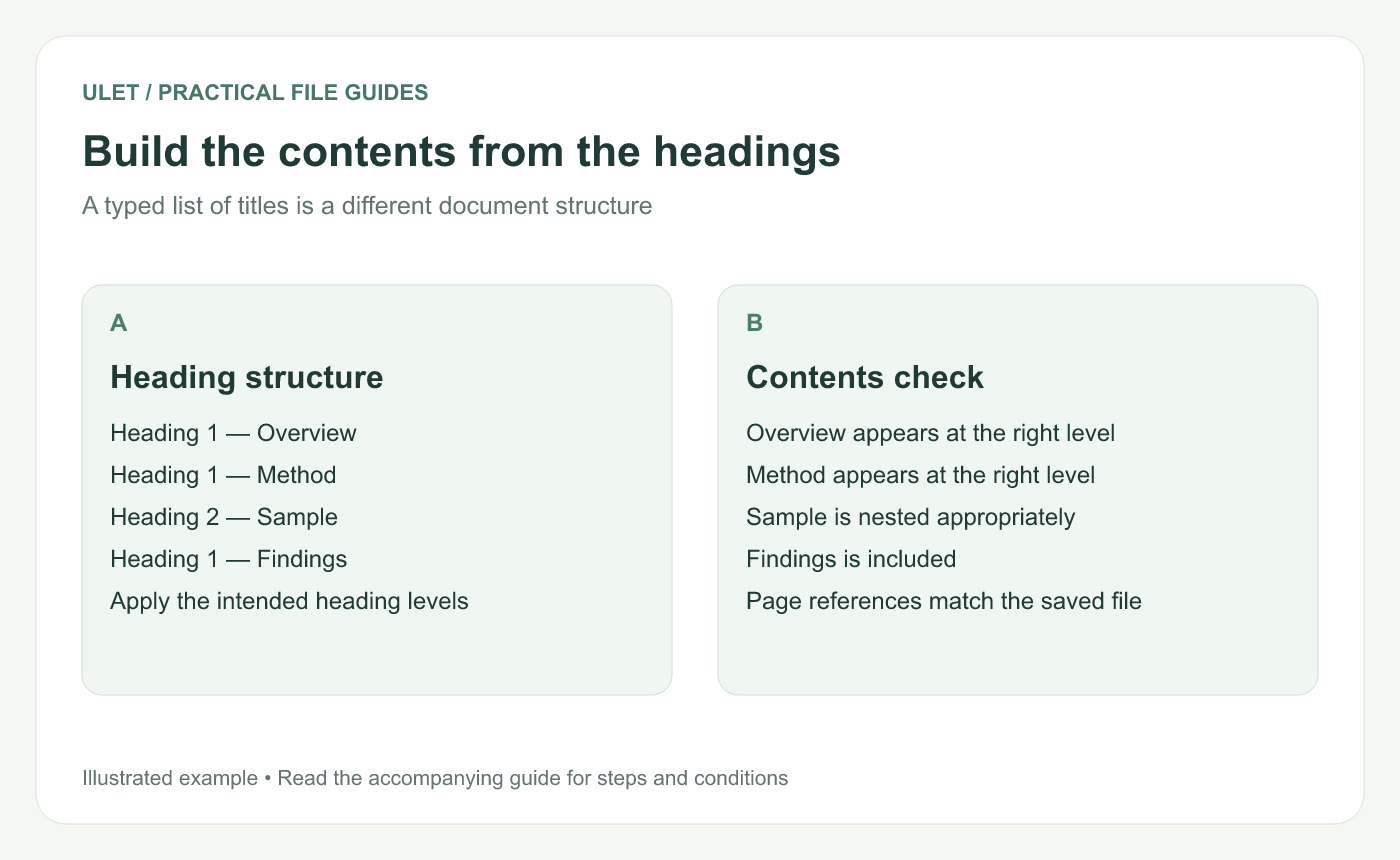
Build the contents from the headings. Original instructional illustration; fictional examples are not software screenshots or measured product results.
Check the headings first
Use Heading 1 for major sections and the appropriate lower level for subsections. For a small example, create Overview, Method and Findings as major sections, with Sample under Method.
If the contents command finds no headings, inspect the paragraph styles. Large bold text alone may not identify a paragraph as a heading.
Insert the contents at the intended position
Open the working DOCX in Ulet.
Place the cursor where the contents should begin.
Open References and choose Table of Contents.
Inspect the included titles and their levels.
Check the displayed page references against the document.
Ulet's current References controls include Table of Contents and Update Contents. Keep a working copy while checking how an imported document's heading structure is represented.
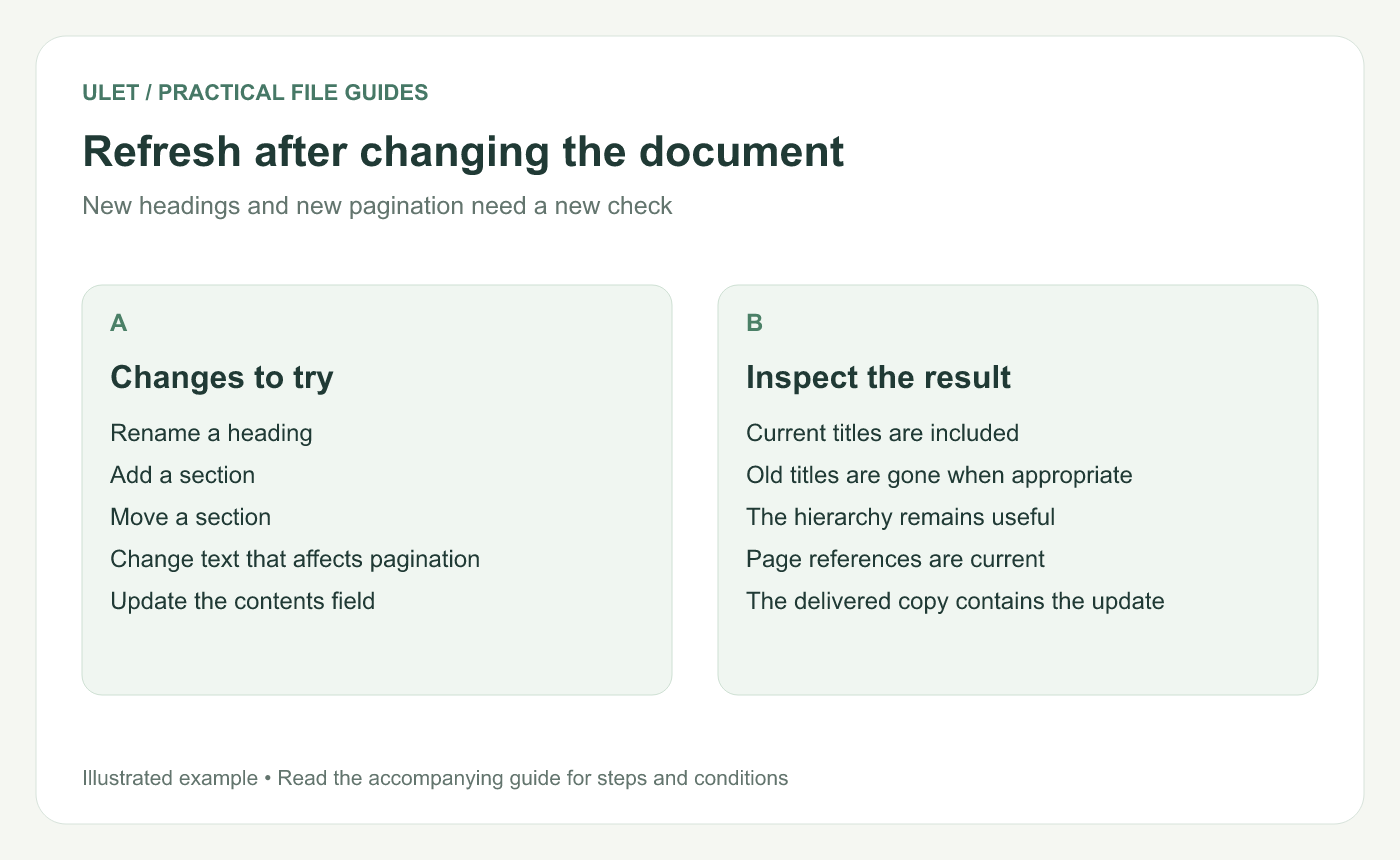
Refresh after changing the document. Original instructional illustration; fictional examples are not software screenshots or measured product results.
Update after edits
Rename one sample heading or add a new section, then use Update Contents. Check that the changed title or new section is represented.
Microsoft explains that contents fields may need updating and distinguishes refreshing page numbers from rebuilding the entire table in Word. Use the available update controls in your editor and verify what changed. Field-update reference.
Inspect the complete navigation result
Check | What to verify |
|---|---|
Titles | They match the current headings |
Levels | Subsections belong under the intended section |
References | They identify the correct pages or destinations |
Coverage | No required section is missing or duplicated |
If a section is absent, inspect its heading level before adding a separate typed entry. A manual patch can conceal the underlying structural problem.
Check the issued copy
Save and reopen the DOCX. Revisit several entries, including a late section whose page position changed. Review any exported PDF separately.
Ulet provides free basic local document editing on Windows and macOS. Update the contents near the end of the editing process, then check the actual delivery file.



