
Add a DOCX hyperlink by selecting meaningful text, opening the hyperlink controls and entering the intended destination. Keep the visible label and the target URL consistent, then test the saved link.
“Markdown syntax guide” tells the reader more than “click here.” A descriptive label also remains useful when someone scans the document without following every link.
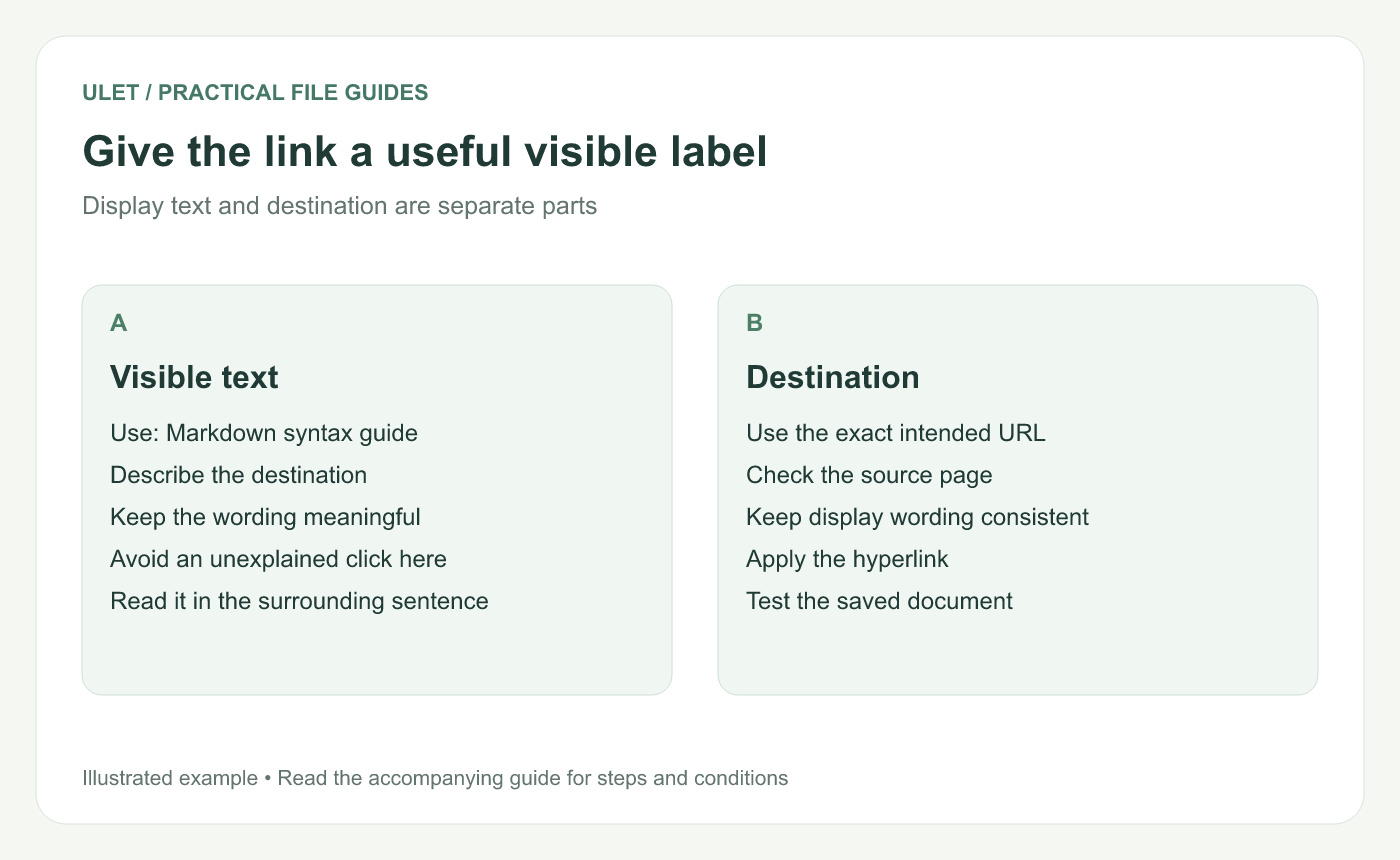
Give the link a useful visible label. Original instructional illustration; sample wording and outcomes to check are not software screenshots or observed test results.
Choose the display text first
Write the phrase as part of a normal sentence, then select that phrase. Use wording that identifies the destination's subject or task.
For a small trial, use the visible label “Markdown syntax guide” with the public destination https://daringfireball.net/projects/markdown/syntax. This is an example resource, not a requirement for every document.
Insert the destination
Open a working DOCX in Ulet.
Select the phrase that should act as the link.
Open the Insert Hyperlink controls.
Confirm the displayed wording and enter the destination address.
Apply the link and save the document.
Ulet's current document ribbon includes an Insert Hyperlink dialog. Microsoft's Word guidance likewise distinguishes the address from the text shown to readers. Hyperlink creation reference.
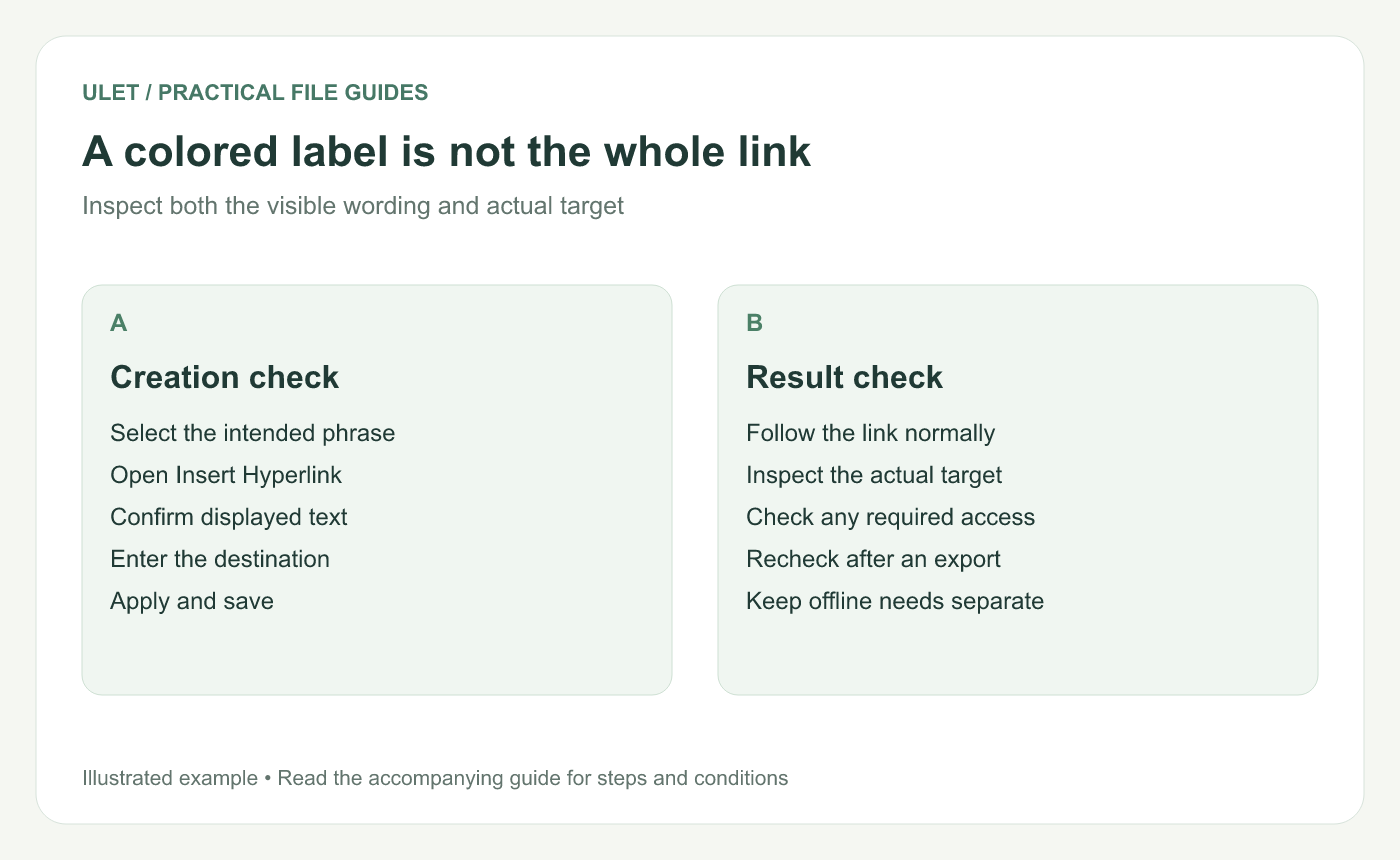
A colored label is not the whole link. Original instructional illustration; sample wording and outcomes to check are not software screenshots or observed test results.
Check the actual target
Use the editor's normal link-following interaction and inspect the destination. A styled phrase can look correct while carrying an old address.
If a click selects the text for editing, use the link's available follow action rather than assuming the target is broken. The exact interaction depends on the editor and mode.
Edit wording and address deliberately
Change | What to verify |
|---|---|
New display wording | It still describes the current destination |
New URL | The existing wording still fits the new target |
Copied linked phrase | The destination is appropriate in its new context |
Exported copy | The link remains useful in that output |
Check the required access from the intended reader's situation. A web link still needs its online destination when opened, even if the DOCX is edited locally.
Review the saved copy
Reopen the file, inspect the sentence and follow the important links. Check the PDF separately if it is also part of the delivery.
Ulet keeps local document and PDF work in one app on Windows and macOS, with free basic editing. Use the saved delivery copy for the final link check.



