
Test a backup by restoring a disposable practice file to an earlier saved state and opening the recovered result. This checks a real recovery path without using an important working document as the experiment.
Use the backup tool's documented restore controls and inspect the destination before confirming. Some restore actions replace the file at its original location.
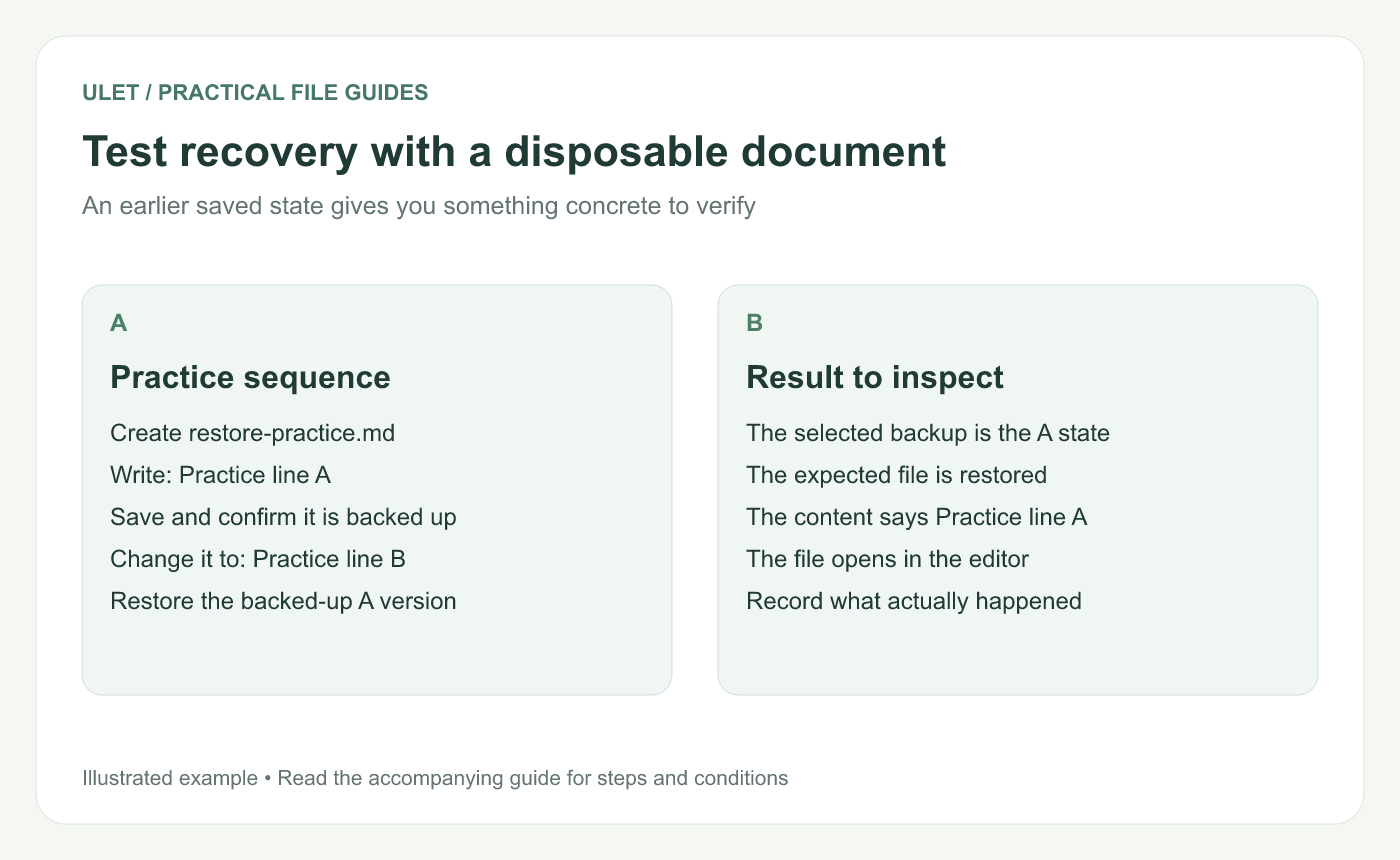
Test recovery with a disposable document. Original instructional illustration; sample wording and outcomes to check are not software screenshots or observed test results.
Create a known before-and-after state
Create
restore-practice.mdin a disposable folder included in your backup.Write “Practice line A” and save it.
Confirm that a completed backup includes that state.
Change the file to “Practice line B” and save again.
Identify the backup version that should still contain line A.
The file and wording are a test setup, not a report of a recovery already performed.
Use the tool's restore workflow
In Windows File History, Microsoft's guidance describes browsing previous versions and using Restore to when restoring to another location. Review the available version and destination rather than accepting a replacement automatically. File History restoration.
On macOS, Apple describes selecting an item in Time Machine and restoring it; restored items return to their original location. Keep this exercise in the disposable practice folder and follow the displayed choices. Time Machine restoration.
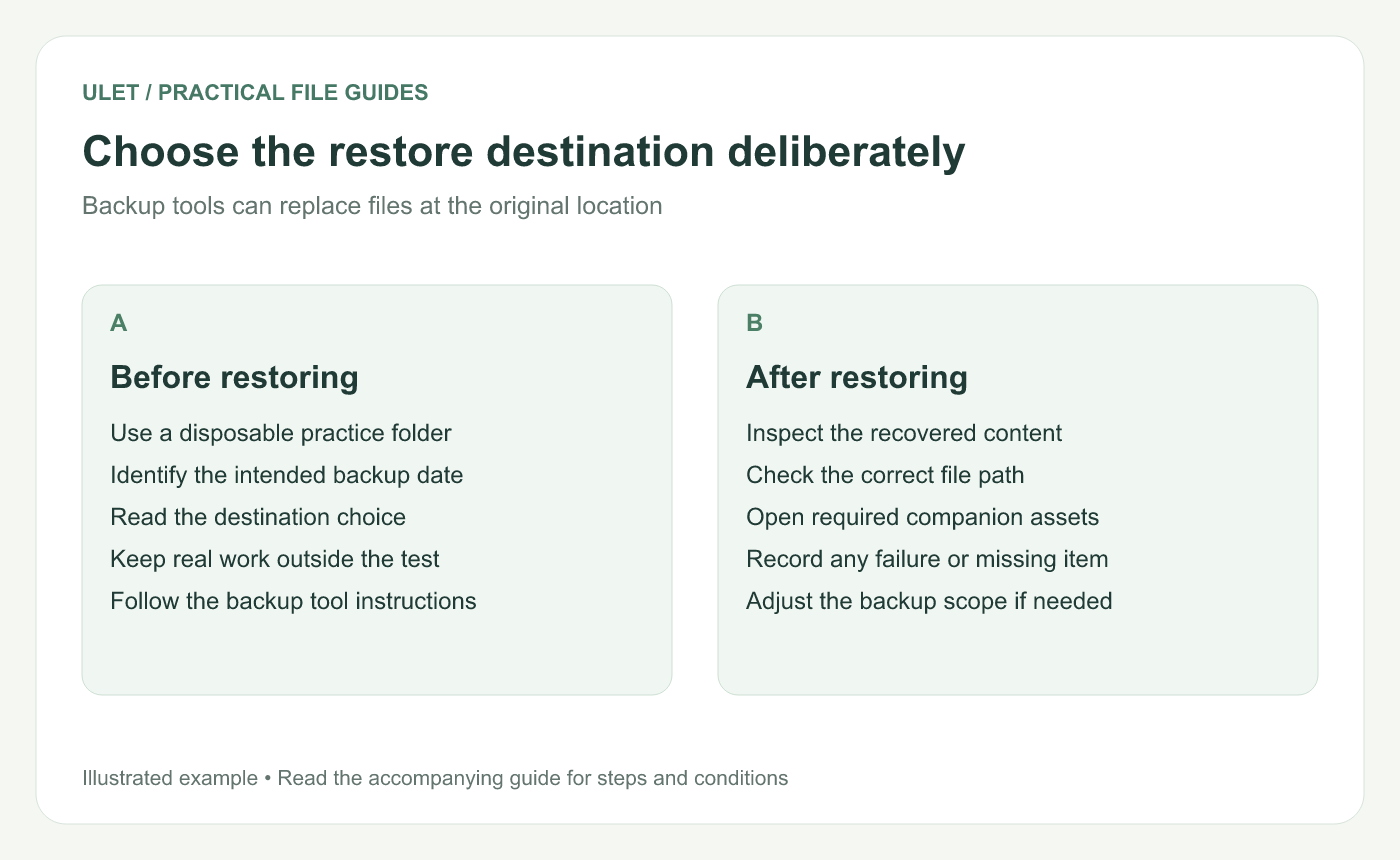
Choose the restore destination deliberately. Original instructional illustration; sample wording and outcomes to check are not software screenshots or observed test results.
Inspect the recovered content
Open the restored file and confirm it says Practice line A. Check the path as well as the wording so you know which copy you inspected.
For a later test using a representative office sample, check the content needed for that file type: a table, a calculation, a slide or a note. Include required companion images or other resources in the backup scope.
Record the actual result
Record | Useful detail |
|---|---|
Backup version | The date and state selected |
Restore destination | Where the recovered copy appeared |
Content check | Whether the expected text or feature was present |
Problem | Any missing file, access issue or unclear step |
A completed backup status and a successful restore test answer different questions. Keep the record limited to what the exercise actually checked.
Ulet can open the local practice Markdown or office file on Windows and macOS. The backup and restoration are performed by the backup tool; Ulet provides the document view used to inspect the recovered content.


