
Show filename extensions when similar document copies are hard to distinguish. In Windows File Explorer, enable File name extensions; in macOS Finder, enable Show all filename extensions.
The suffix helps you tell report.docx from report.pdf or report.xlsx before choosing the file for your task.
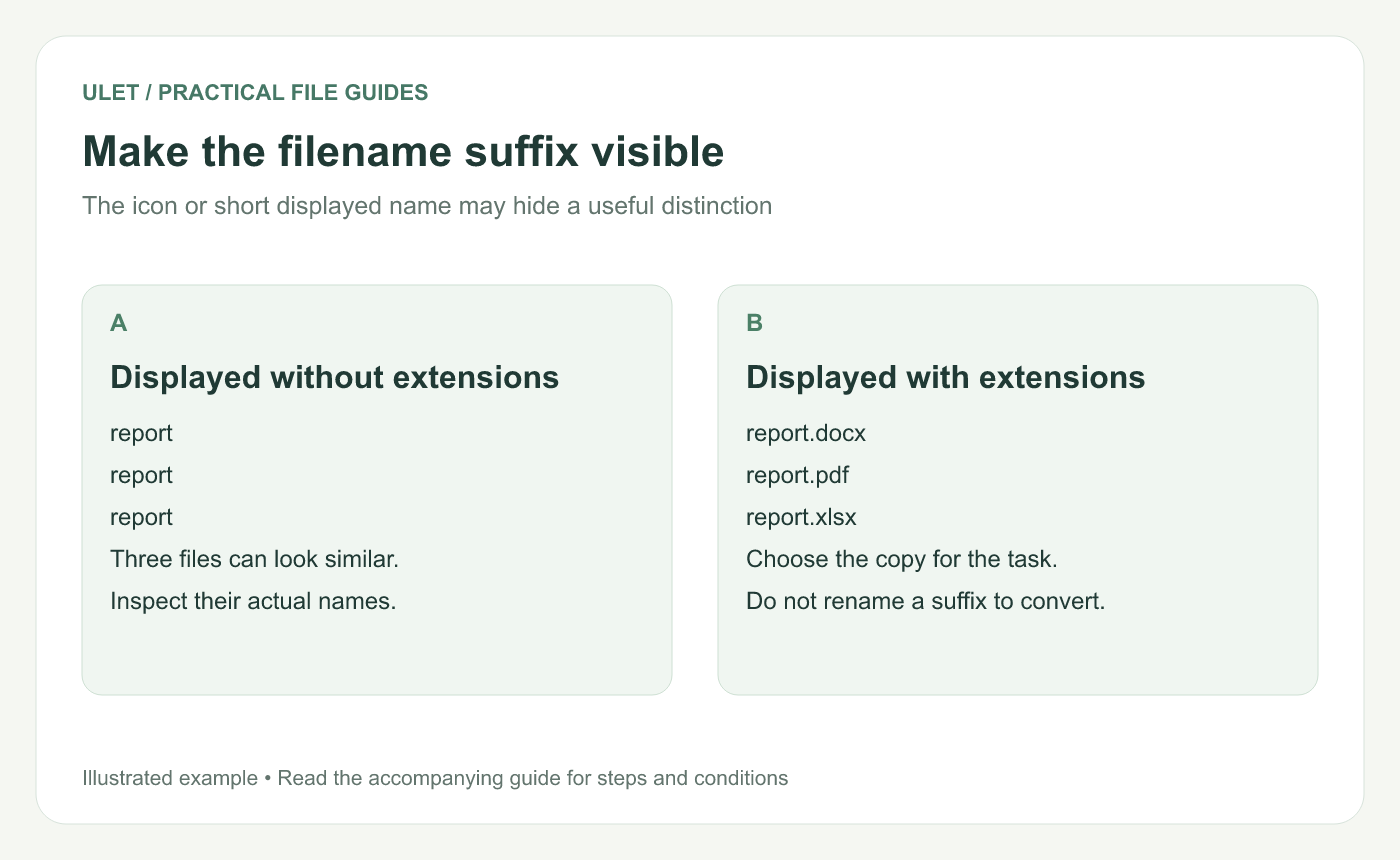
Make the filename suffix visible. Original instructional illustration; sample records are examples, not product screenshots or observed test results.
Show extensions in Windows
Open File Explorer.
Choose View → Show → File name extensions.
Find the document again and read its complete name.
This is Microsoft's documented current route. Older Windows views can arrange the same option differently. Windows filename-extension guidance.
Check the full suffix, not only the application icon. File associations determine which app opens a file by default, and more than one editor may support the same document format.
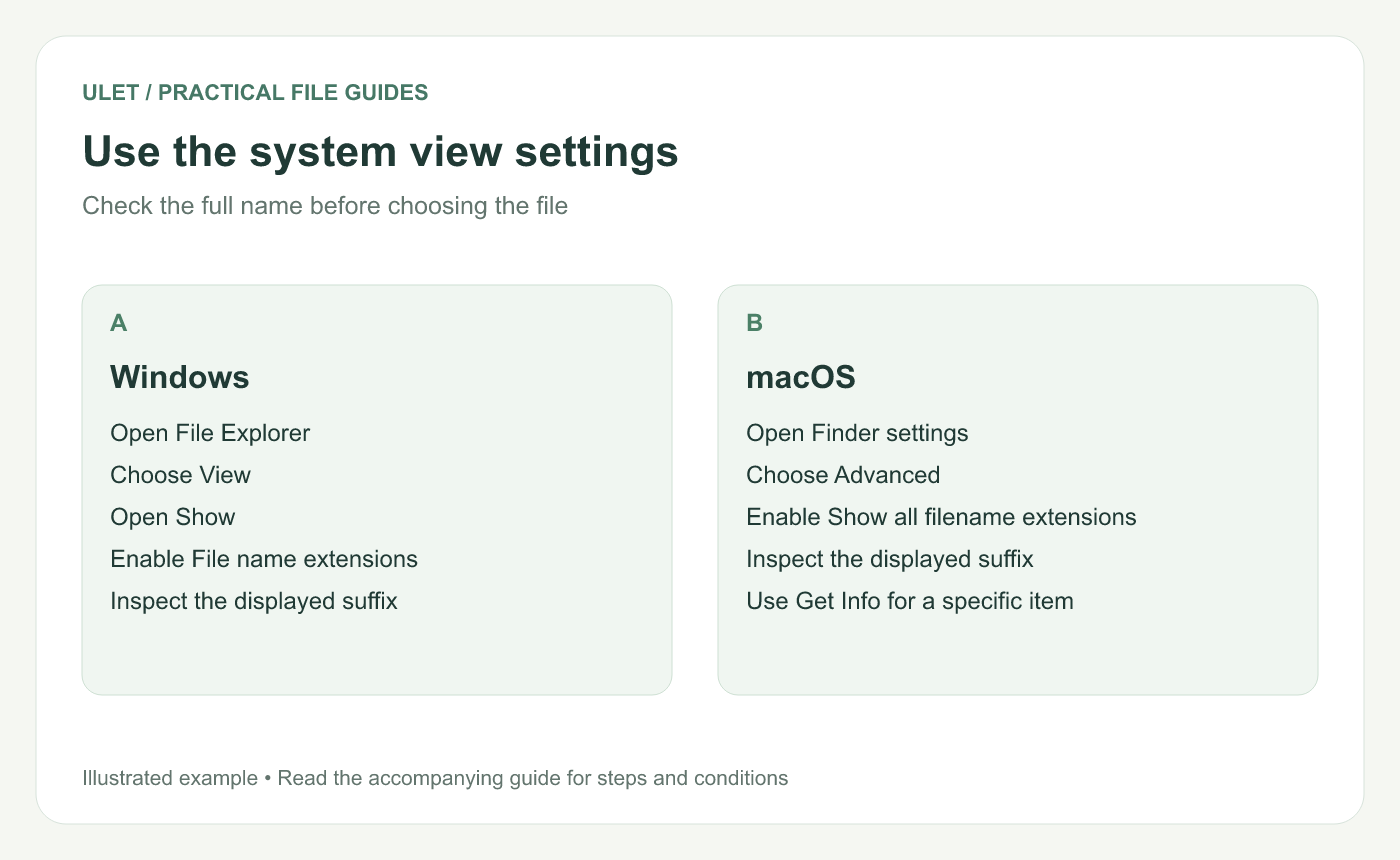
Use the system view settings. Original instructional illustration; sample records are examples, not product screenshots or observed test results.
Show extensions on macOS
Open Finder.
Choose Finder → Settings → Advanced.
Enable Show all filename extensions.
Inspect the complete filename in the folder.
Apple documents this setting and the individual Hide extension option for files. For a specific item, Get Info can help inspect its name and details. Mac filename-extension guidance.
Choose the copy by its role
Example | Likely role to confirm |
|---|---|
report.docx | Editable document source |
report.pdf | Issued or reference page-layout copy |
report.xlsx | Workbook containing source values or calculations |
The names are examples, not proof of file content. Open the intended file and confirm its version and contents before editing.
Convert through the right workflow
Changing .docx to .pdf in a filename does not convert the document. Use an appropriate export or conversion operation and inspect the generated file.
If a suffix was changed accidentally, return to the known original name when you can establish it. If the true format is unclear, ask the source owner instead of cycling through guessed extensions.
Check the saved output
After exporting or saving a separate copy, inspect its actual suffix and reopen it. Ulet provides local editing for several office formats on Windows and macOS, so clear names help you choose the intended source or output within the same workflow.


