
Build a project glossary by writing the meaning your team has agreed for each important term, then adding an example and a boundary. Keep it as a small Markdown reference that people can update and find.
Start with words that change an action or calculation. A glossary does not need to define every familiar word in the project.
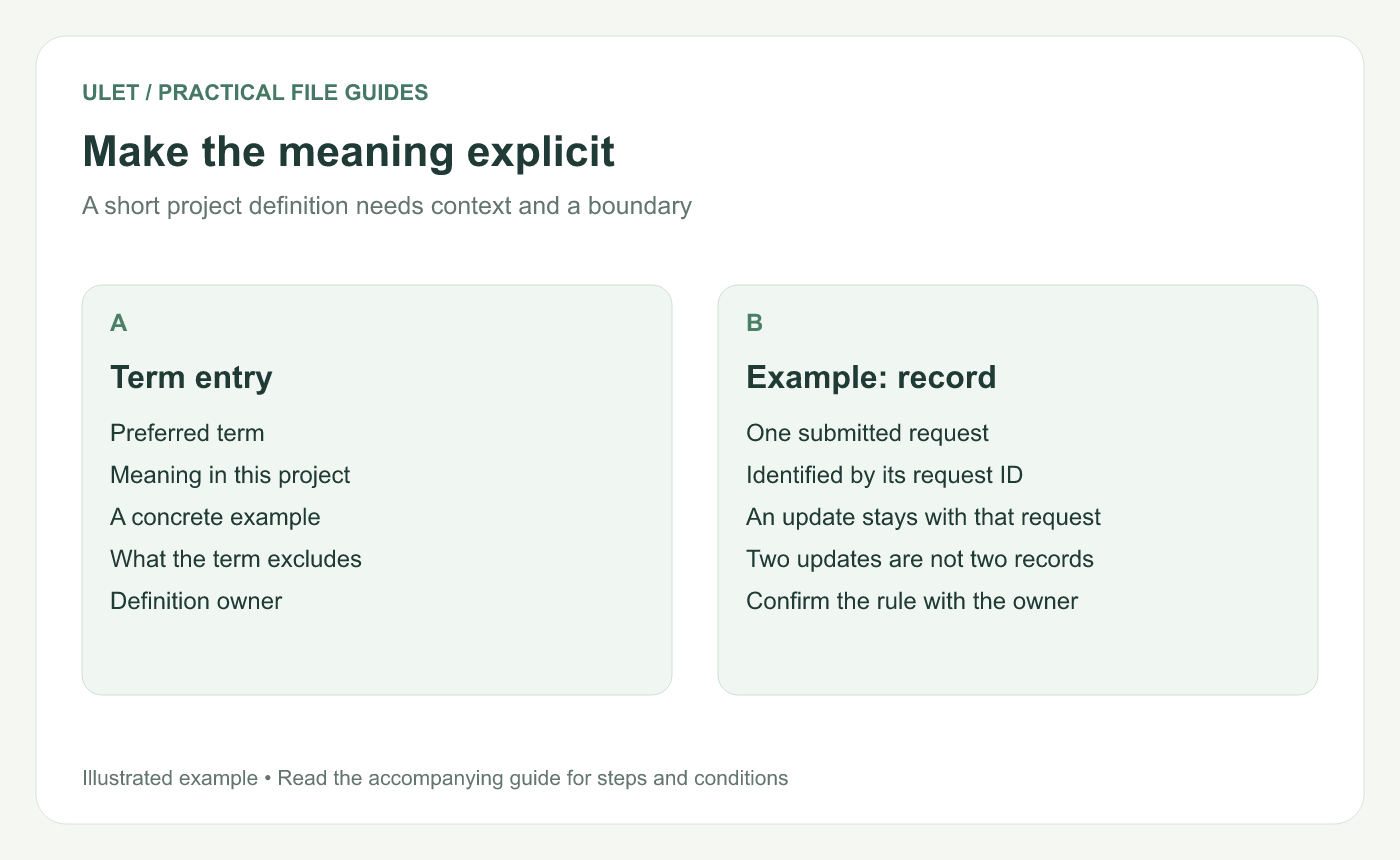
Make the meaning explicit. Original instructional illustration; sample records are examples, not product screenshots or observed test results.
Choose terms with a real ambiguity
“Record” might mean one request to one person and one update to another. That difference changes a count. “Issued copy” might mean a sent review file rather than the newest working draft.
Ask the person responsible for the process or metric to confirm the intended meaning. Write “in this project” when the definition is local rather than universal.
Copy a small term-entry structure
# Project glossary

## Issued copy
Meaning in this project: the version sent for the named review round.
Example: brief-v03-review.pdf.
Boundary: a working draft is not automatically an issued copy.
Owner: [actual role or name].

## Record
Meaning in this project: one submitted request, identified by its request ID.
Boundary: two updates to one request are not two records.
Owner: [actual role or name].
These are illustrative definitions. Replace them with your actual rules and the responsible owner before treating the glossary as a project reference.
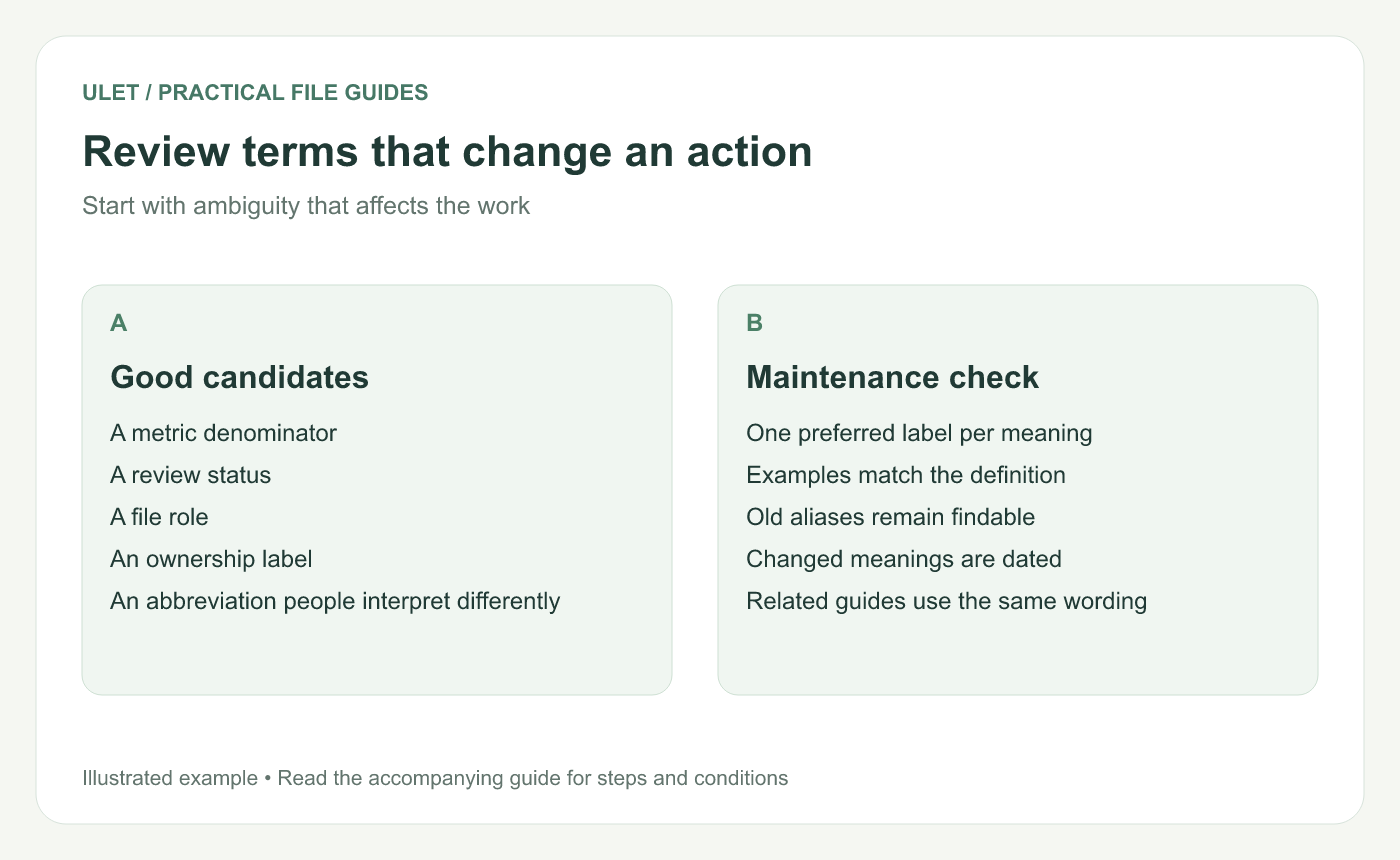
Review terms that change an action. Original instructional illustration; sample records are examples, not product screenshots or observed test results.
Use examples and boundaries together
An example shows what qualifies. A boundary explains a nearby case that does not. For a request count, state whether repeated updates share the original ID or create a new record.
Keep calculations and guides aligned with that definition. A glossary that says “one request” cannot repair a worksheet that actually counts update rows.
Make terms easy to locate
Use a heading for each term and a consistent order, such as alphabetical order or a few clear subject groups. If people use an old name, record it as an alias that points to the preferred term.
Avoid defining the same concept twice with slightly different wording. Resolve the difference with the owner and keep one maintained definition.
Review definitions when the process changes
Record the date of a meaning change and identify any reports or instructions that depend on it. If old records use an earlier definition, preserve enough context to interpret them.
Ulet provides free local Markdown editing on Windows and macOS. Keep the glossary beside the project README and reference it from the notes that use its terms.


