
For a small Markdown table, write a header row, a delimiter row and one record per body row. Keep the cells short and check the preview in the renderer that will receive the file.
Pipe tables are a Markdown extension, not a feature guaranteed by every Markdown parser. GitHub Flavored Markdown documents the table form used below.
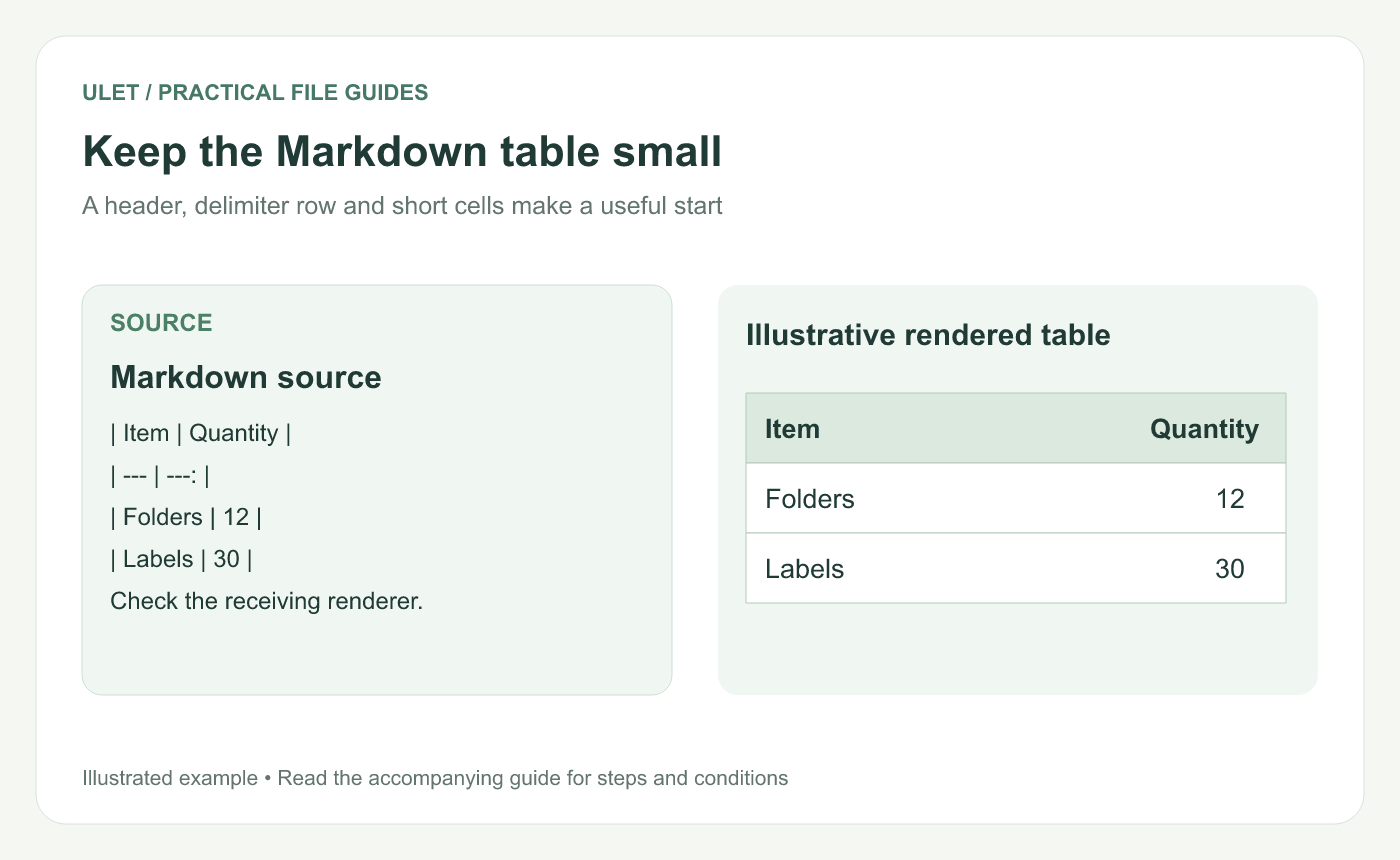
Keep the Markdown table small. Original instructional illustration; examples are not software screenshots or product test results.
Start with two columns
| Item | Quantity |
| --- | ---: |
| Folders | 12 |
| Labels | 30 |
The delimiter row separates the headings from the records. In this example, the colon at the right of ---: requests right alignment for Quantity. The exact appearance depends on the renderer and its styles. GFM table specification.
Use a consistent unit. If the quantities count different things, make the Item column clear enough that readers do not infer an inappropriate total.
Keep both source and preview readable
Use leading and trailing pipes consistently. Aligning the source columns with spaces can make editing easier, but the source does not need identical cell widths to form a table.
Check each new row for the intended number of fields. A misplaced pipe can shift content into another cell.
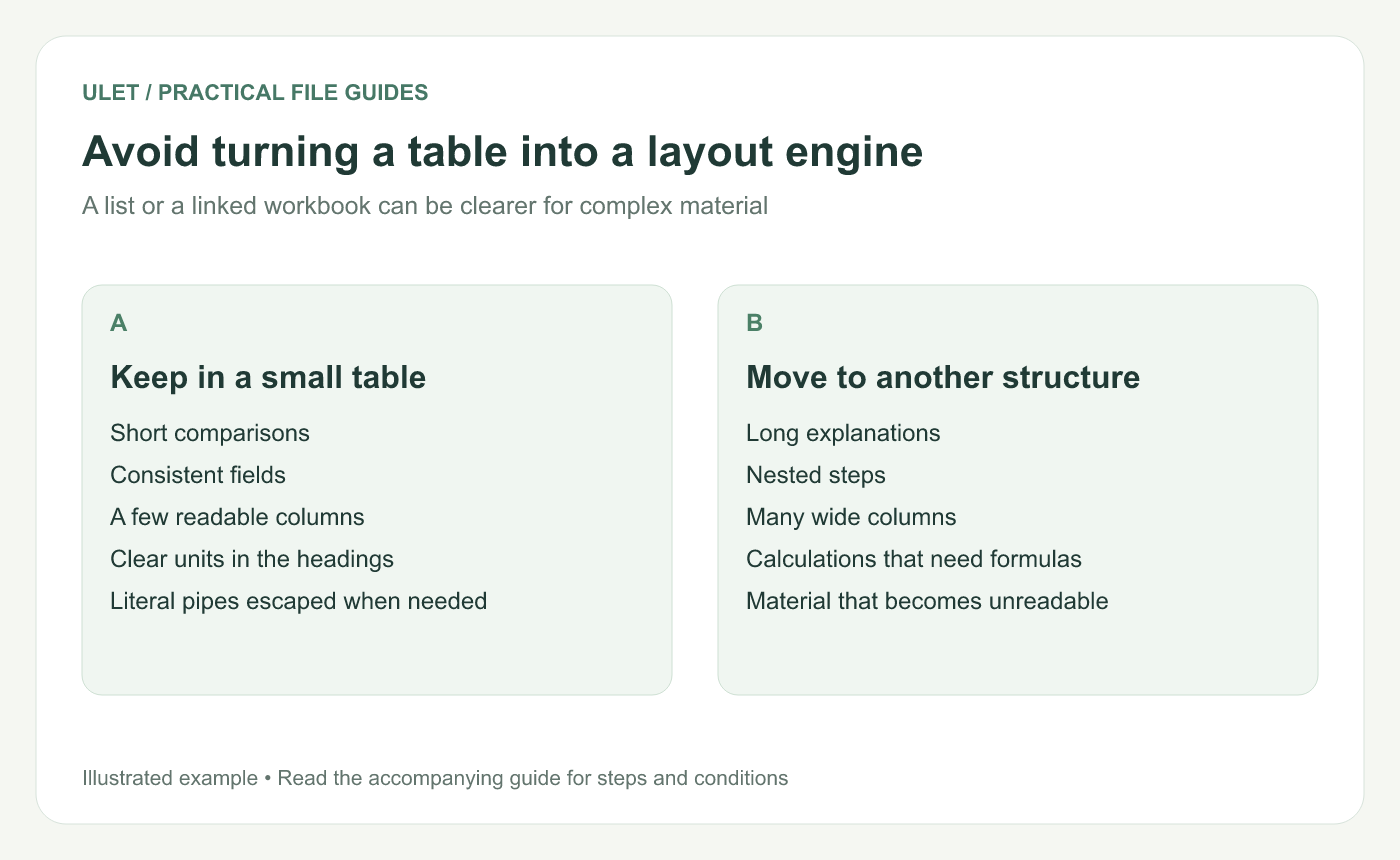
Avoid turning a table into a layout engine. Original instructional illustration; examples are not software screenshots or product test results.
Escape a pipe that belongs inside a cell
In GFM tables, write A\|B when a cell should contain the literal text A|B. Inspect the preview to confirm it remains one cell.
Keep multi-step instructions and long explanations outside the table. A table with whole paragraphs in several columns is difficult to read in both a narrow window and a plain-text editor.
Choose a different structure when needed
Use a list for a sequence, short subsections for detailed alternatives and a workbook for calculations that need formulas. Do not assume a Markdown table will perform spreadsheet arithmetic.
If the table is only a summary, link to the maintained detailed source and explain its role. That avoids maintaining conflicting copies of the same dataset.
Check the final workflow
Preview the headings, columns and alignment.
Inspect cells containing punctuation or links.
Read the table at the recipient's likely window width.
Check any DOCX or PDF export separately.
Save the complete Markdown source.
Ulet provides free local Markdown editing on Windows and macOS. Use its source and preview views to inspect the table, and verify the target renderer before relying on a particular extension or layout.



