
Use a fenced code block for a multi-line code example, configuration fragment or literal output. Put a fence of at least three backticks or tildes before and after the content, and keep the closing fence compatible with the opening one.
Add a language hint when it helps the reader. It may control syntax coloring, but it does not execute or validate the example.
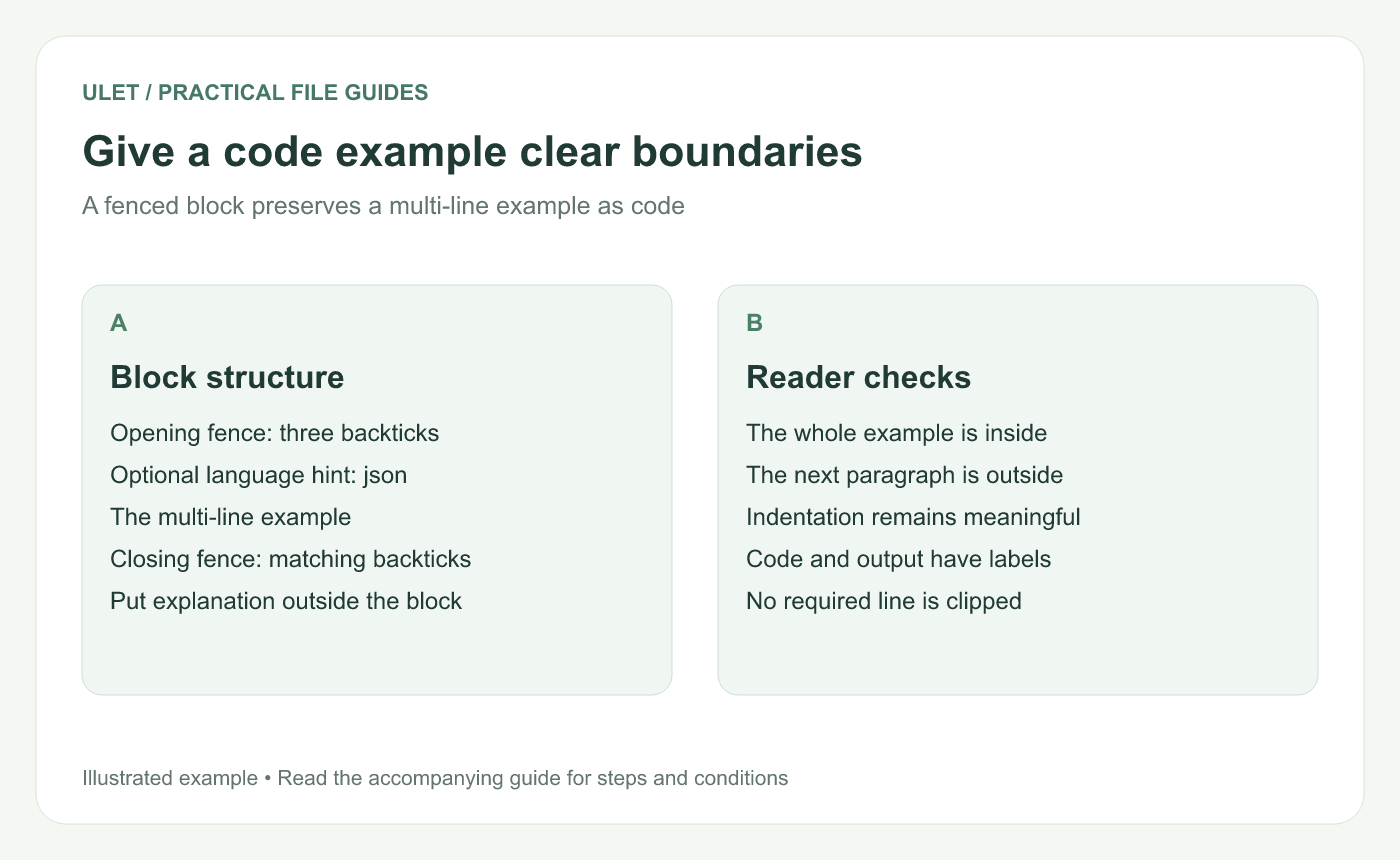
Give a code example clear boundaries. Original instructional illustration; examples are not software screenshots or product test results.
Try a small fenced example
```json
{
  "status": "review",
  "owner": "Sam"
}
```
The opening line marks a JSON example. The closing fence ends it so the next paragraph returns to ordinary Markdown.
CommonMark specifies fences of at least three matching characters and a closing fence at least as long as the opener. It also defines an optional information string after the opening fence. Fenced code specification.
Keep the explanation outside the block
Introduce what the example represents and what a reader should inspect. Label a result as output if it is separate from the input code.
The JSON above is illustrative data. It is not a record of a product run or a claim that a real task has been assigned to Sam.
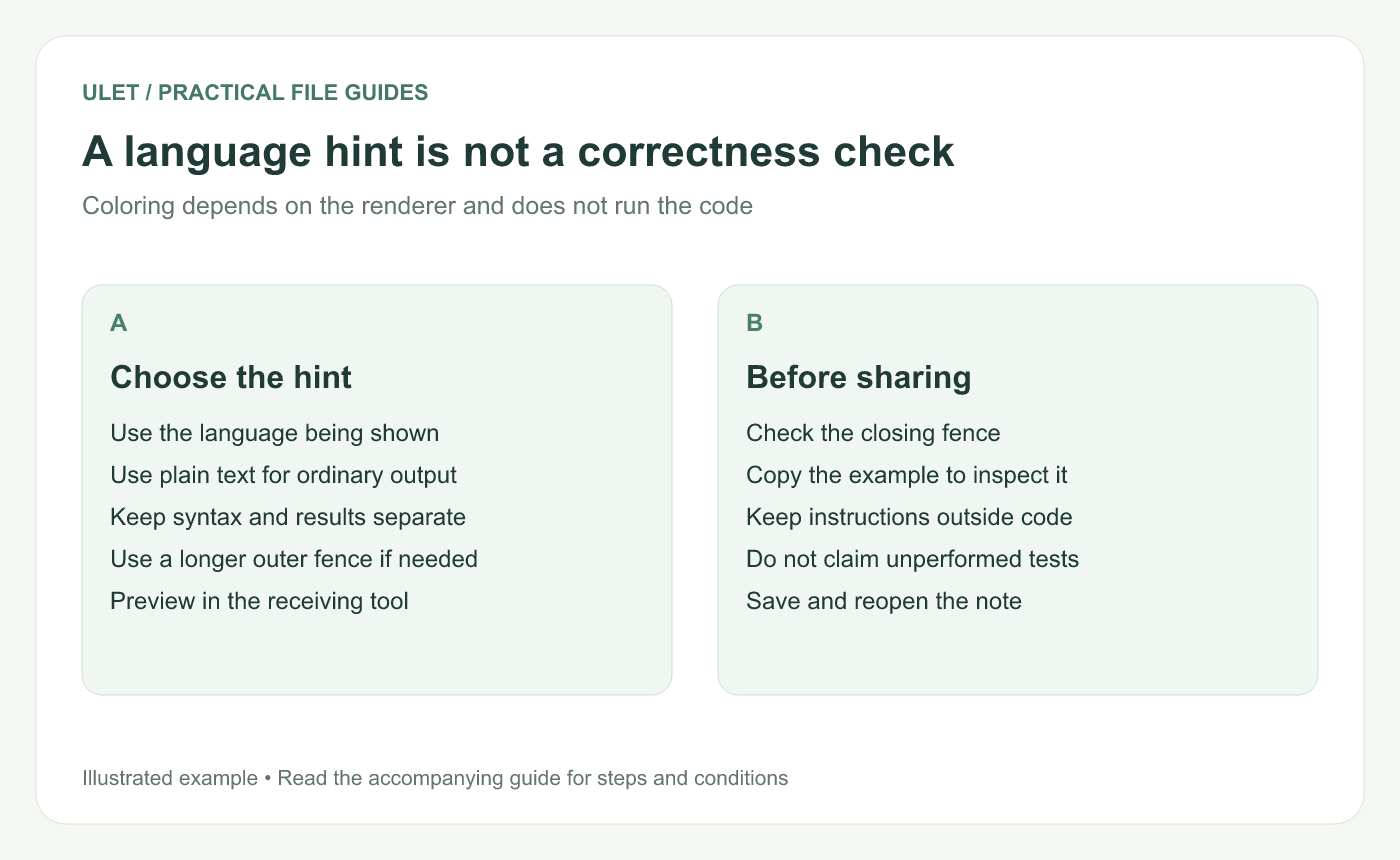
A language hint is not a correctness check. Original instructional illustration; examples are not software screenshots or product test results.
Choose readable line lengths
Look at the block in the actual preview and any exported copy. Long paths, identifiers or commands can extend beyond the comfortable reading width.
Do not add arbitrary line breaks to executable examples merely to make them fit. Use the language's valid continuation form, or provide a shorter valid example. For plain output, explain any deliberate truncation.
Handle examples that contain fences
To show a three-backtick block inside another fenced example, use a longer outer fence. The outer closing fence must still match its opener. Keep the inner and outer roles clear in the source.
If a large part of the note unexpectedly becomes code, look for a missing or incompatible closing fence before changing other formatting.
Check the stored example
Preview the complete block and the paragraph after it.
Check indentation and significant characters.
Copy the code to inspect what the reader receives.
Confirm any stated test result was actually obtained.
Save and reopen the Markdown file.
Ulet offers free local Markdown editing on Windows and macOS. Use source and preview together to inspect the fence boundaries, then check the receiving renderer when sharing the file.



