
A useful project README tells a new reader what the folder is for, where to start and how to get help. Put it near the top of the folder and keep its file references current.
You can use a README for a research packet, writing project or shared set of office files. It does not have to describe software.
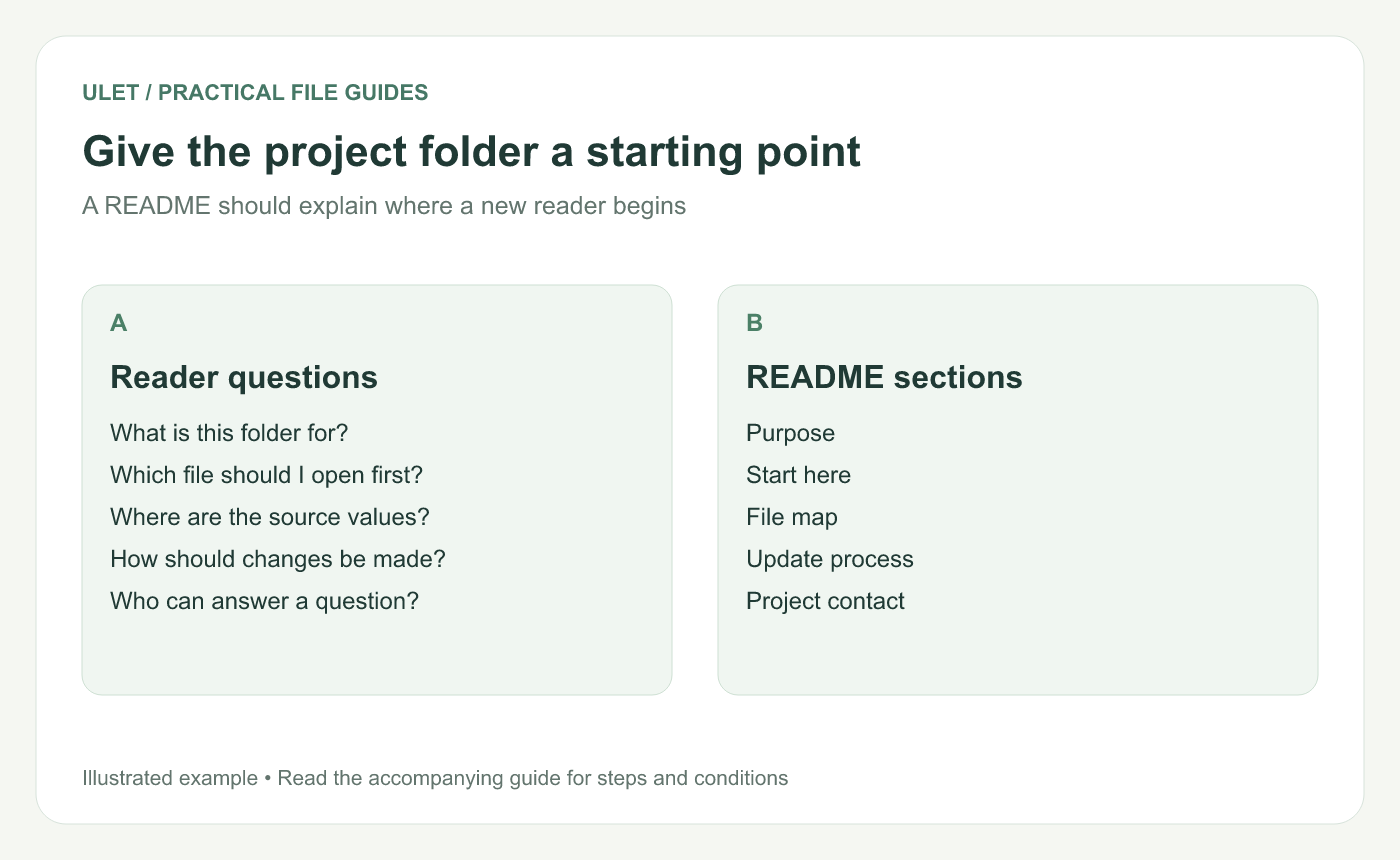
Give the project folder a starting point. Original instructional illustration; examples are not software screenshots or product test results.
Answer the first five questions
Explain the purpose, the starting file, the important source material, the update routine and the project contact. GitHub's README guidance describes similar starting information for repositories: what the project does, how to begin and where to get help. GitHub README guidance.
Keep the explanation short enough to use as an entry point. Link to a maintained guide when a procedure needs several pages.
Start with this local-project example
# Review packet

## Start here
Read [the summary](notes/summary.md), then inspect the source table.

## Files
- notes/summary.md — current explanation
- data/source.csv — source values used in the summary
- figures/overview.png — supporting illustration

## Update process
Record the source date before revising the summary.

## Help
Contact: [replace with the actual project contact]
This is an illustrative folder structure. Create the named files for a trial, or replace the paths with your project's actual files. Replace the contact slot before sharing.
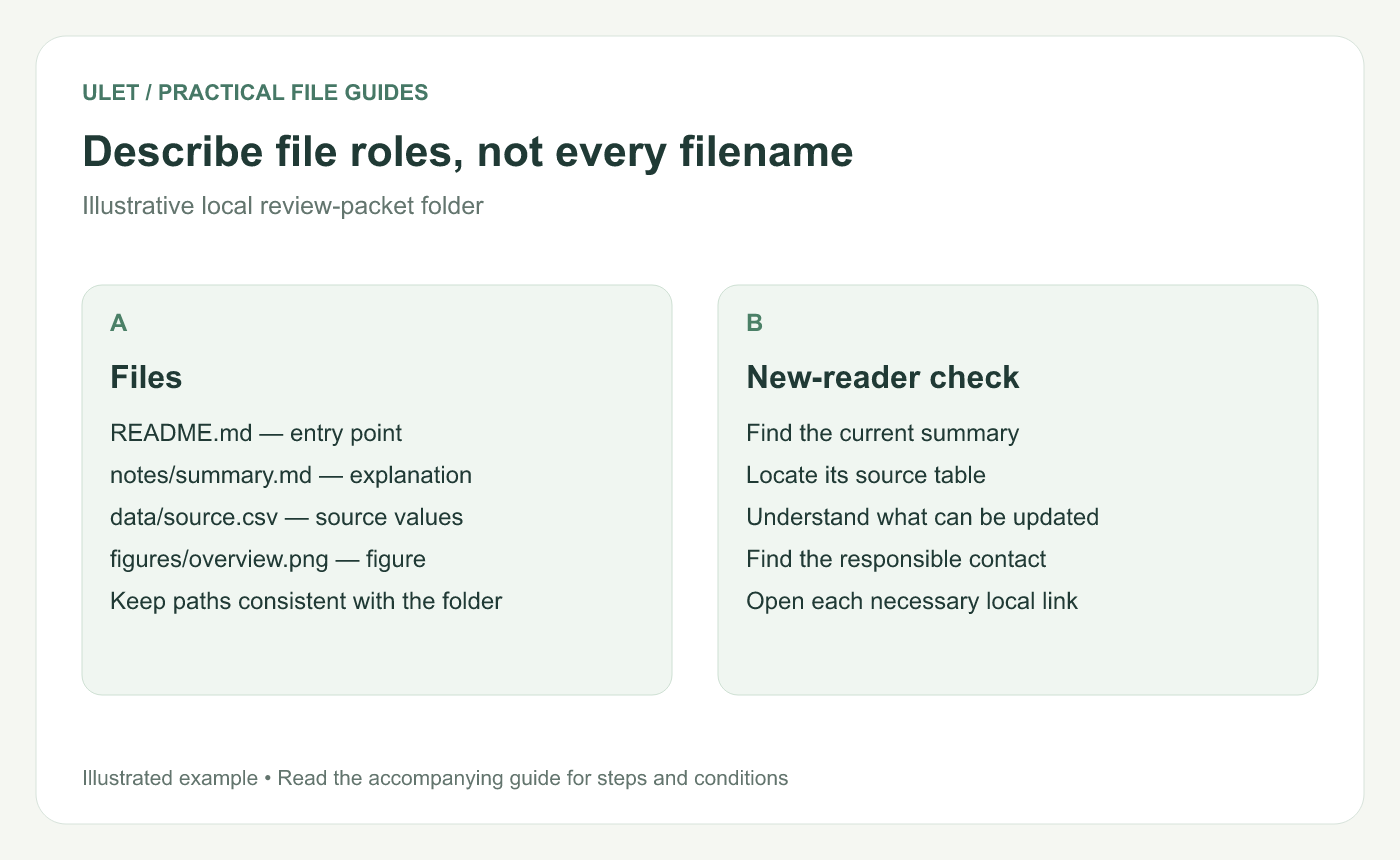
Describe file roles, not every filename. Original instructional illustration; examples are not software screenshots or product test results.
Describe the role of each important file
“Source values used in the summary” is more helpful than repeating a filename with no explanation. Distinguish the maintained source, a generated output and an issued copy when the folder contains all three.
Avoid cataloging every temporary file. The map should help the reader choose the right next action, not reproduce the entire directory listing.
Make the first action easy to follow
Ask someone unfamiliar with the project to open the starting file and locate its source. If they need to guess which summary is current, add a version reference or remove the ambiguity in the folder.
Test relative links from the README's own location. A path that works from a note inside a subfolder may need a different starting point here.
Update the entry point when the project changes
Review the README after moving a key file, changing the update process or assigning a new contact. An accurate short guide is better than a comprehensive guide that describes last month's folder.
Ulet provides free local Markdown editing on Windows and macOS. Keep README.md with the project files and use the preview to check its headings and links before handing over the folder.



