
Check a PDF hyperlink by clicking it in the saved delivery copy and comparing the destination with the link's wording. Inspect internal jumps, external references and any linked files separately.
Blue or underlined text is not proof of a working link. A link can also open successfully while leading to the wrong section or an outdated source.
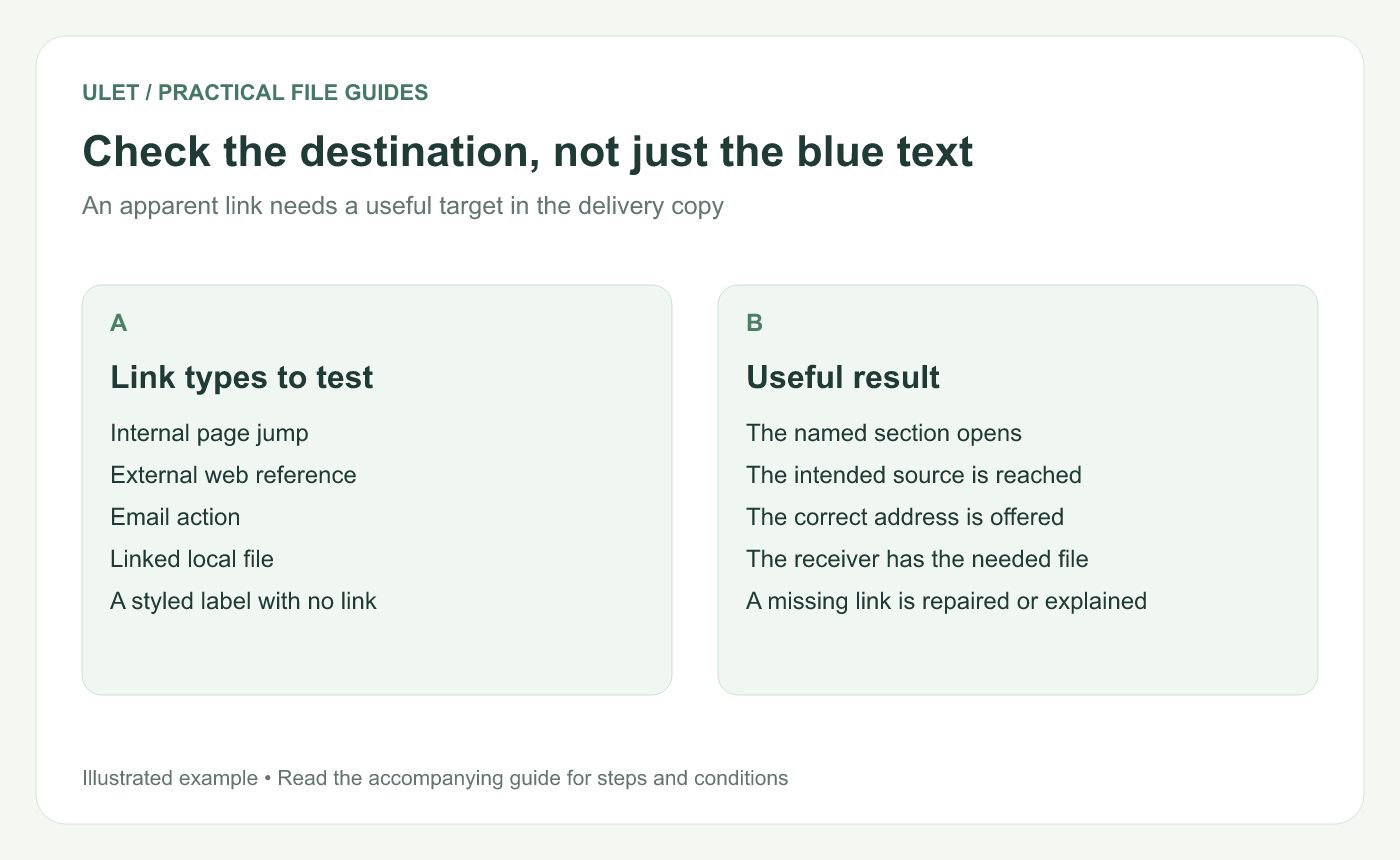
Check the destination, not just the blue text. Original instructional illustration; example text and diagrams are not software screenshots.
List the links that matter
Start with the contents page, references, instructions and calls to action. Give priority to links the reader must use to complete the task.
Record the visible label and intended target. “Open setup instructions” should identify the actual setup guide and version, not simply any page that happens to load.
Test each kind of destination
Link type | What to verify |
|---|---|
Internal jump | The first visible heading matches the intended section |
Web reference | The target is the intended source, not an unrelated landing page |
Email action | The offered address is correct |
Local file | The recipient has an accessible matching file and path |
Use the viewer's normal link-opening interaction. In an editing mode, selecting a link object may not follow it. Adobe documents that PDF links can have configured actions, which is why the action needs testing as well as the label. PDF link actions.
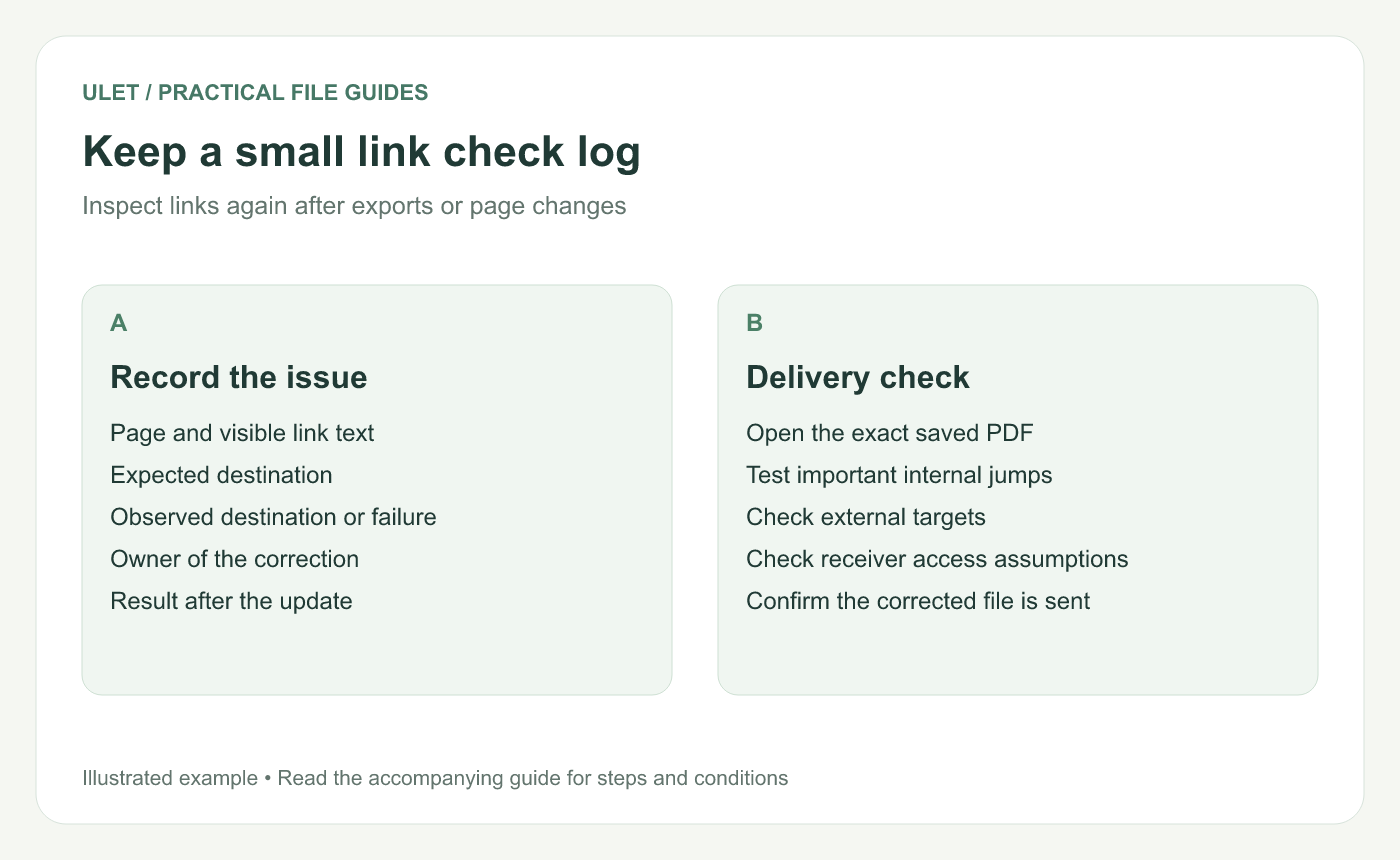
Keep a small link check log. Original instructional illustration; example text and diagrams are not software screenshots.
Check the recipient's situation
A link to a file on your own computer usually does not give another person access to that file. Decide whether the receiving workflow needs a delivered companion file, an agreed shared location or a different reference.
A sign-in page can be the expected route for an internal resource. Confirm the intended audience has the necessary access instead of treating your own successful login as a complete test.
Retest after document changes
Page insertion, removal, reordering or a fresh export can affect navigation. After those changes, open the new PDF and check the important destinations again.
For an internal link, inspect the actual section content after the jump. An old page position can still exist while containing something different.
Record and close the failures
Keep a short log with the source page, label, expected target, observed problem and correction owner. Update the maintained source when that is where the link is controlled.
Ulet lets you review local PDFs alongside their source documents on Windows and macOS. Confirm that the final file you deliver is the one whose links you checked.



