
Review OCR by comparing the recognized text with the visible page image, especially for names, identifiers, dates and amounts. Keep uncertain characters marked until the source can resolve them.
A sentence that reads smoothly can still contain the wrong digit or letter. Prioritize fields whose exact characters matter to the next task.
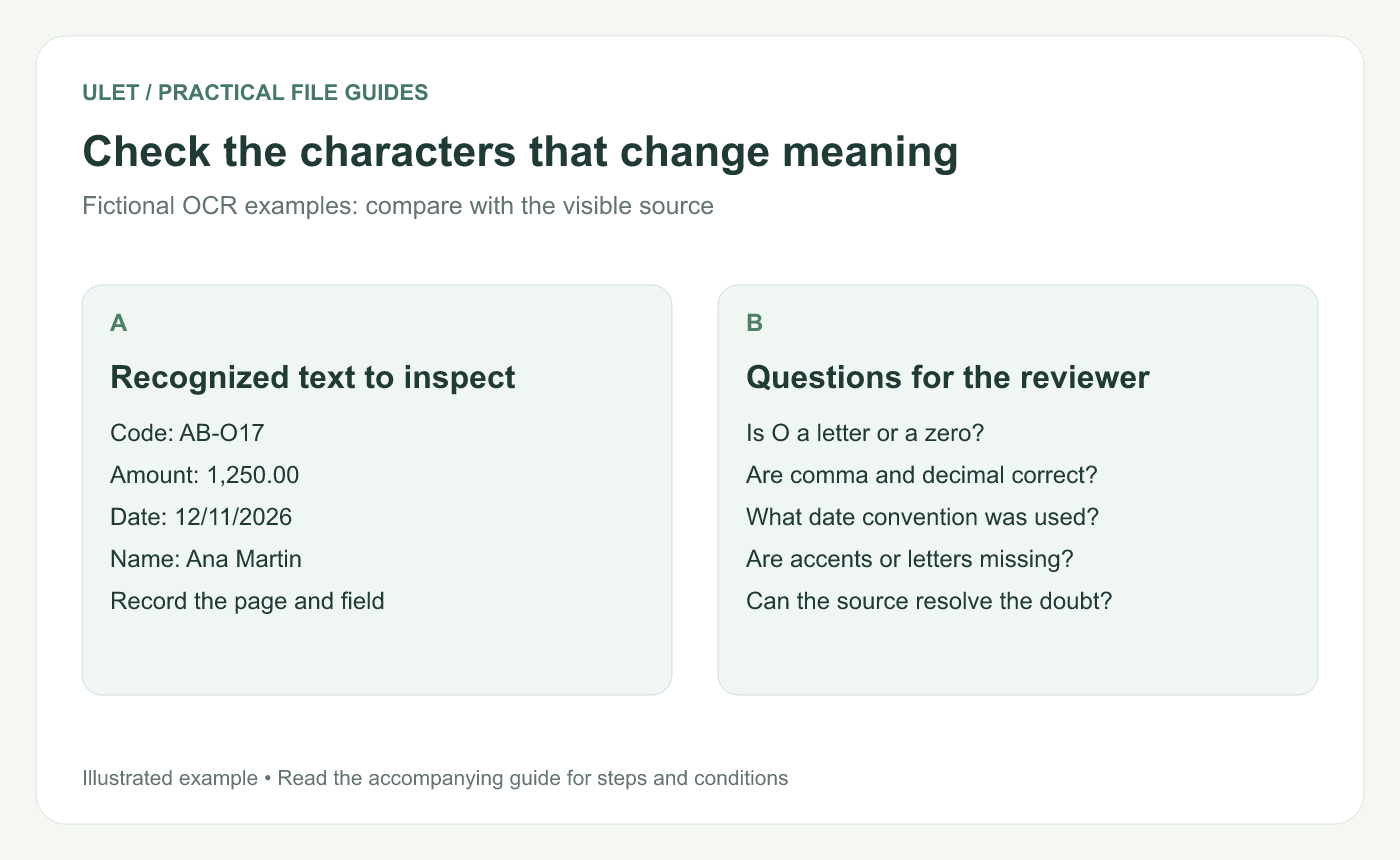
Check the characters that change meaning. Original instructional illustration; example text and diagrams are not software screenshots.
Choose the fields that need exact verification
Field | What to inspect |
|---|---|
Name | Spelling, accents and missing characters |
Identifier | Every character, leading zeros and separators |
Amount | Digits, minus signs, currency and decimal convention |
Date | Digits, year and the intended date order |
For example, the fictional code AB-O17 needs a check of whether the middle character is the letter O or the digit zero. Do not choose the one that merely looks more familiar.
Compare the image and the extracted value
Find the exact page and field.
Zoom enough to inspect the source without losing its context.
Copy the recognized field into a verification note.
Compare each character with the image.
Record anything the image does not resolve.
For a blurred character, seek a clearer source or confirm the value with its owner. An OCR retry may help, but it does not substitute for evidence.
Adobe's recognition-review workflow likewise compares the image with the suggested text and allows corrections to uncertain words. That description explains the review principle; it does not imply the same controls exist in every editor. OCR correction guidance.
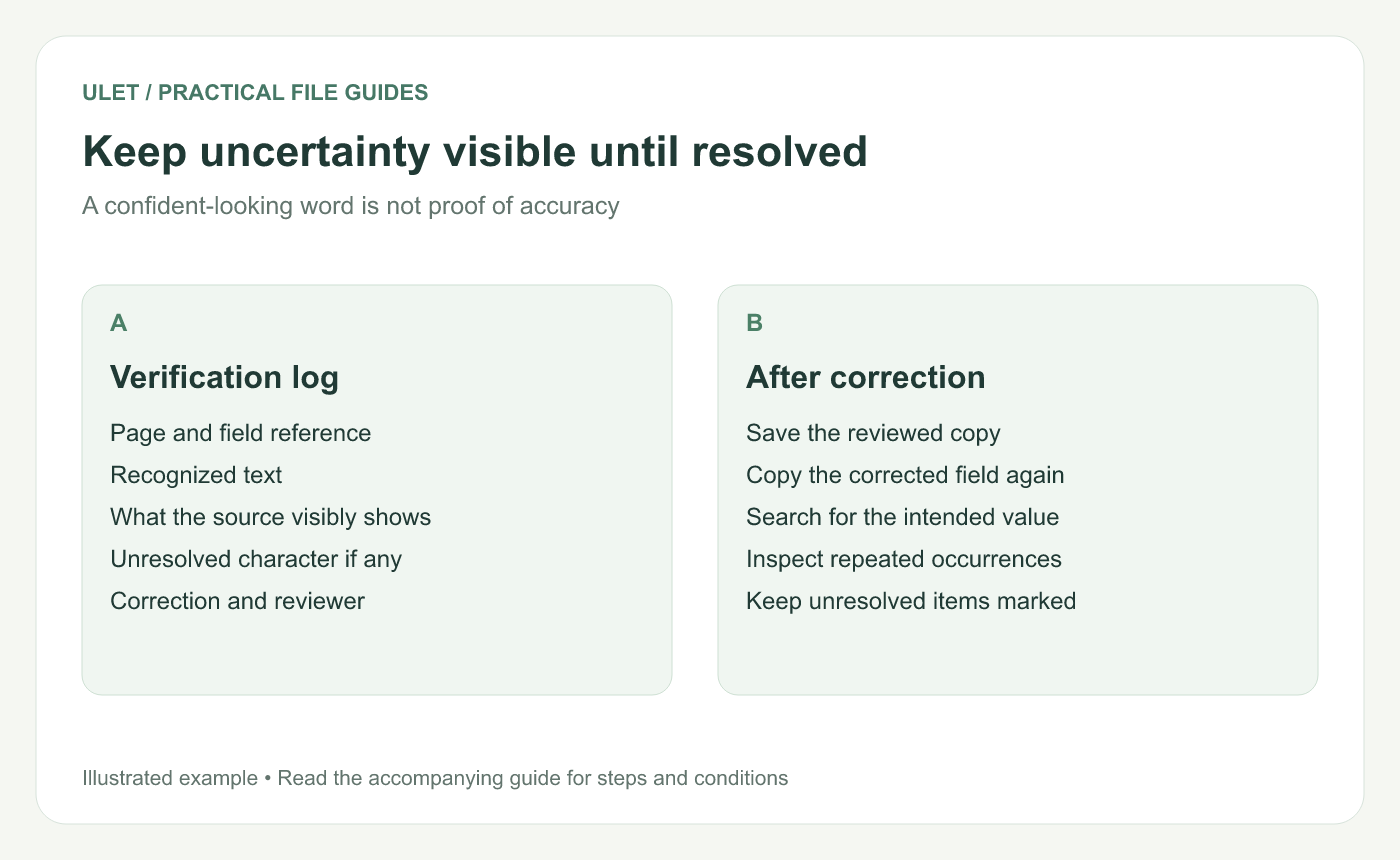
Keep uncertainty visible until resolved. Original instructional illustration; example text and diagrams are not software screenshots.
Keep a short verification record
Record the page, field, recognized value, confirmed value and who checked it. If the date convention is unresolved, write that explicitly rather than silently changing a plausible date.
When there are many repeated fields, define the review scope. A spot check is useful for finding issues, but it is not a claim that every unreviewed name or number is correct.
Check the text used downstream
After any correction, save the reviewed copy and copy the field again. Confirm the text that a search, export or later worksheet will actually use matches the intended value.
Inspect repeated occurrences individually when their context differs. Keep the original scan until the reviewed result and unresolved-item list are available.
Ulet lets you keep local PDF review and a DOCX or Markdown verification note together on Windows and macOS, with free basic editing. Use the note to preserve what was checked instead of relying on memory.



