
For a small typo in an editable PDF, select the existing text, replace only the incorrect wording and inspect the saved line. Keep the original PDF so you can compare the result.
If the change affects several paragraphs or the page needs substantial reflow, revise the maintained source document and create a new PDF instead.
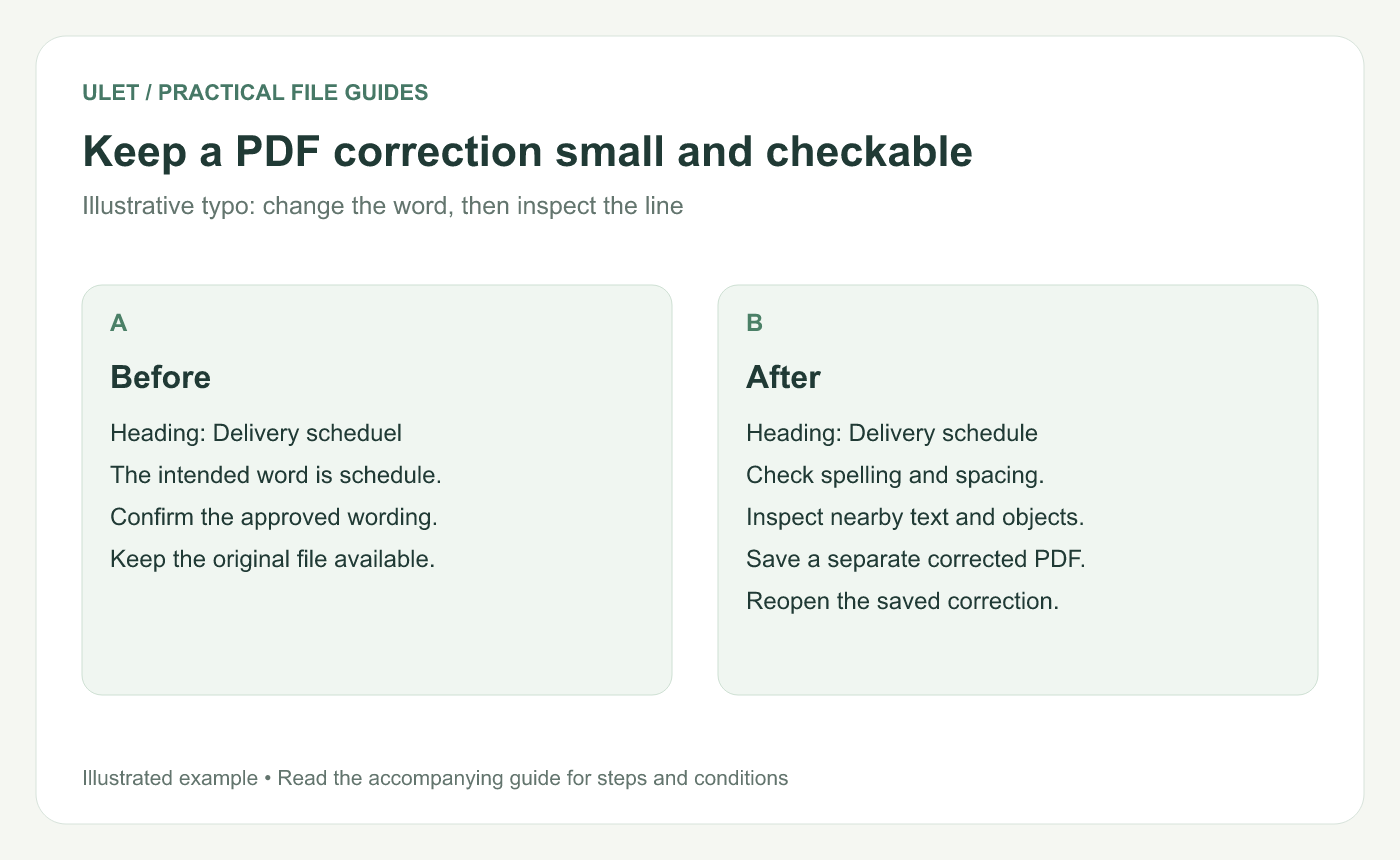
Keep a PDF correction small and checkable. Original instructional illustration; sample records and layouts are examples, not software screenshots.
Confirm the correction and the text type
Identify the exact page and passage. For an illustrative typo, “Delivery scheduel” should become “Delivery schedule.” Confirm the intended wording before changing it.
In Ulet, open the local PDF and use the text-editing controls to select the existing text. If the words are part of a page image rather than editable text, use the PDF text diagnosis guide to choose an appropriate route.
Make the smallest useful replacement
Select the affected text object or passage.
Correct the known word or short phrase.
Apply the edit using the editor's controls.
Inspect the complete line at a readable zoom.
Check the paragraph and neighboring objects.
Do not assume a replacement will flow like a paragraph in a word processor. The length of the new wording and the available font can affect appearance. Adobe's PDF text-editing guidance also identifies font availability as relevant to changing existing text. Adobe text-editing reference.
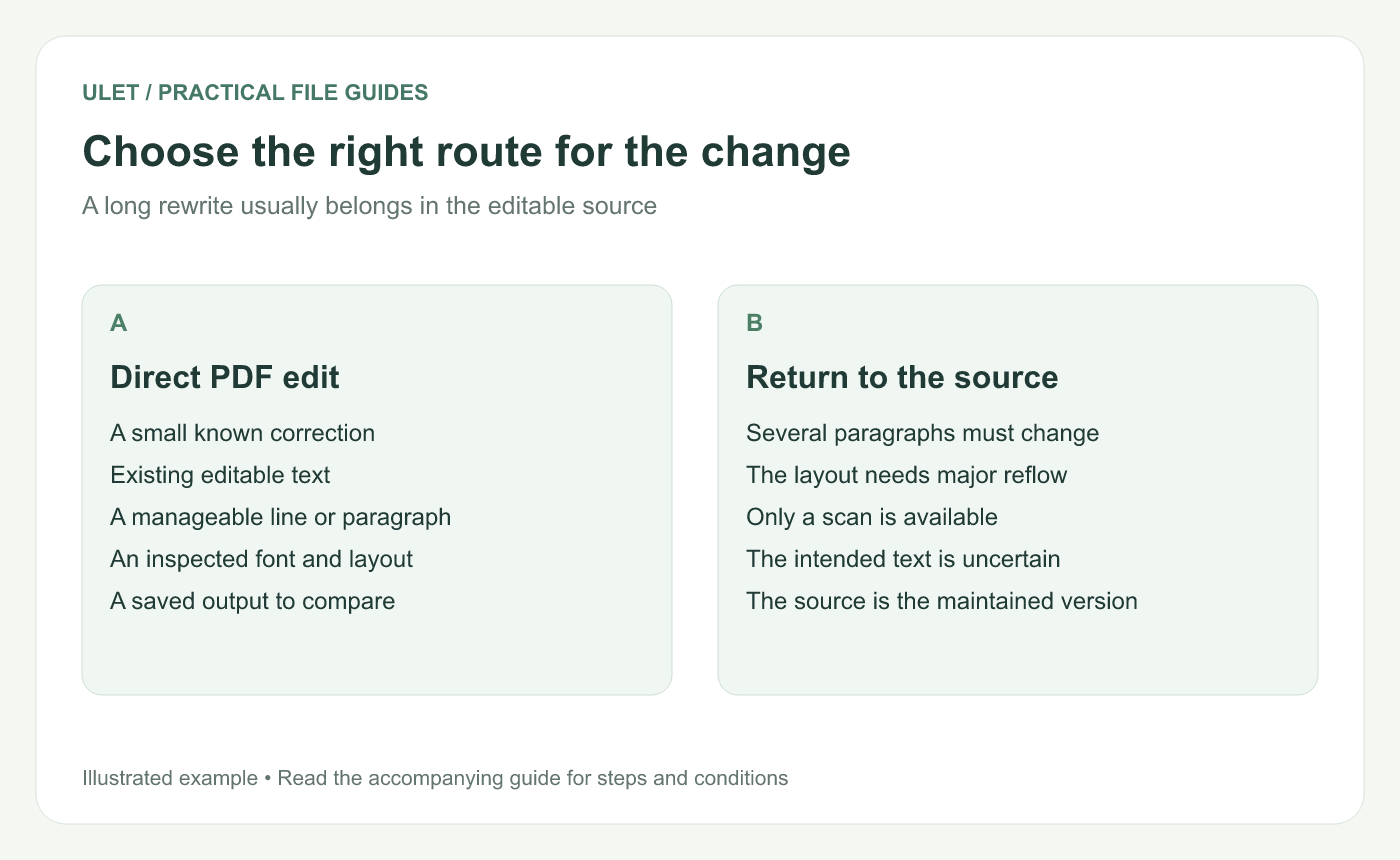
Choose the right route for the change. Original instructional illustration; sample records and layouts are examples, not software screenshots.
Check the content, not only its appearance
Select or copy the corrected passage where possible and confirm the intended characters. Search for the typo to find other occurrences, then inspect each match in context rather than replacing unrelated text automatically.
Placing a new text box over the page is a different operation from editing the original text. For this correction task, check that you changed the intended object rather than merely covering what was visible.
Save and compare
Save a separate corrected PDF, reopen it and inspect the changed passage again. Compare the surrounding layout, page count and any navigation that matters to the document.
For a document maintained as DOCX or another editable source, record the correction there too. Otherwise, the next PDF generated from that source may bring the typo back.
Return to the source when the edit grows
If the replacement causes a series of spacing fixes or needs changes across several pages, stop and update the source. A clean source revision is easier to maintain than many disconnected PDF patches.
Ulet provides local PDF and document editing in one app on Windows and macOS. Free basic editing gives you a practical place to make the correction and review the resulting copy.



