
An onboarding presentation should tell a new starter where to begin, whom to ask and how to find the current instructions. Organize it around the first few actions they need to take, rather than the organization's entire history.
Keep detailed procedures in maintained guides. Use the deck as a map to those guides and to the people who can help.
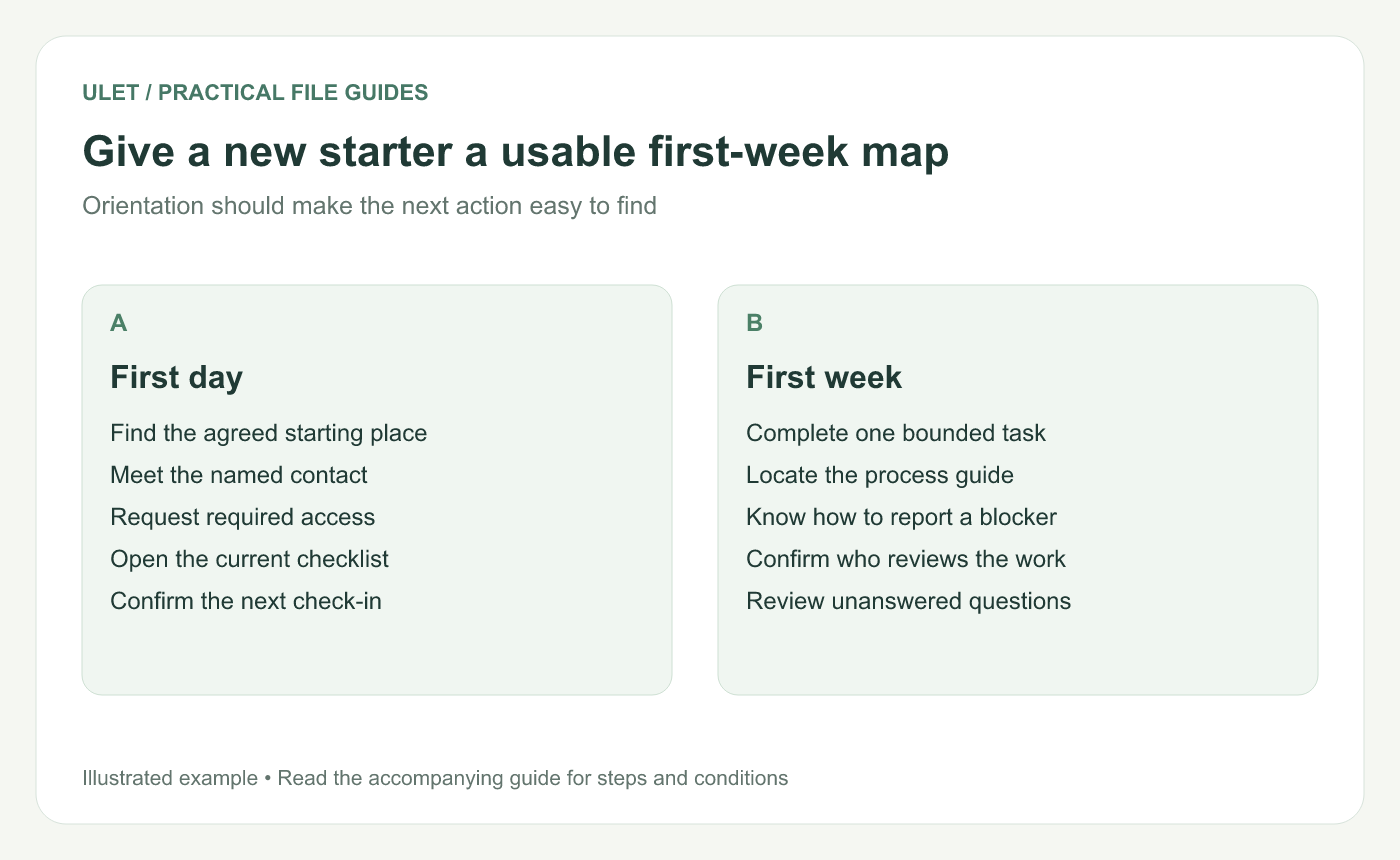
Give a new starter a usable first-week map. Original instructional illustration; sample records and layouts are examples, not software screenshots.
Plan the first day before the company overview
List the things a person needs to do before useful work can begin: find the starting place, contact the right person, request access and locate the current checklist.
Give each action a destination. “Set up your tools” is vague; “Follow the access checklist supplied by your onboarding contact, then report any blocked step to that contact” explains how to proceed without inventing a setup policy.
Show who helps with what
Use a small contact table with a name or role, the question it handles and the agreed contact route. Verify the details before the session. A list of names alone makes the new starter guess which person owns the problem.
Explain the fallback route when ownership is unclear. Keep this practical and aligned with how your team actually works.
Give the first week a manageable shape
Checkpoint | What the starter should be able to find |
|---|---|
First day | Starting checklist, immediate contact and access request route |
First task | Expected output, owner, reference guide and reviewer |
First check-in | Time, person and a place to collect questions |
End of first week | Progress review and the next agreed task |
These are example checkpoints. Set the actual timing with the people responsible for onboarding.
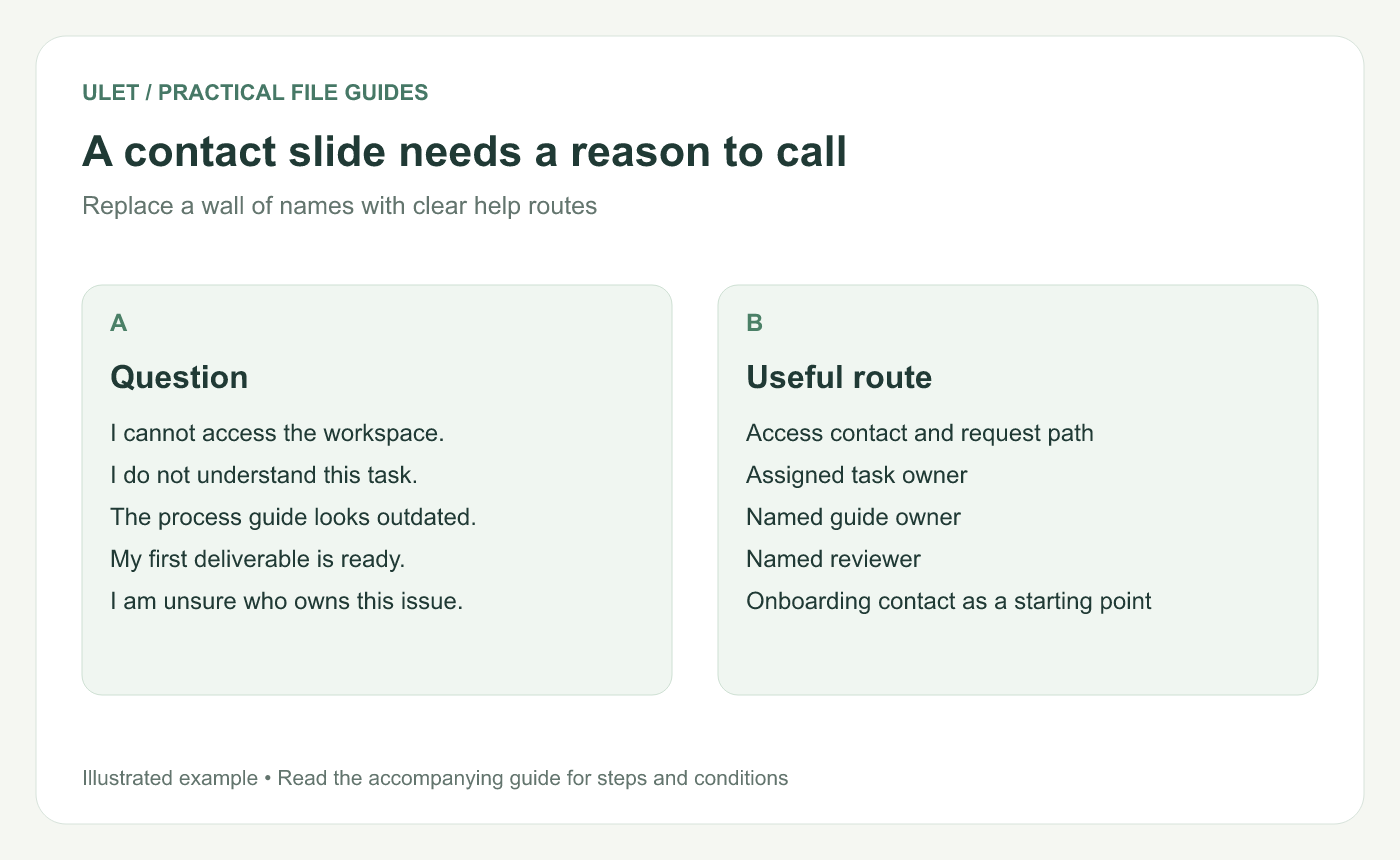
A contact slide needs a reason to call. Original instructional illustration; sample records and layouts are examples, not software screenshots.
Keep the reference material findable
Use descriptive guide titles and usable links or file locations. Check access from the starter's expected position; a link that works for an existing team member may not yet be available to a new person.
Avoid pasting a long procedure into the deck when the procedure already has a maintained home. Record its owner and update date so readers can recognize the current instructions.
Try the map with a fresh reader
Ask someone unfamiliar with the material to find the first task, its reviewer and the route for an access problem. Revise anything that requires an explanation outside the deck.
Ulet's free basic presentation editing lets you maintain the local PPTX on Windows and macOS. Keep the onboarding map alongside its reference documents, and review the contacts and links whenever the onboarding process changes.



