
To reduce text on a crowded slide, decide the slide's job and keep the words needed for that job. Move supporting detail to a named destination, then rewrite the remaining text before changing its size.
Start by copying the existing wording into a working note. That makes it easier to cut and reorganize without losing information you may need elsewhere.
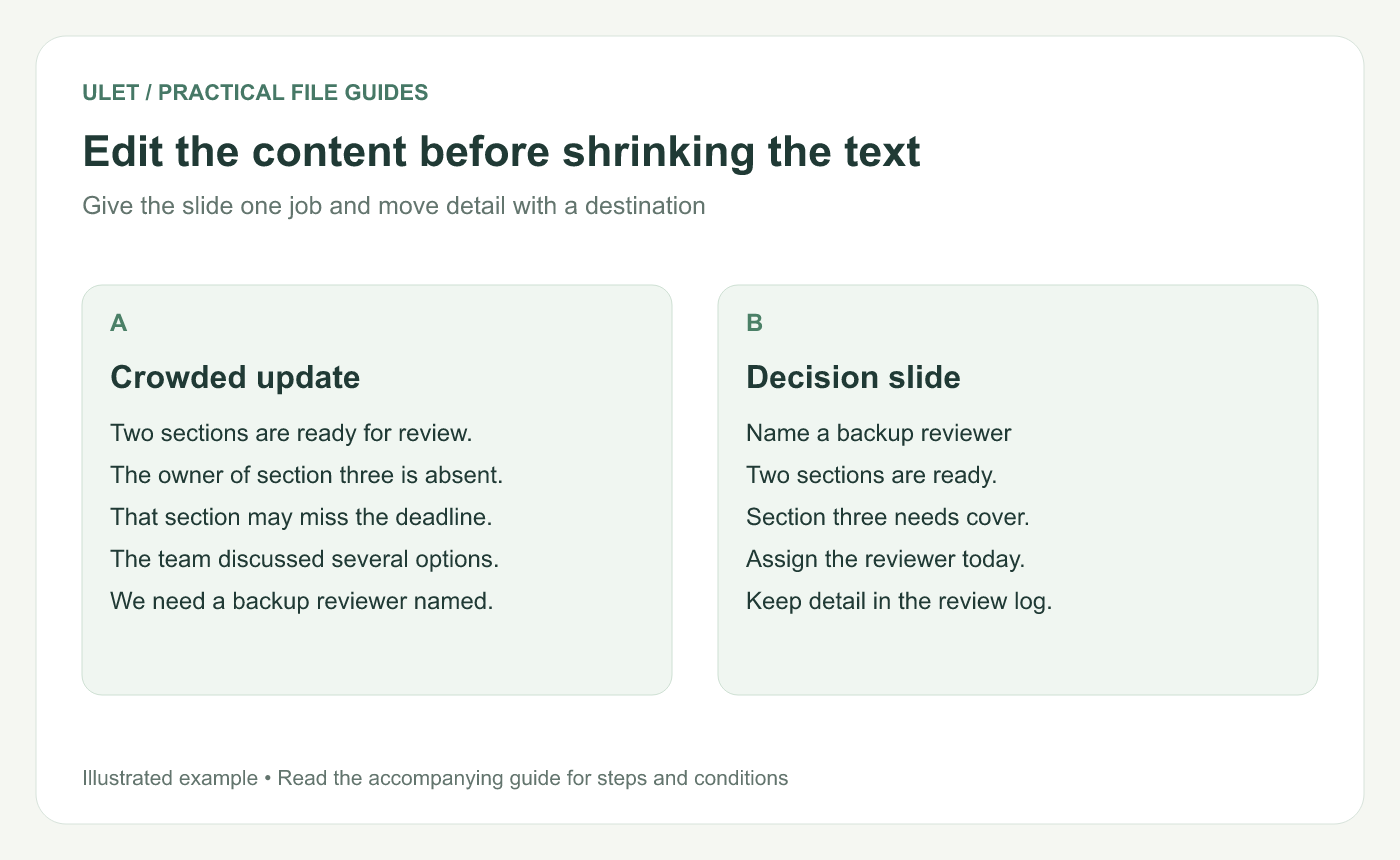
Edit the content before shrinking the text. Original instructional illustration; example values and layouts are illustrative, not software screenshots.
Choose what the audience needs to do
Suppose the original slide describes two completed sections, an absent owner, a possible delay, several discussed options and the need for a backup reviewer.
If the meeting needs a decision, the slide's job is “Name a backup reviewer today.” Keep the reason directly below it: two sections are ready, while the third needs review cover. Put the history of the discussion in the review log.
Sort the text before rewriting
Content | What to do with it |
|---|---|
Main conclusion or request | Keep it prominent |
Reason needed to understand the request | Keep a short explanation |
Qualification that changes the meaning | Keep it with the claim |
Detailed evidence | Move it to a findable appendix or source |
Repeated or outdated wording | Delete it after checking its purpose |
“Move to the appendix” is only useful if the appendix exists and the reader can find the detail. Record a clear title or reference.
Rewrite sentences as complete ideas
Remove introductions such as “It should be noted that” and repeated context the audience already has. Use a direct verb and a concrete subject.
Avoid cutting every sentence into fragments. “Reviewer needed” may be short, but “Assign a backup reviewer today” tells the audience what action is required and when.
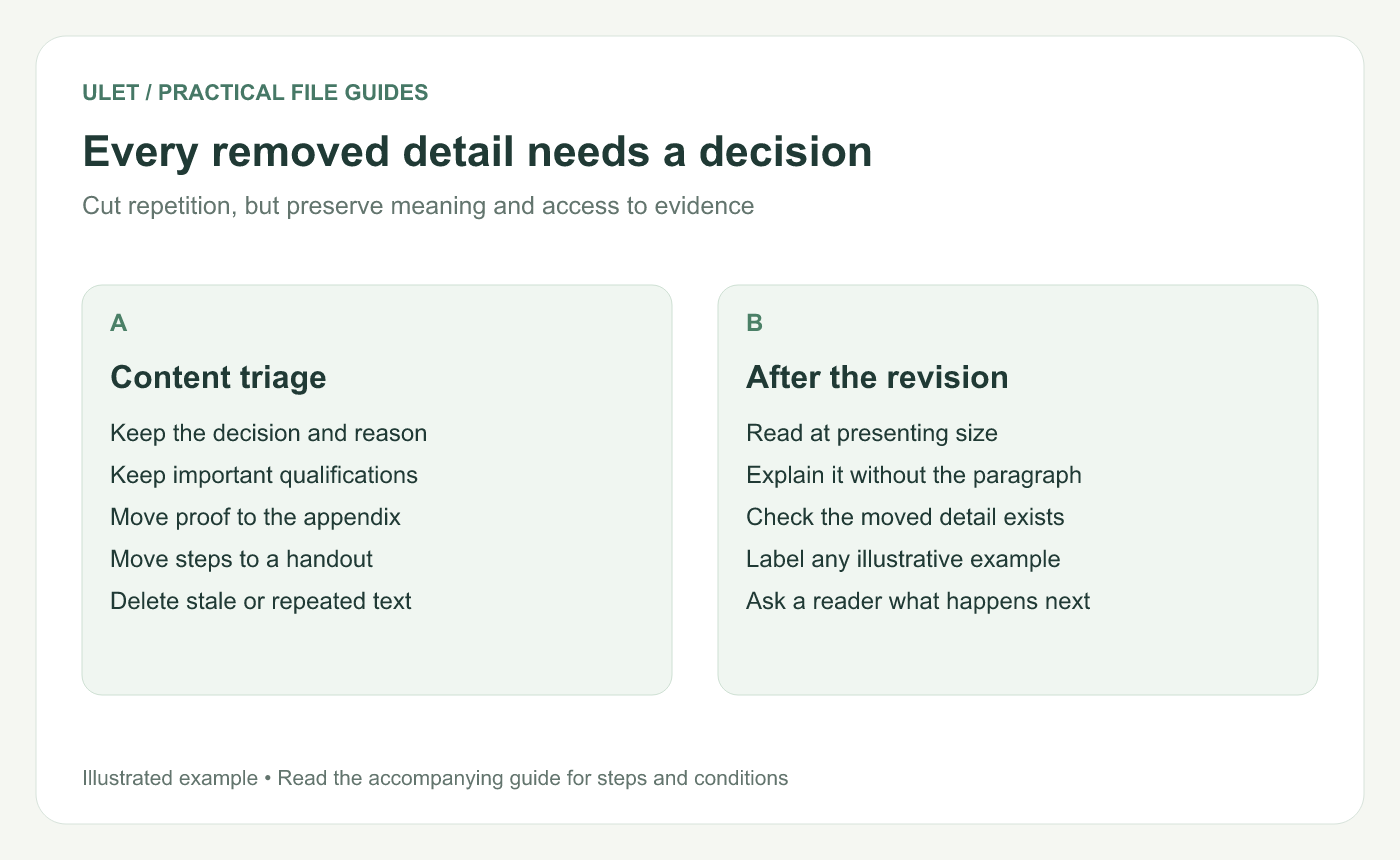
Every removed detail needs a decision. Original instructional illustration; example values and layouts are illustrative, not software screenshots.
Split a slide when it has two jobs
A process explanation and a request to approve that process may deserve separate slides. First explain enough for the audience to understand the proposal; then make the decision explicit.
Do not split a chart from the definition that makes its numbers interpretable. Keep essential context with the evidence even when it costs a line of space.
Check the revised version with a reader
Show the whole slide at the intended viewing size. Ask what it says and what should happen next. If the reader needs your original paragraph to interpret it, you may have removed too much or kept the wrong words.
Ulet lets you revise text and objects in a local PPTX with free basic editing. Keep the original copy for comparison, then inspect the saved revision together with any material you moved.



