
Build a training deck around something the learner can do by the end. Write that task first, then choose the explanation, example, practice and check needed to support it.
“Understand request intake” is difficult to assess. “Given a sample request and the intake rule, identify a missing required field, write the clarification needed and explain the rule applied” gives the lesson a visible result.
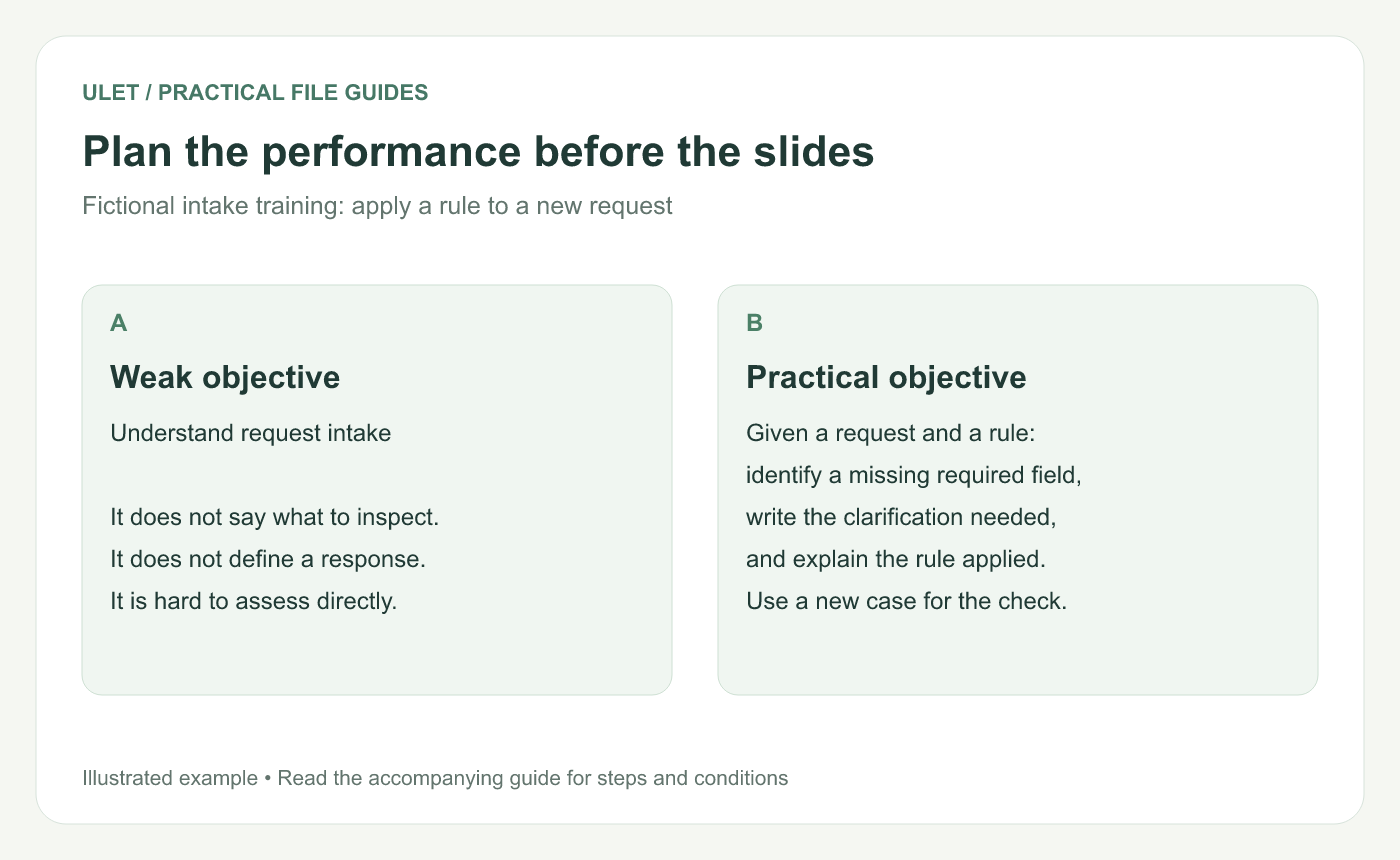
Plan the performance before the slides. Original instructional illustration using a fictional intake rule, not a software screenshot.
Define the starting conditions and result
For this fictional exercise, a complete request must contain a request ID, a date and a description. Supply that rule on a handout or slide. Explain that checking completeness is separate from deciding whether the request's content is valid.
The learner's output is a marked sample plus a clarification message naming the missing field. They should explain their answer using the supplied rule, rather than guessing from an unstated policy.
The CDC describes learning objectives as learner-focused, observable and measurable statements that guide content, activities and assessment. Its guidance is written for training development; this fictional intake lesson applies the principle to a small office task. CDC learning objectives guide.
Plan the lesson around the task
Lesson part | What it does |
|---|---|
Rule | Names the three fields required in this exercise |
Worked example | Shows a complete record and explains why it qualifies |
Practice | Asks the learner to inspect a different record |
Check | Requires the missing field, clarification and reason |
Feedback | Explains the missed condition and gives another case |
Demonstrate with “R-014; 2026-11-12; receipt query.” All three required fields are present. Then give the learner “2026-11-12; receipt query.” The request ID is missing. A useful response is “Please provide the request ID for this receipt query.”
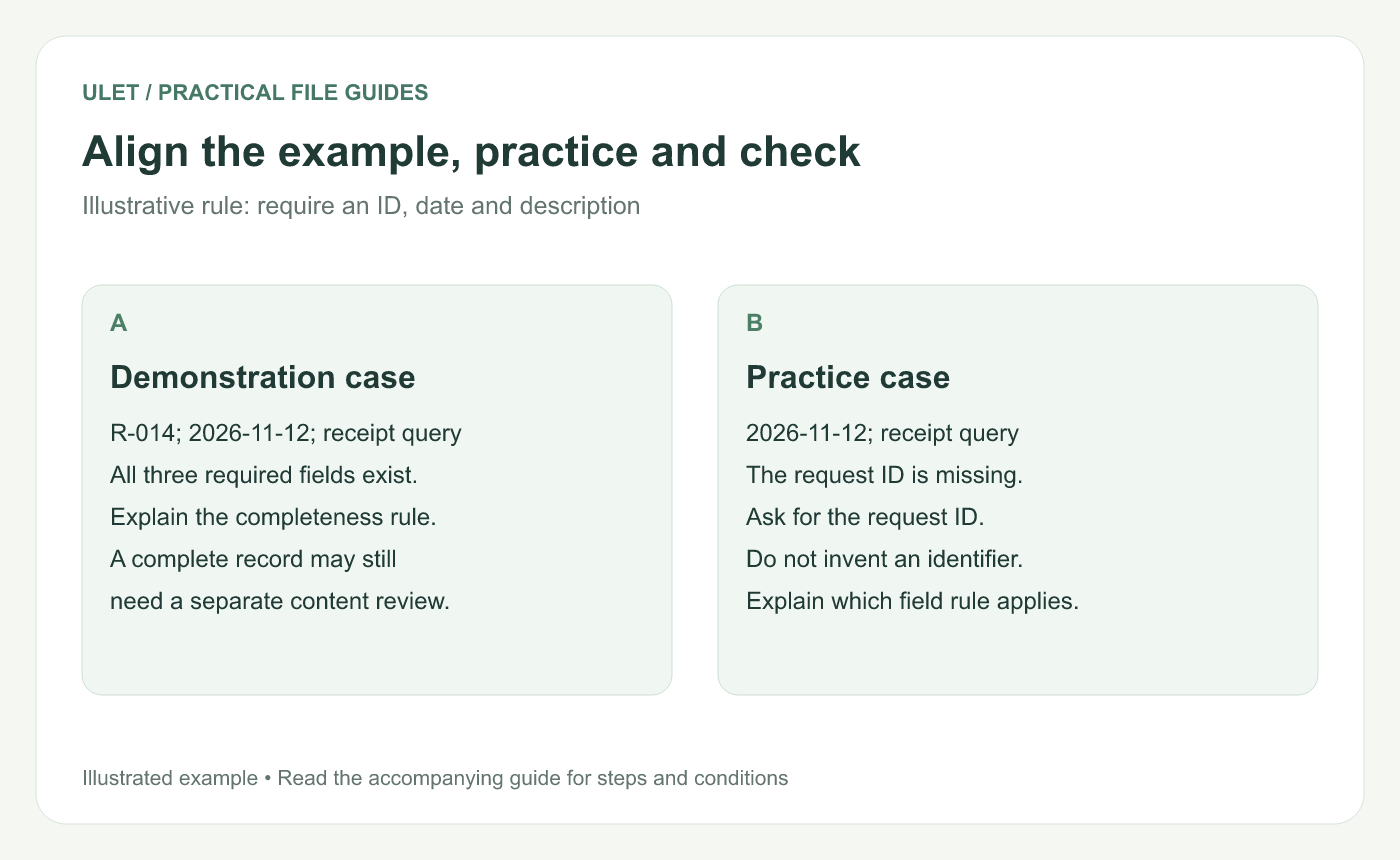
Align the example, practice and check. Original instructional illustration using a fictional intake rule, not a software screenshot.
Let the learner perform the decision
A slide that lists the rule is explanation. Practice begins when the learner receives a new case and decides what to do. Give time to answer before revealing the solution.
Include a boundary case, such as a record with an ID and description but no date. Ask for the missing date; do not invent one to make the record look complete.
Use a check that matches the objective
“Name the required fields” tests recall. It does not establish that a learner can spot the omission in a real-looking record. For this objective, use a fresh case and inspect both the answer and its reason.
Tell learners how success is judged. In this exercise they must name the missing field, ask for it clearly and cite the completeness rule. Adapt the criteria to your actual approved process before using the lesson at work.
Try the lesson with someone unfamiliar with your instructions and revise any step they have to guess. Ulet's free basic local presentation editing lets you prepare the training deck on Windows and macOS and keep the exercise and answer sheet beside its PPTX.



