
To turn a report into a presentation outline, identify what the audience needs to decide or understand, then choose the few report findings that support that outcome. Do this before copying paragraphs onto slides.
A report lets a reader pause, reread and inspect detail. A live presentation needs a sequence the audience can follow at the speaker's pace.
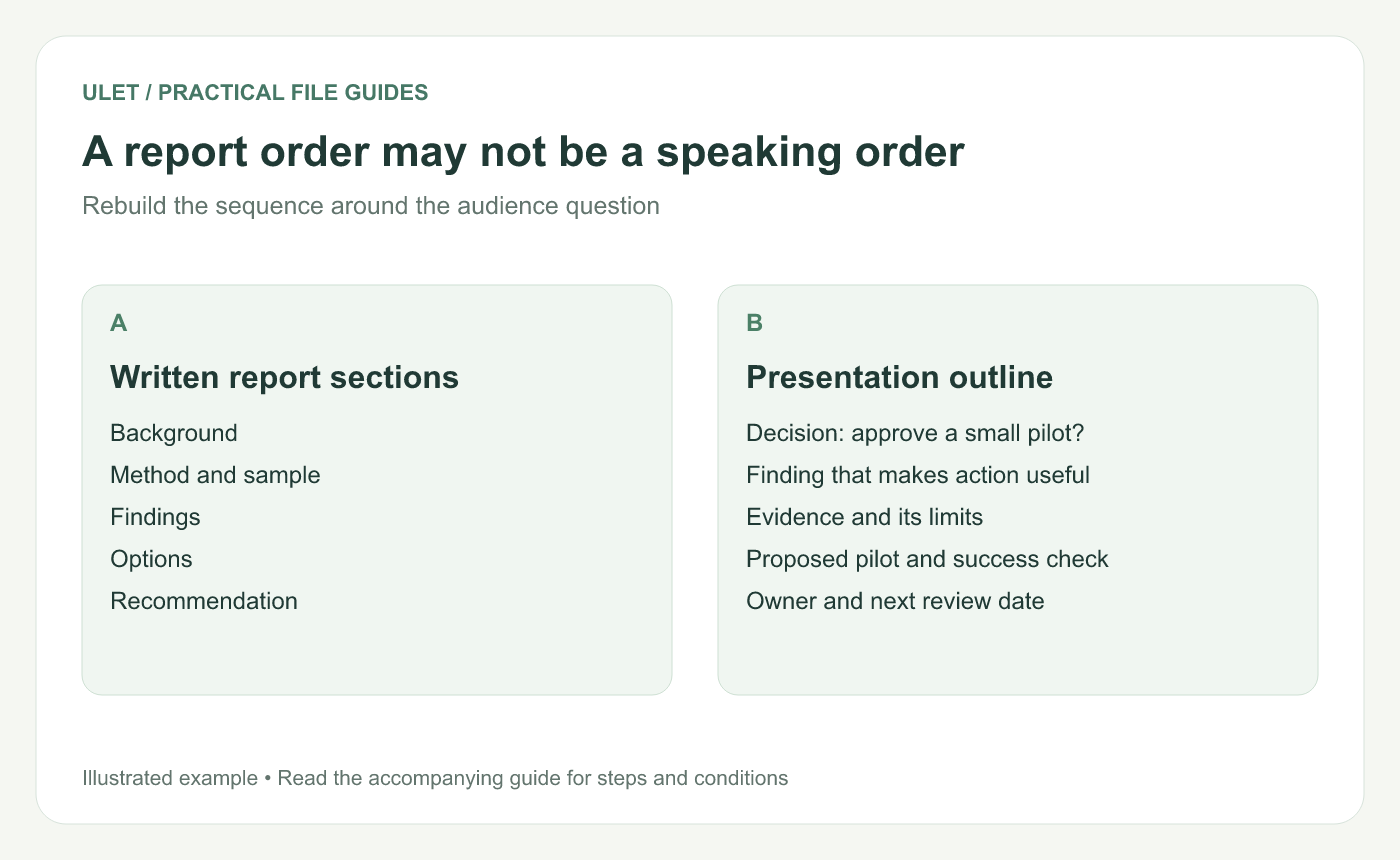
A report order may not be a speaking order. Original instructional illustration; example values and layouts are illustrative, not software screenshots.
Write the audience question at the top
For an illustrative example, imagine a report about repeated billing questions. The meeting question is “Should we run a two-week test of revised billing instructions?” That is more useful for selecting content than “Present the billing report.”
Note who can make the decision and what they already know. Background that was necessary in the report may need only one sentence in the presentation.
Separate claims from supporting detail
In a working note, list the report's main conclusions. Beside each, record the passage, table or example that supports it. Then identify the qualification that would change how the audience should interpret the claim.
For example, a fictional sample might contain eight repeated questions among 20 reviewed queries. Keep “20 reviewed queries” beside that finding. It describes the sample, not every customer or every reporting period.
Give each planned slide a job
Slide purpose | Material to select |
|---|---|
Frame the decision | The proposed test and why the decision is needed now |
Show the finding | One clear result and its sample definition |
Compare options | The differences that affect the choice |
Describe the test | Scope, owner and the check for a useful result |
Ask for approval | The specific commitment and next checkpoint |
This is a starting outline for this example, not a required five-slide format. Combine or split slides when the argument needs a different pace.
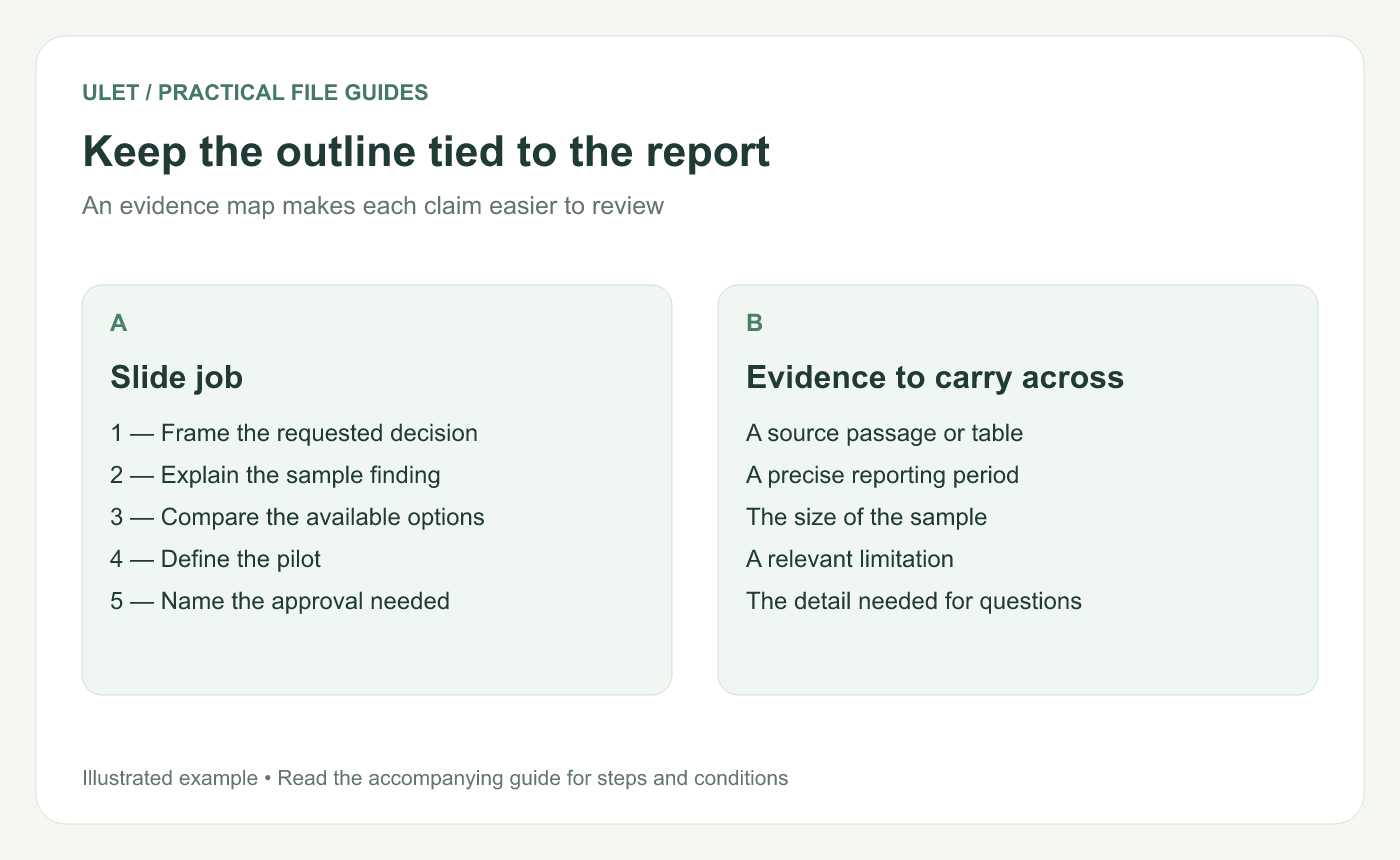
Keep the outline tied to the report. Original instructional illustration; example values and layouts are illustrative, not software screenshots.
Move detail with a destination
Keep source tables, method detail and secondary examples in the report or a clearly labeled appendix. Record where each item lives so you can answer a question without hunting through unrelated pages.
Do not remove the one qualification that keeps a headline accurate. If a limitation changes the decision, it belongs with the main argument.
Read the outline aloud before designing
Read only the proposed slide titles. They should form a connected explanation. Then explain the sequence without reading the report's paragraphs. Any gap reveals a missing step or a slide that has no clear role.
Ulet lets you keep the local report and PPTX in one app. Draft the evidence map first, then build the presentation from that reviewed outline.



