
To reconcile two lists, match records using a stable identifier and then compare the fields that matter. Do not compare row 2 with row 2 unless the relationship has been established: two correct lists can arrive in different orders.
Keep both source lists intact. Put the checks and exceptions beside them or on a separate review sheet.
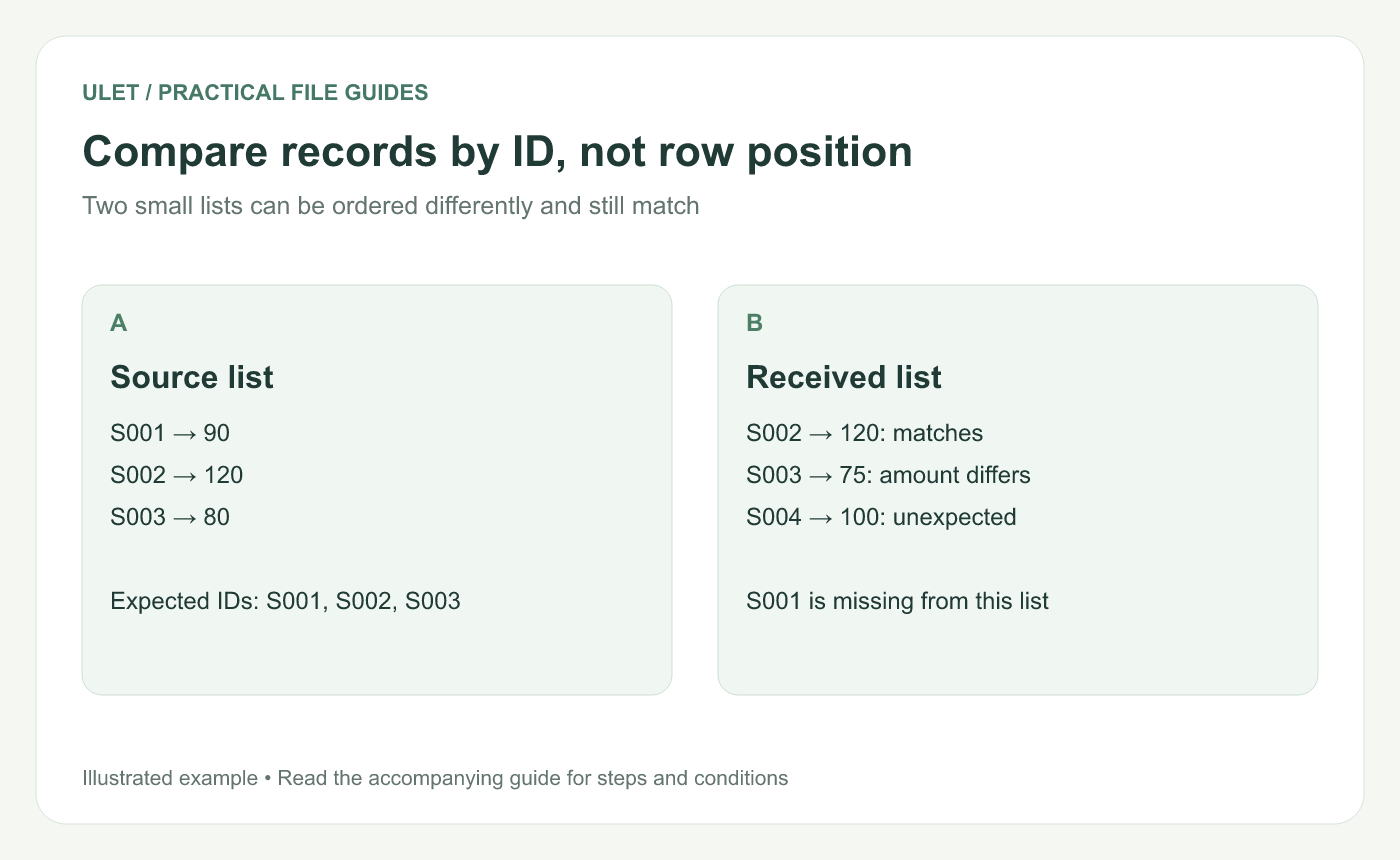
Compare records by ID, not row position. Original instructional illustration; the examples are not software screenshots.
Use a small example
Source ID | Amount | Received ID | Amount |
|---|---|---|---|
S001 | 90 | S002 | 120 |
S002 | 120 | S003 | 75 |
S003 | 80 | S004 | 100 |
S002 matches. S001 is missing from the received list, S004 is unexpected and S003 has a changed amount. A single “lists differ” result would hide those separate problems.
Check that the identifier is unique
In the example layout, put source IDs in A2:A4, amounts in B2:B4, received IDs in D2:D4 and amounts in E2:E4. A helper formula =COUNTIF($A$2:$A$4,A2) counts occurrences of the source key. A unique source key should give 1.
If duplicates are legitimate, define a more specific record key, such as order ID plus line ID. Do not delete duplicate-looking rows until you understand what each represents.
Look for missing records in both directions
Alongside each source ID, use =COUNTIF($D$2:$D$4,A2). Zero means the ID has no match in the received range; more than one needs a duplicate review. Reverse the check with =COUNTIF($A$2:$A$4,D2) beside received IDs.
COUNTIF counts entries meeting a criterion. It also supports wildcard characters, so these simple literal-key examples are intended for IDs such as S001 without wildcard characters. For case-sensitive identifiers, use a matching method that explicitly preserves that distinction. Microsoft's COUNTIF guide.
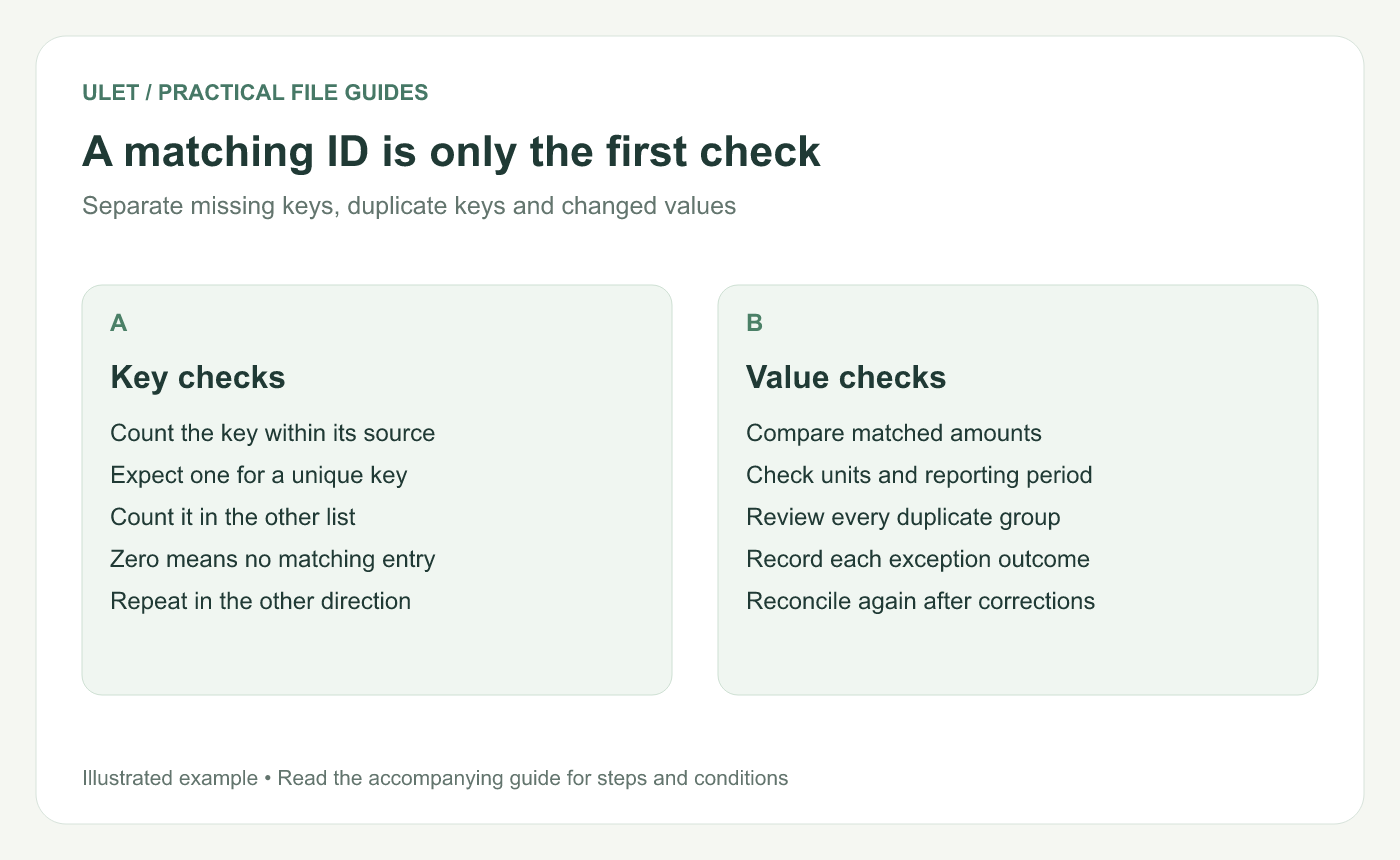
A matching ID is only the first check. Original instructional illustration; the examples are not software screenshots.
Compare the matching values
For a small list, locate each matched key and compare its amount directly. S003 differs by 5 in this example. For larger work, use a verified key-based matching workflow and keep the exceptions visible.
Check units, reporting periods and any agreed rounding tolerance. Matching totals can conceal offsetting mistakes, so use them alongside record-level checks.
Save an exception log with the ID, issue, owner and resolution. After corrections, rerun both presence checks and the value comparison. Ulet lets you keep these local XLSX review files together with free basic spreadsheet editing.



