
A weighted average is the sum of each value multiplied by its weight, divided by the sum of the weights. Use it when some observations represent more units, time or other contribution than others.
For a unit-price example, buying 10 units at 4 each and 30 units at 6 each gives an average cost of 5.50 per unit. Averaging just the two prices gives 5 and ignores the different quantities.
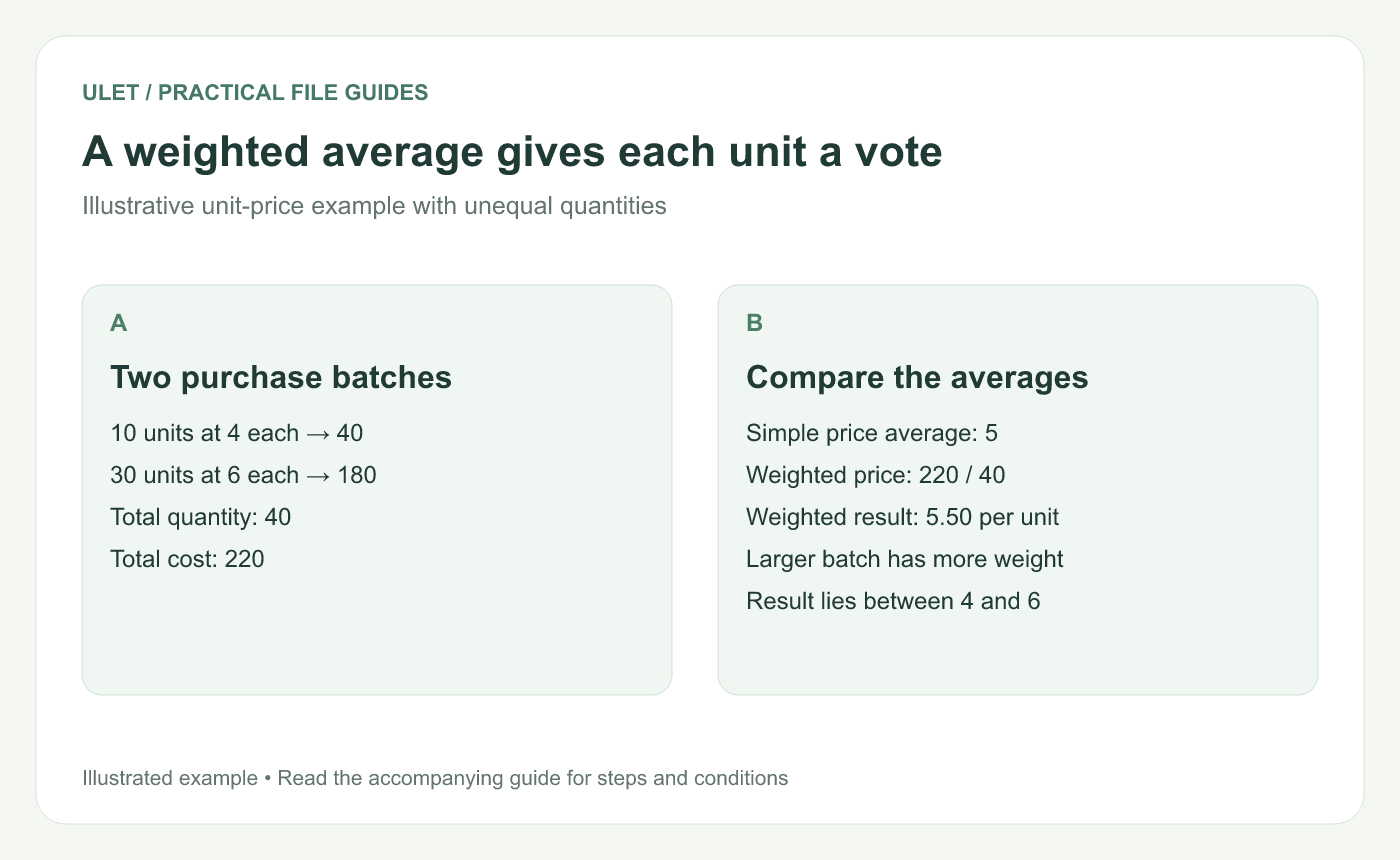
A weighted average gives each unit a vote. Original instructional illustration; the examples are not software screenshots.
Work through the totals first
A — Quantity | B — Unit price | C — Cost |
|---|---|---|
10 | 4 | 40 |
30 | 6 | 180 |
Use row 1 for the headers and rows 2–3 for the two batches. In C2, enter =A2*B2 and copy it to C3. The total cost is 220 and total quantity is 40.
Outside that table, =SUM(C2:C3)/SUM(A2:A3) gives 5.50. Label the result with its unit so the reader knows it is a price per item, rather than a total cost.
Use SUMPRODUCT when the setup is clear
The compact formula is =SUMPRODUCT(A2:A3,B2:B3)/SUM(A2:A3). SUMPRODUCT multiplies the corresponding quantity and price entries and adds those products. Microsoft specifies matching array dimensions and recommends avoiding whole-column references for this function. SUMPRODUCT reference.
The helper-column version is useful when someone needs to inspect each contribution. Both formulas should agree on this sample.
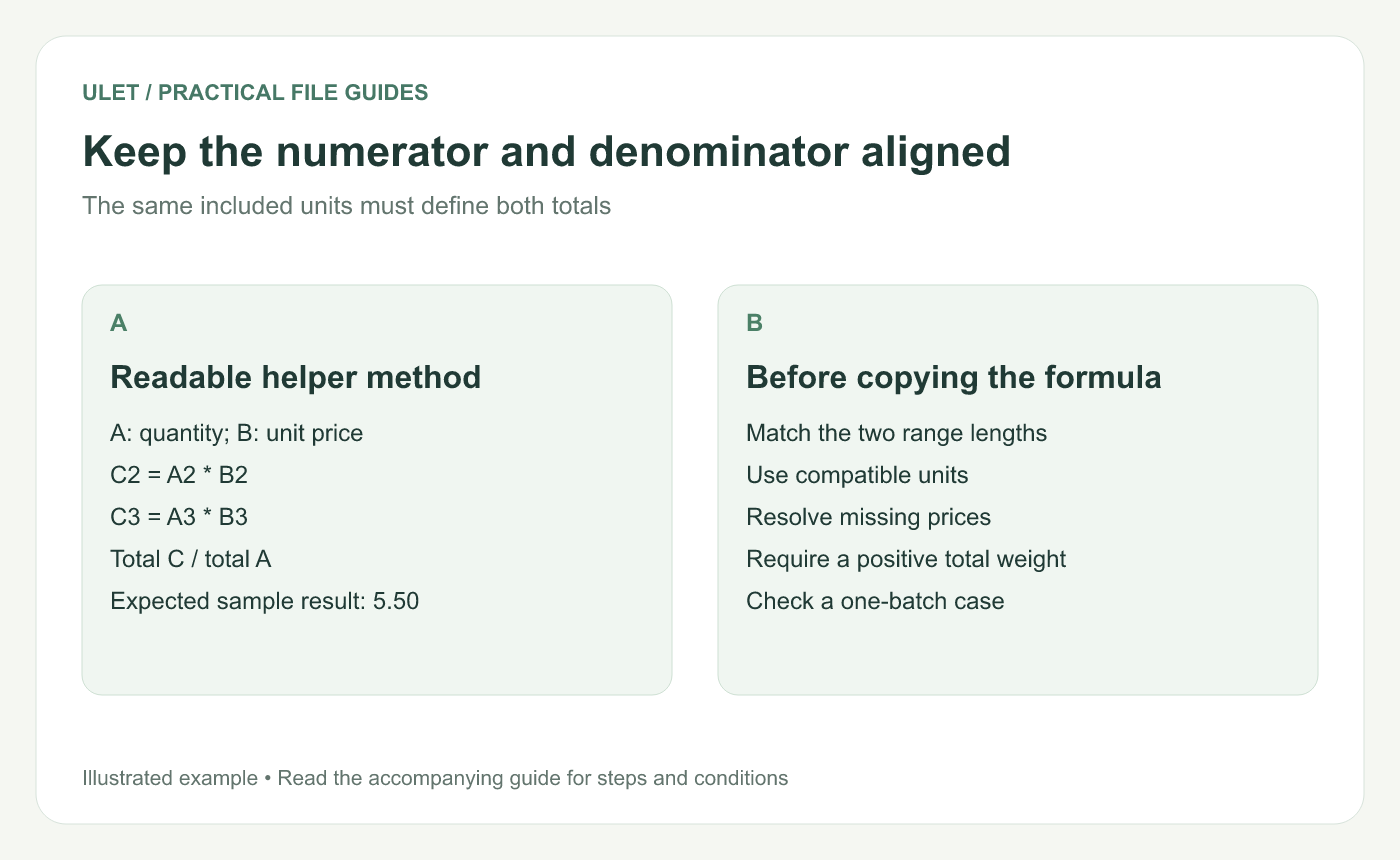
Keep the numerator and denominator aligned. Original instructional illustration; the examples are not software screenshots.
Check the denominator before trusting the answer
The weights must represent the intended contribution and use compatible units. Hours and minutes cannot share a weight column until you convert them. The ordinary weighted-mean interpretation here also assumes nonnegative weights and a positive total weight.
When the total weight is zero, the result is undefined. Mark that case for review rather than silently reporting zero. A missing price also needs a decision: including its quantity in the denominator while treating its cost as zero understates the result.
Try a couple of quick checks
Use just the first batch: the average should be 4.
Give both batches equal quantities: the average should be 5.
Restore quantities 10 and 30: the result should return to 5.50.
With positive weights, this example's answer should lie between the lowest and highest price. That is a useful check, though it does not prove every reference is correct.
To combine group averages later, retain each group's original weight. Ulet provides local formula editing for the XLSX, so you can keep the inputs, helper calculations and result together.



