
When sorting a table, move all the fields that belong to each record together. If you sort just the Amount column, the numbers can become attached to the wrong people.
Save a working copy first. Then identify the full data range, its header and the column that should control the order.
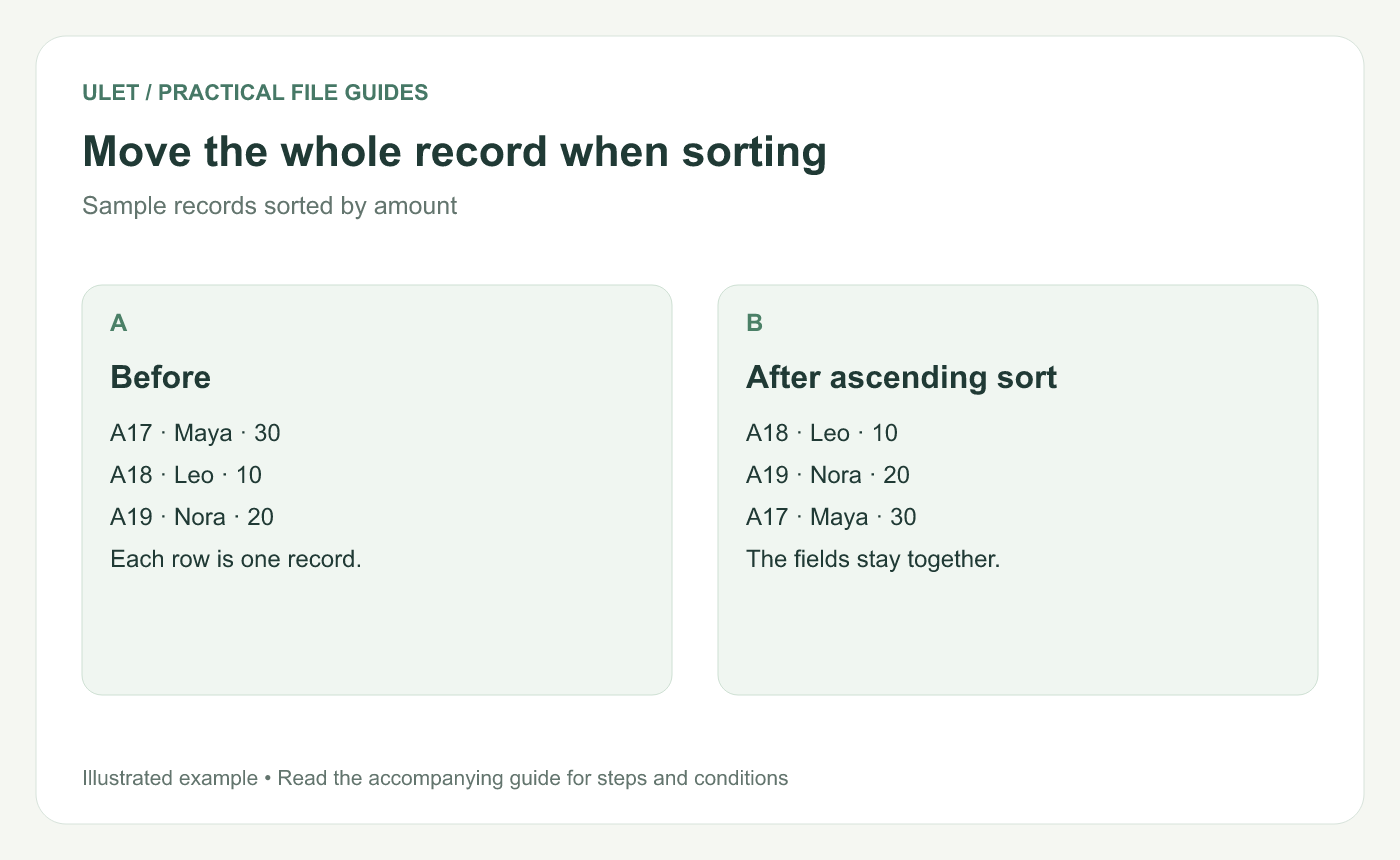
Sample records sorted by amount. Original instructional illustration.
Use an identifier to check the result
ID | Name | Amount |
|---|---|---|
A17 | Maya | 30 |
A18 | Leo | 10 |
A19 | Nora | 20 |
After an ascending Amount sort, the row order should be A18, A19, A17. Leo should still be paired with 10, Nora with 20 and Maya with 30.
Check the selection before sorting
Include the related ID, name and amount columns in the operation. Tell the editor whether the range includes a header. Blank separator rows, merged cells and notes beside the table can make the intended range less obvious.
Excel's sorting guide describes sorting ranges and tables, including multi-column sorts. Follow the equivalent range and header controls in your chosen editor. Microsoft's sorting guide.
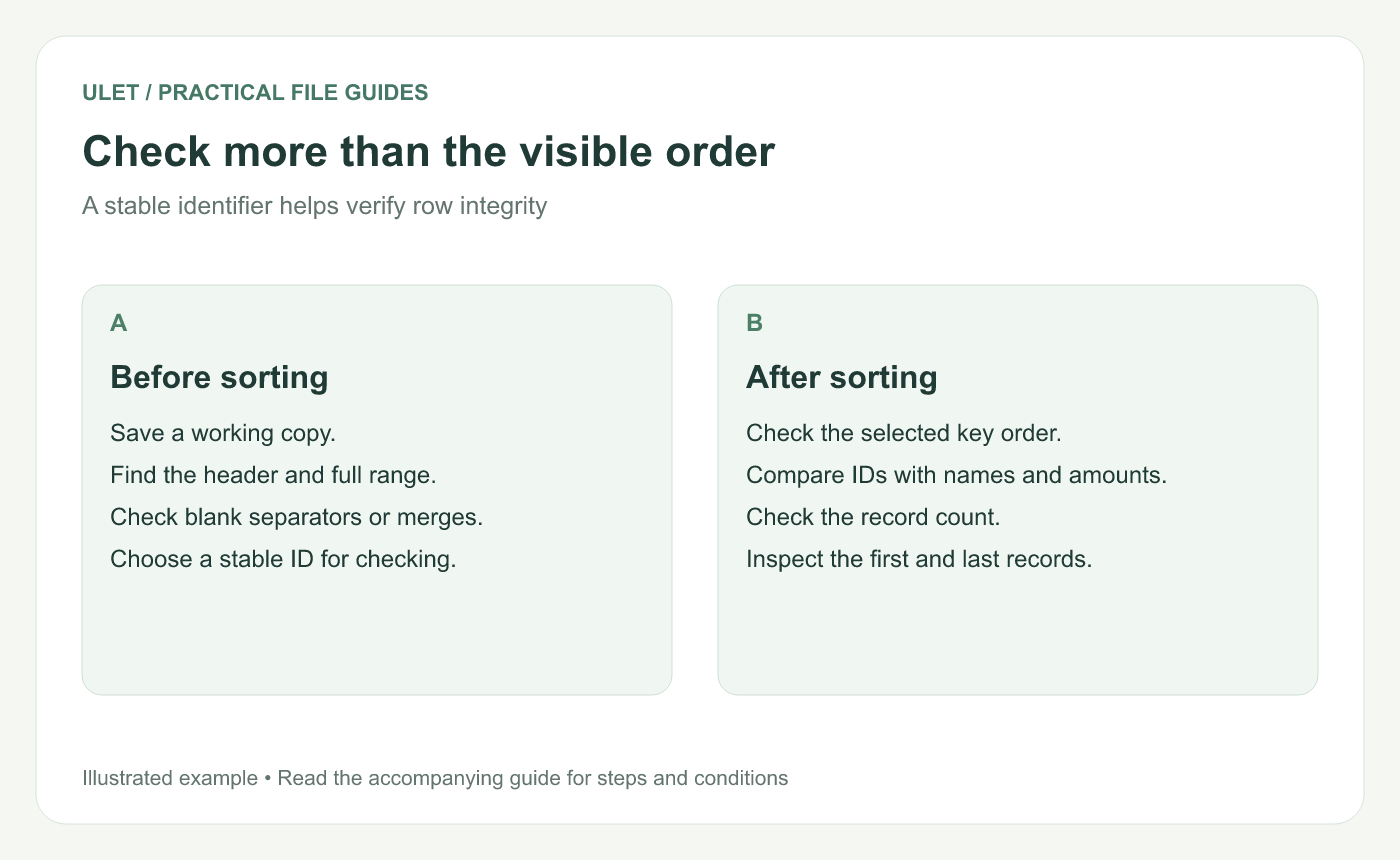
A stable identifier helps verify row integrity. Original instructional illustration.
Choose the order that answers the question
A single Amount sort answers which rows have larger or smaller amounts. If you also need groups, define the grouping column and secondary order explicitly.
Check the data type too. A number stored as text may sort differently from a numeric value, even when the displayed characters look similar.
Review the whole record
Check the key column's order.
Compare stable IDs with names and values.
Confirm the record count.
Inspect the first and last records.
Save and reopen the intended result.
If you discover that one column was sorted separately, undo promptly if that operation can still be reversed safely. Otherwise, recover the relationships from an intact source copy. Sorting by another column cannot reconstruct associations that have already been lost.
Ulet supports everyday spreadsheet organization, including sorting. Use the small table above to check the workflow before applying it to an important local XLSX. Organize a workbook in Ulet.



