
Meeting minutes should let someone see what was decided, what still needs an answer and who is doing the next step. You can usually achieve that with a short summary and two clear lists.
Write the first draft while the discussion is still fresh. Then confirm any decision or owner that was left ambiguous.
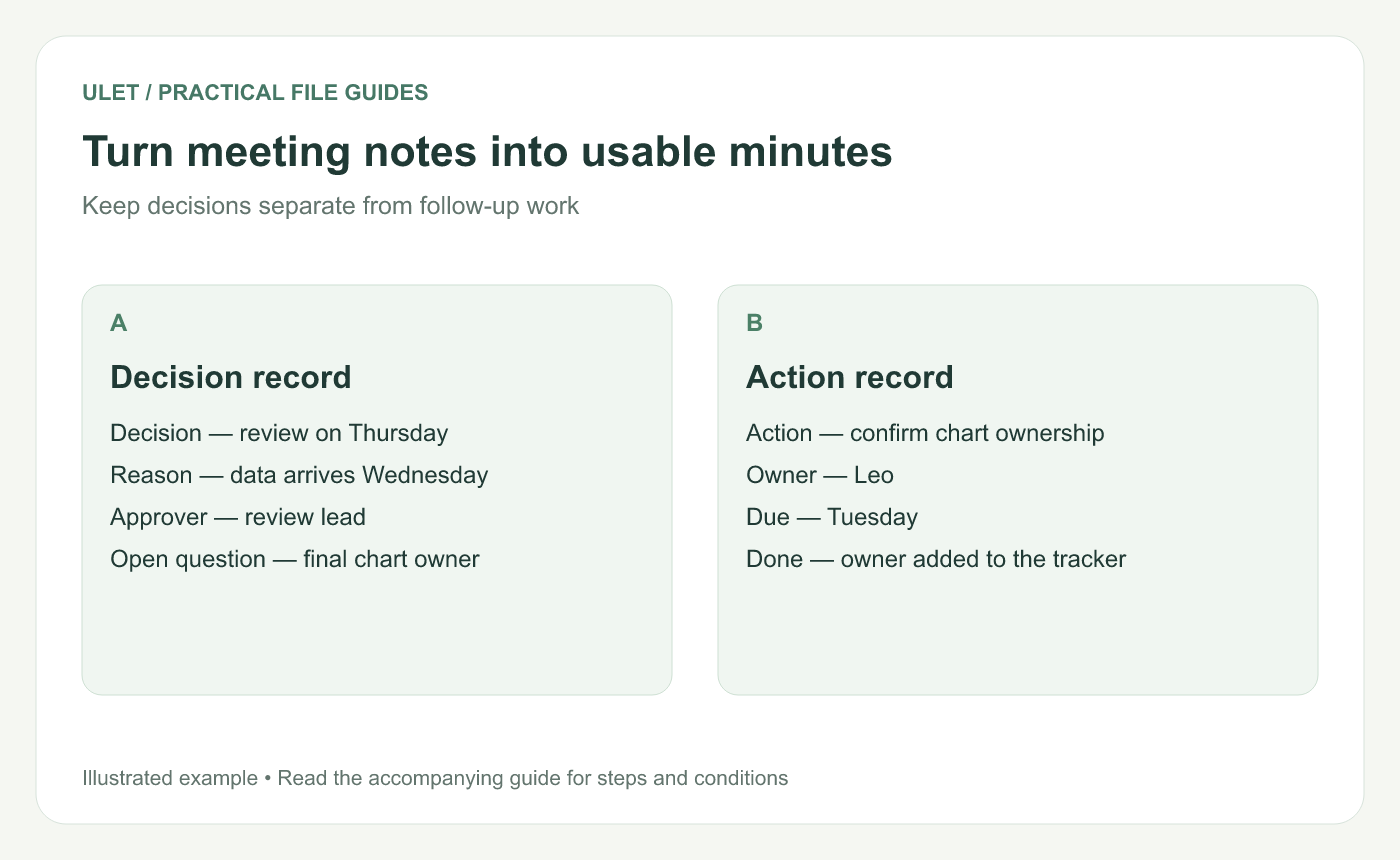
A decision and the work needed to carry it out are different parts of the record.
Use a small, repeatable structure
Meeting name, date and participants
Purpose of the discussion
Decisions made
Actions, owners and due dates
Open questions and the next check-in
Include enough context for someone who missed the meeting. You can link to supporting documents when they provide detail the reader may need.
Write the decision in a complete sentence
“Thursday review” is a useful rough note, but it could mean several things. “The review lead agreed to review the complete draft on Thursday” makes the choice and its scope clearer. In the finished record, use the actual calendar date.
If the group only discussed an option, record it as an open question or proposal. Confirm the decision with the person responsible before marking it as agreed.
Give each action one clear owner
Action | Owner | Due date | Completion check |
|---|---|---|---|
Confirm the final chart owner | Leo | Tuesday's actual date | Owner is named in the project tracker |
Send the reviewed draft | Maya | Thursday's actual date | The project lead confirms receipt |
These are sample actions. Replace the weekday prompts with real dates, and check that the named people accept the work before distributing the minutes.
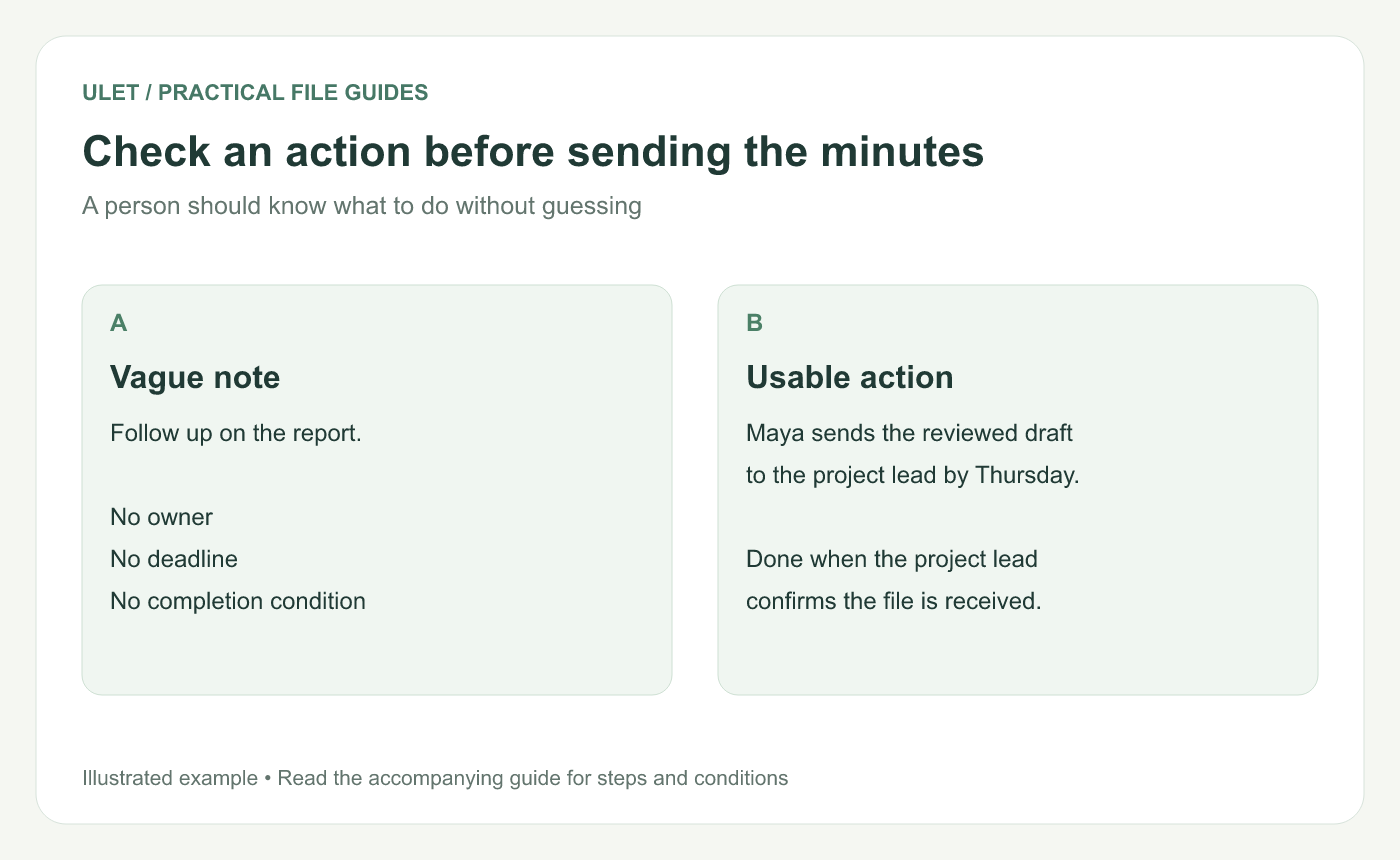
A reader should be able to act without reconstructing the discussion.
Keep unresolved questions visible
An unanswered question is easier to follow when it has a next step. Record what information is missing, who will find it and when the group will revisit it.
For example, “Chart ownership remains open. Leo will confirm the owner before Tuesday's planning check.” That tells the team how the question will move forward.
Review the minutes before sending them
Check the decision wording with the decision-maker where needed.
Confirm names, dates and links to source material.
Make sure each action has a person responsible.
Remove draft prompts and repeated background.
Save the issued copy so later edits remain traceable.
A local DOCX is useful when the minutes need a consistent layout and editable action table. Ulet lets you prepare and save that file on Windows or macOS. Edit meeting minutes in Ulet.
At the next meeting, bring the open-action list forward and update its status. The earlier minutes should still show what the group recorded at the time.
When those actions become the next progress review, use the five-slide project-update structure to prepare a concise summary.


