
A useful agenda tells people what they need to prepare and what the group should finish. For each item, name the topic, the intended outcome, the person leading it and the time available.
For a decision meeting, “Choose the review date” gives the group a clearer job than “Discuss the schedule.”
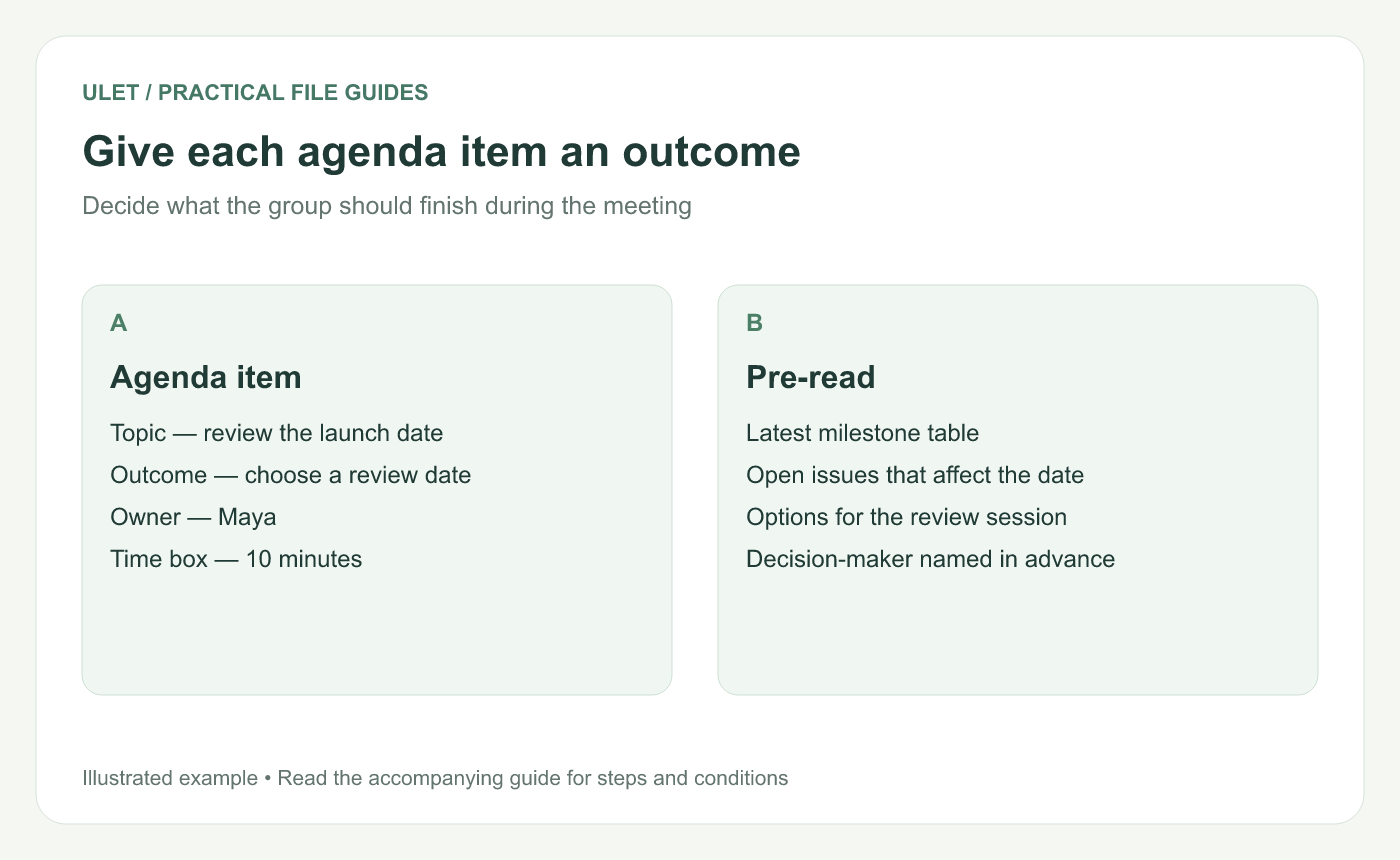
Give participants enough context to arrive ready for the discussion.
Start with the meeting's outcome
Write the answer you want the group to reach. It might be a date, a chosen option, an approved scope or a list of unresolved questions with owners. Put that outcome near the top of the agenda.
Next, check who can make that decision and who needs to provide information. A meeting can get stuck when the decision-maker is absent or the evidence arrives during the last few minutes.
A copyable agenda
Field | Example |
|---|---|
Meeting purpose | Choose the review date for the complete draft |
Decision-maker | Review lead |
Pre-read | Latest milestone table and open issues |
Topic owner | Maya |
Expected outcome | A date and the actions needed to meet it |
Notes owner | Leo |
Replace the sample roles and names before sending it. Add links or filenames for the actual pre-read so attendees can find the same version.
Example — a 30-minute decision meeting
First 5 minutes. Confirm the goal and the decision the group needs to make.
Next 10 minutes. Review the evidence that affects the date.
Next 10 minutes. Compare the realistic options and their trade-offs.
Last 5 minutes. Confirm the choice, owners and next actions.
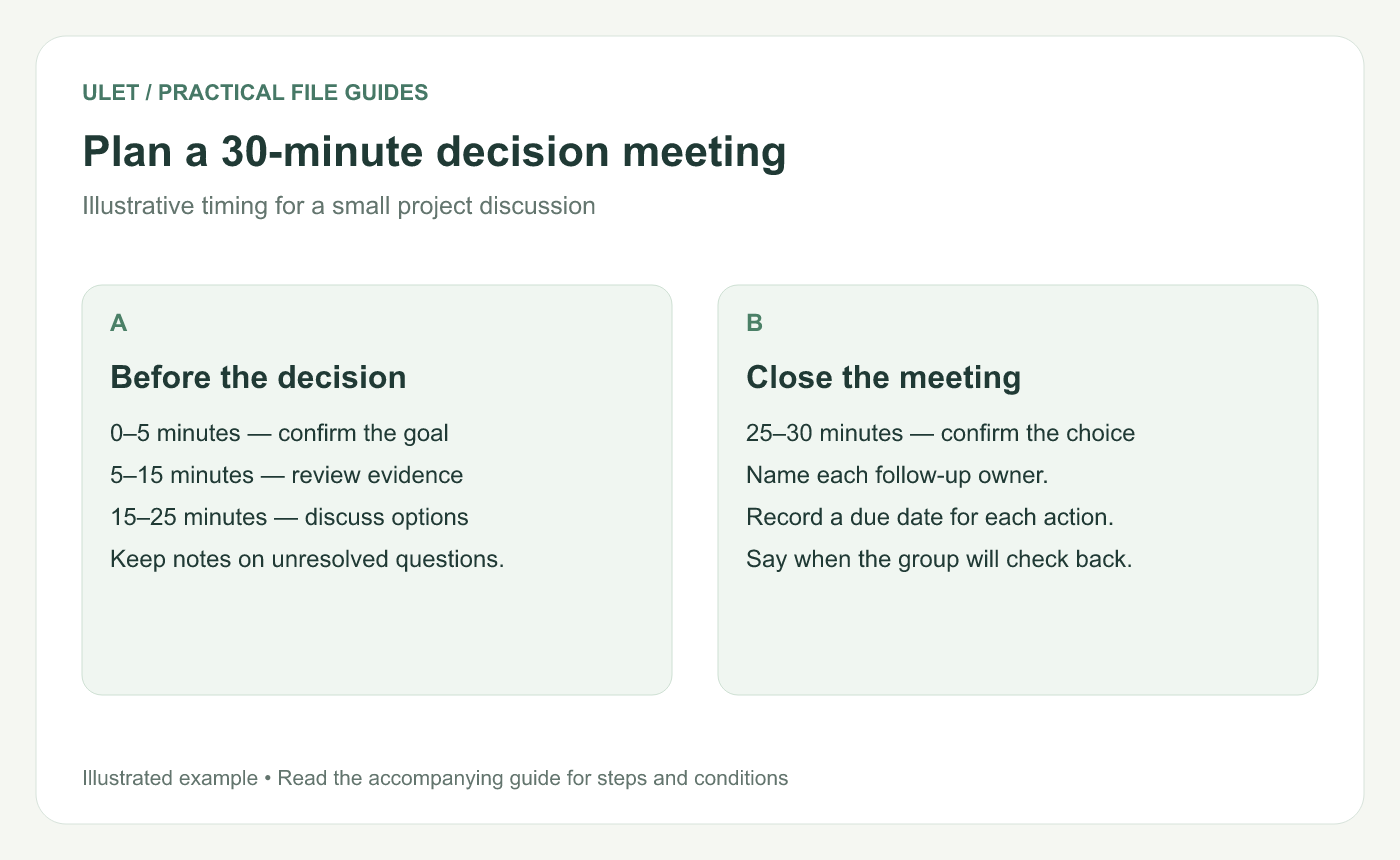
Reserve time to close the discussion and record the result.
Give the pre-read a job
Tell people what to look for. “Read the plan” is broad. “Check whether your team can complete the review by Thursday” prepares a more useful discussion.
Include the assumptions that are still open. If the proposed date depends on a data delivery, name that dependency and ask the person responsible to confirm it before the meeting.
Keep a place for questions outside the agenda
Useful questions can appear that do not affect the current decision. Record them with an owner and decide how they will be handled. That keeps the meeting focused while giving the question a next step.
Send something people can work with
A short DOCX works when participants need an editable agenda. You can prepare it locally in Ulet, keep the layout simple and save a dated copy in the meeting folder. Open the saved file before sharing it to check the links, timings and names. Prepare the agenda in Ulet.
After the meeting, keep the agenda as the plan for the discussion and record the actual decisions and actions in the minutes.
For a project review, the five-slide status-update outline can help you choose the evidence to include in the pre-read.



