
A useful slide title tells the audience what to take from the slide. Replace a broad label such as “Diagram review” with a supported point, a clear question or the action needed.
Write the title after identifying the evidence. A strong-sounding sentence is only helpful if the slide can support it.
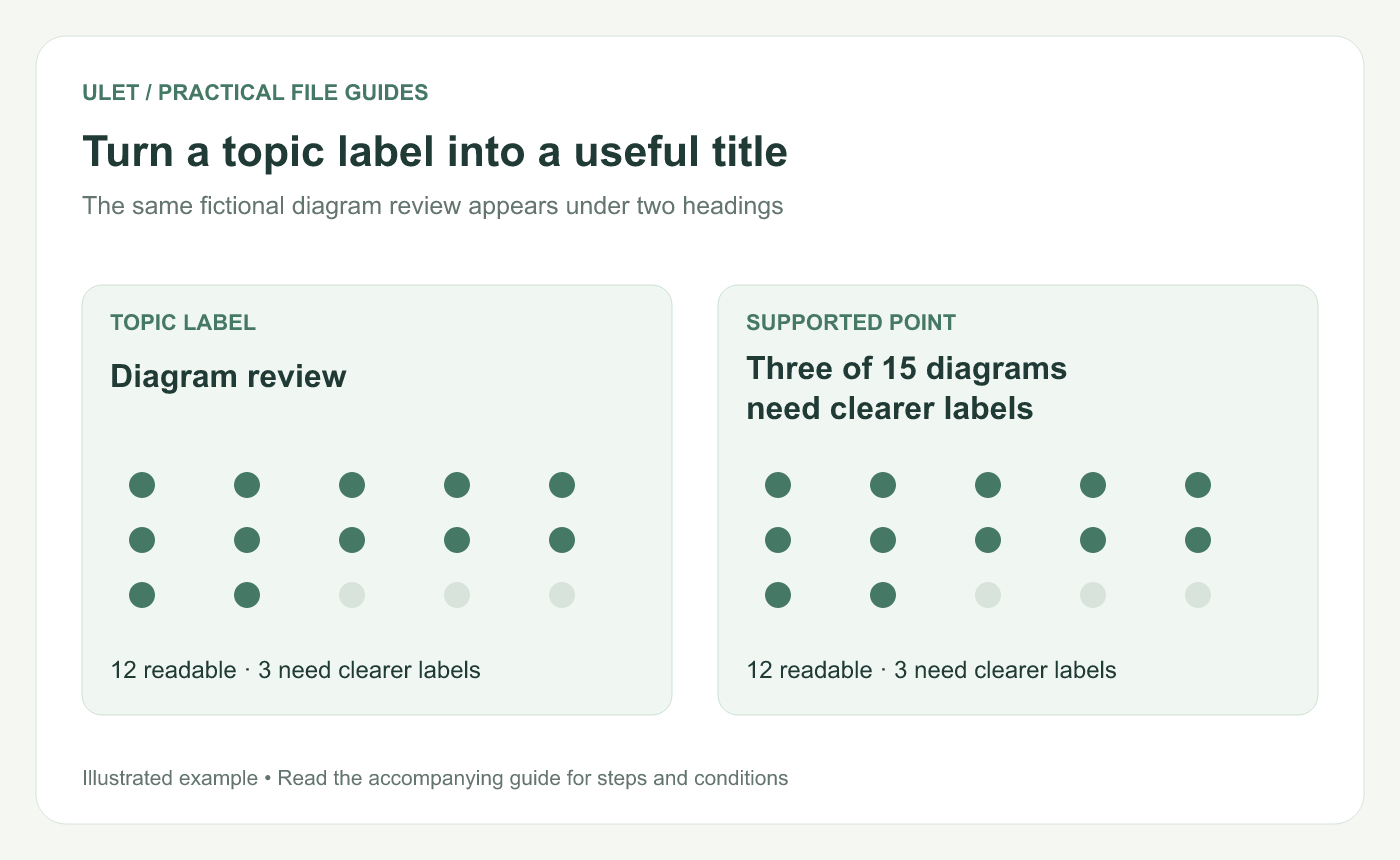
Turn a topic label into a useful title. Original instructional illustration; example values and layouts are illustrative, not software screenshots.
Say what the evidence shows
Imagine a fictional review of 15 diagrams: 12 have readable labels and three need clearer labels. “Three of 15 reviewed diagrams need clearer labels” is a defensible message. “Our diagrams are unreadable” is a much broader claim.
Keep the sample definition close to the evidence. If the title would mislead someone who only skims it, qualify the title itself.
Choose the right kind of heading
Slide role | Example heading |
|---|---|
Finding | Three reviewed diagrams need clearer labels |
Open question | Which diagram labels need clarification? |
Recommendation | Test revised labels with a review group |
Decision | Approve an owner and date for the label review |
A question is useful when the answer is genuinely open. Do not frame a settled result as a mystery just to make the heading more dramatic.
Keep necessary qualifications
Words such as “in the reviewed sample,” “through October” or “under this assumption” can carry essential meaning. Shorten filler around them before removing the condition.
Prefer concrete nouns and verbs. “Three sections still need review” gives a reader something to inspect; “Progress update” leaves the point to be discovered in the body.
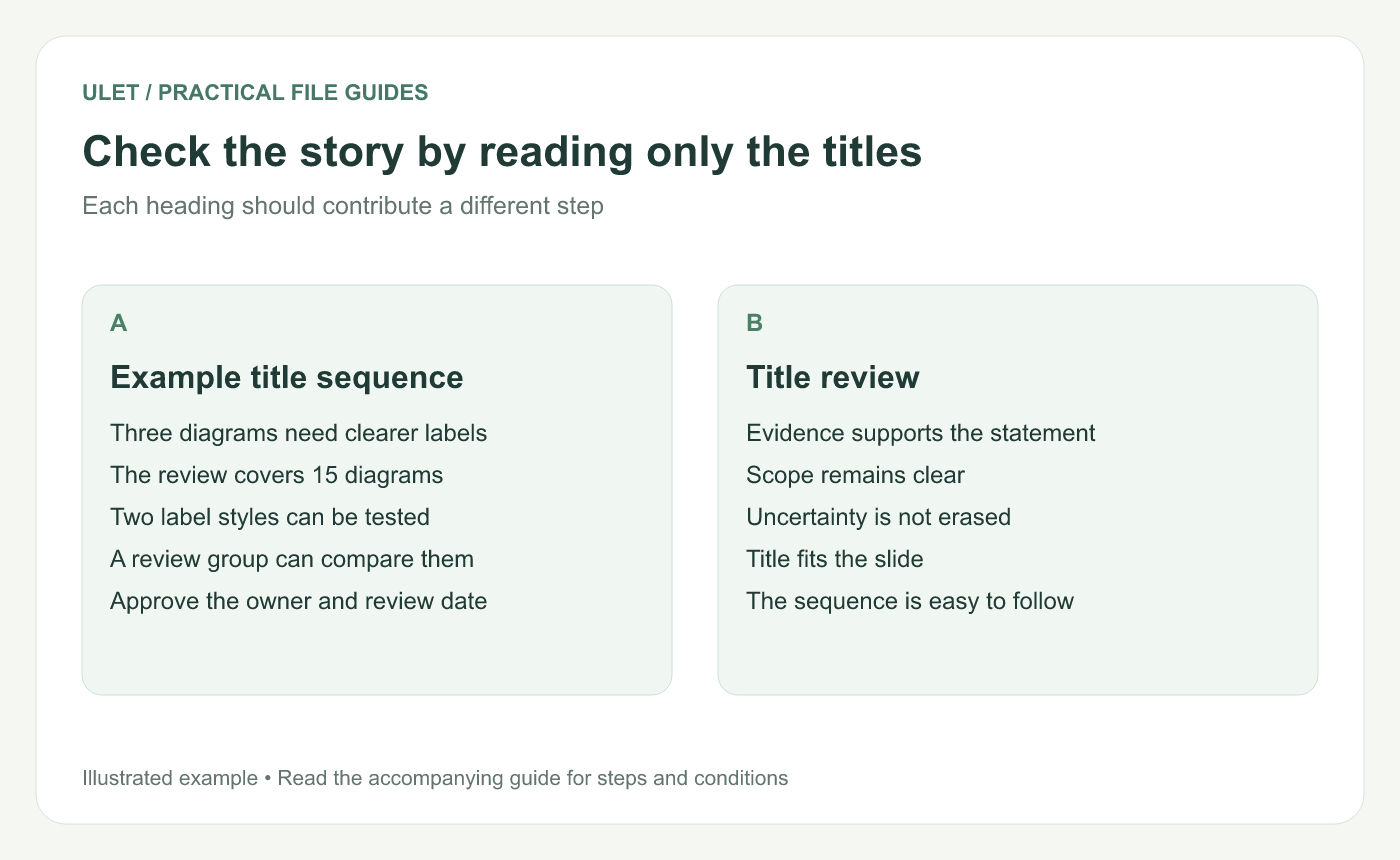
Check the story by reading only the titles. Original instructional illustration; example values and layouts are illustrative, not software screenshots.
Read only the titles in sequence
Copy the headings into a plain list. Check whether they form a connected argument and whether two consecutive slides make the same point. A repeated title can reveal duplicated content or an unexpressed distinction.
Microsoft's accessibility guidance also recommends a unique, descriptive title for each slide so people can identify and navigate the presentation. PowerPoint accessibility guidance.
Check the wording in the actual layout
Read the complete heading at presenting size. If it is too long, remove introductory wording, choose a more direct verb or split the slide's job. Keep the condition that makes the claim accurate.
In Ulet, you can revise the local PPTX's title text with free basic editing. Save and reopen the deck, then scan the title sequence one more time alongside the evidence it introduces.


