
If a document suddenly wraps differently or shows missing characters, compare its font names with the fonts available on the computer. An editor may substitute another font when the intended one is unavailable, and that can change the layout.
Check the affected text before changing margins or shrinking everything to fit.
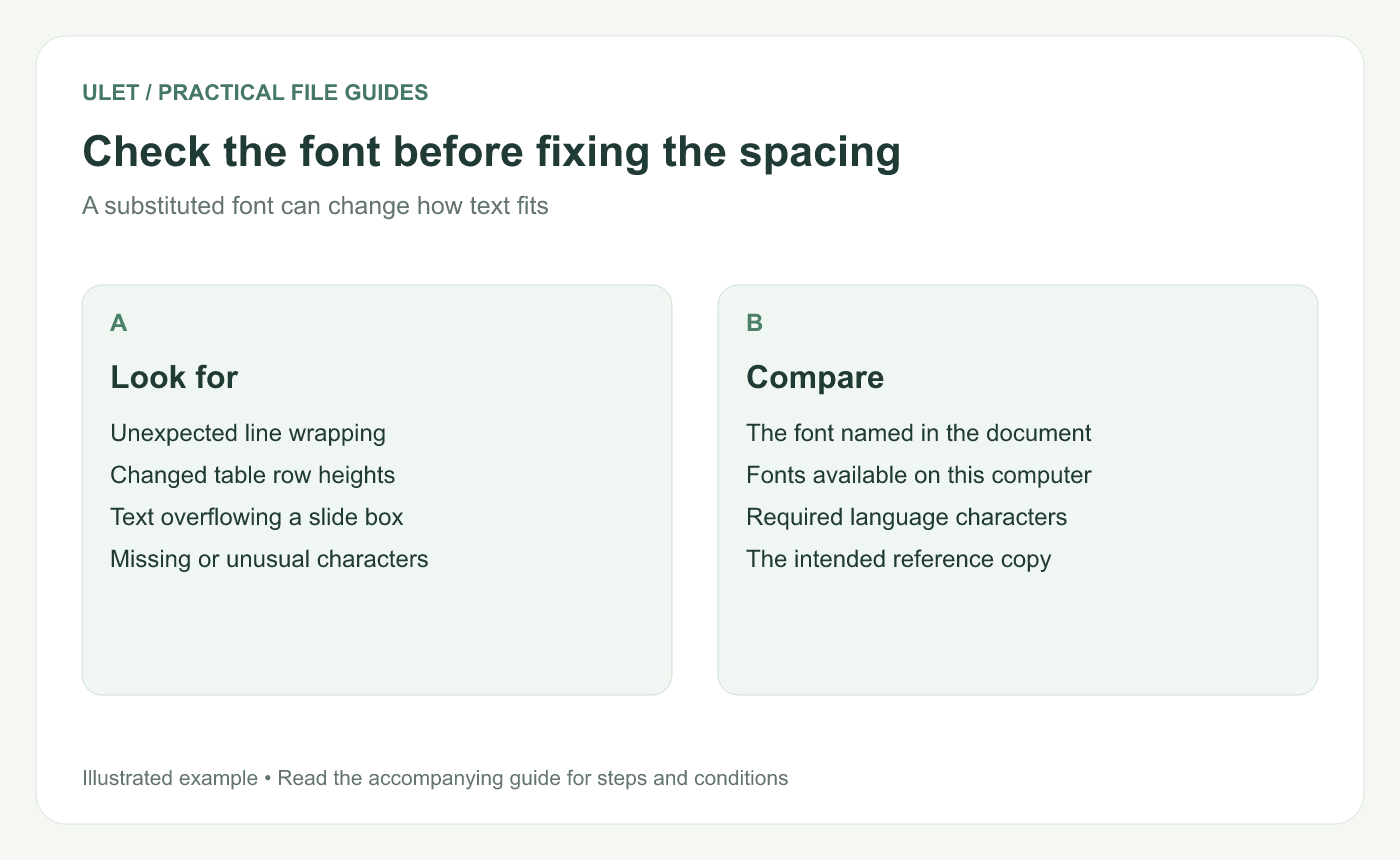
A layout change is a reason to inspect the font choice.
Find the font used in the problem area
Select a paragraph, table cell or slide text box and inspect its font family and style. Check the exact name, including whether the text uses a bold, italic or other face.
Compare it with the source file or a reference PDF. A document can use several fonts, so a correct-looking title does not prove that the body text has the intended font.
Check the characters you need
A font may contain Latin letters while missing the characters used in another language. Inspect names, symbols, punctuation and any mixed-language passages.
If the missing characters appear only in one part of the file, compare that part's font with nearby text that displays correctly.
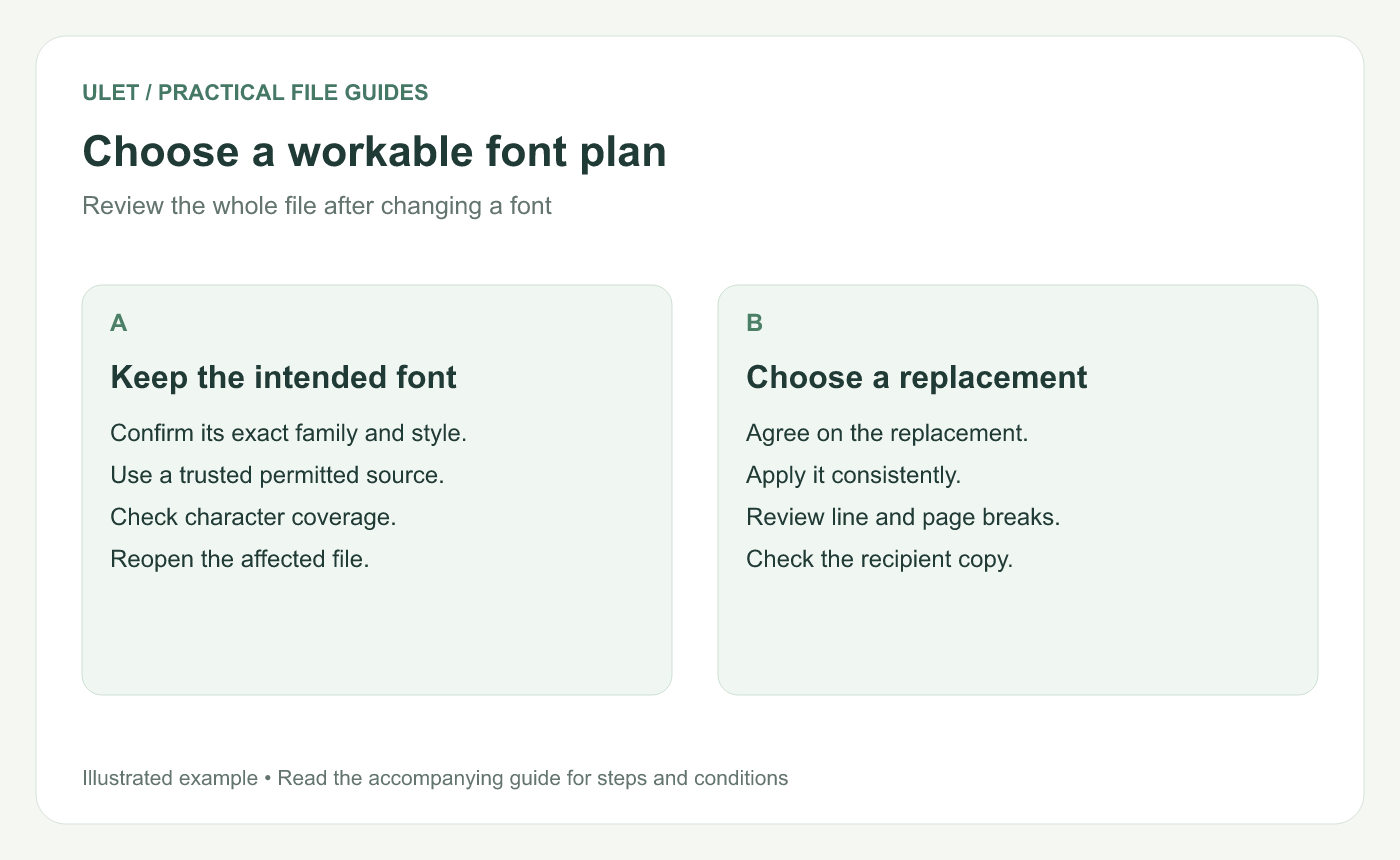
The right choice depends on the document and available fonts.
Choose a practical next step
If the intended font is available from a trusted source and you can use it, install it through the operating system's normal font workflow. Reopen the document or application if needed, then check the affected area.
If you need a replacement, choose one that covers the required characters and review it with the document owner when appearance matters. Apply the replacement consistently rather than fixing isolated lines with different fonts.
Review the layout again
DOCX — check line breaks, tables, headings and page count.
XLSX — check column widths, row heights and chart labels.
PPTX — check text boxes, bullets and slide titles.
Save a working copy and reopen it. If the recipient must edit the file, check the font setup on their computer too. A reference PDF can help explain the intended appearance, but it does not by itself solve the editable file's font availability.
Ulet handles local documents, spreadsheets and presentations on Windows and macOS. Use the same affected passages for each comparison so you can see what the font change actually fixed. Get Ulet.


