
A fixture log stores several yes-or-no flags as one decimal value. The row shows 37. Display the full eight-bit pattern so the reader can identify the active slots without guessing where the leading zeros belong.
Enter 37 in A2. For a whole-number mask from 0 through 255, enter =DEC2BIN(A2,8) in B2. Expect the text 00100101. The second argument supplies the display width.
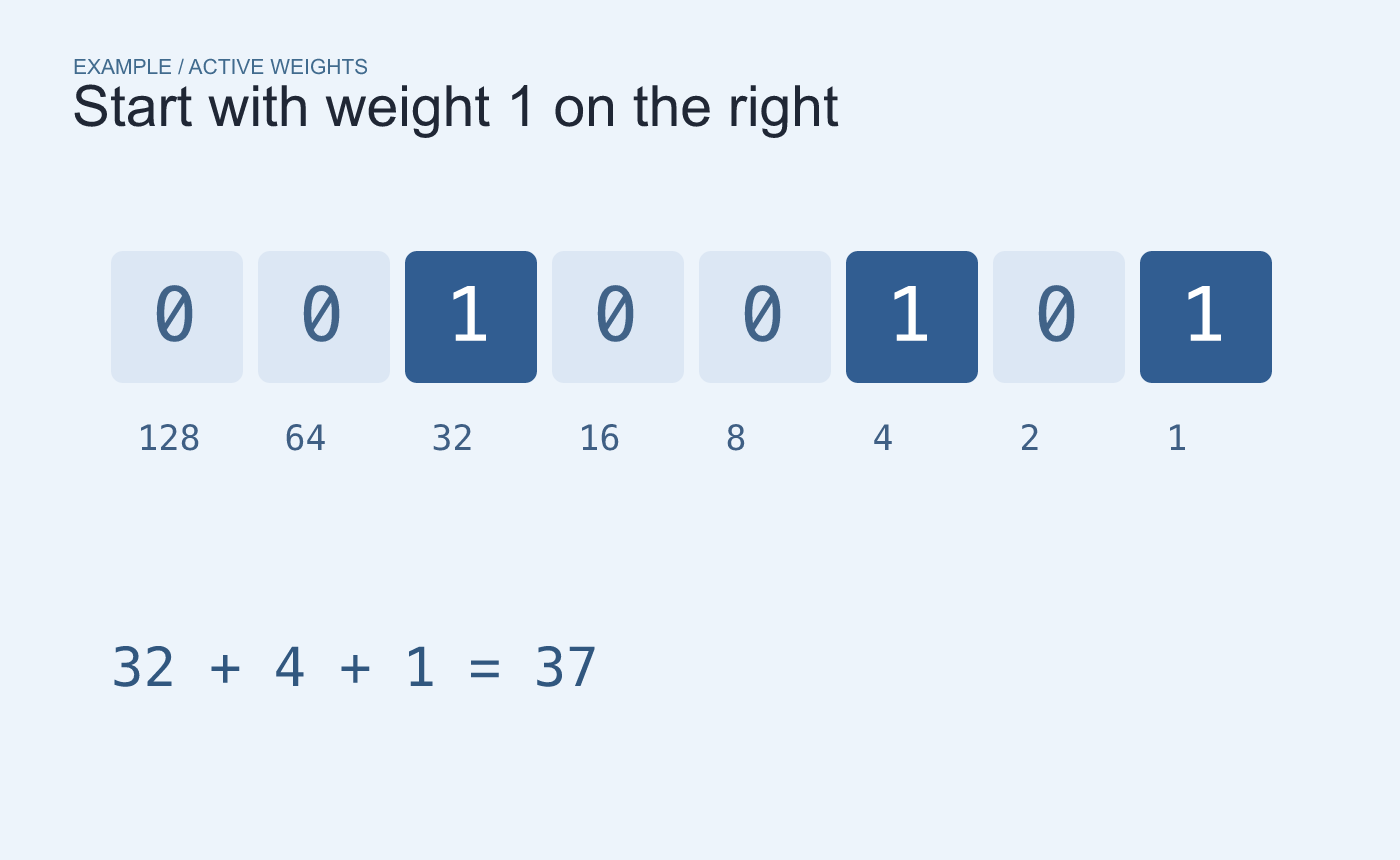
Example mask. Read the weights from right to left, starting with 1.
Check the bit weights before naming a flag
Start at the right with weight 1 and move left through 2, 4, 8, 16, 32, 64 and 128. In 00100101, the active weights are 32, 4 and 1. Their sum is 37. Use the equipment’s own bit assignment chart to decide what those positions mean.
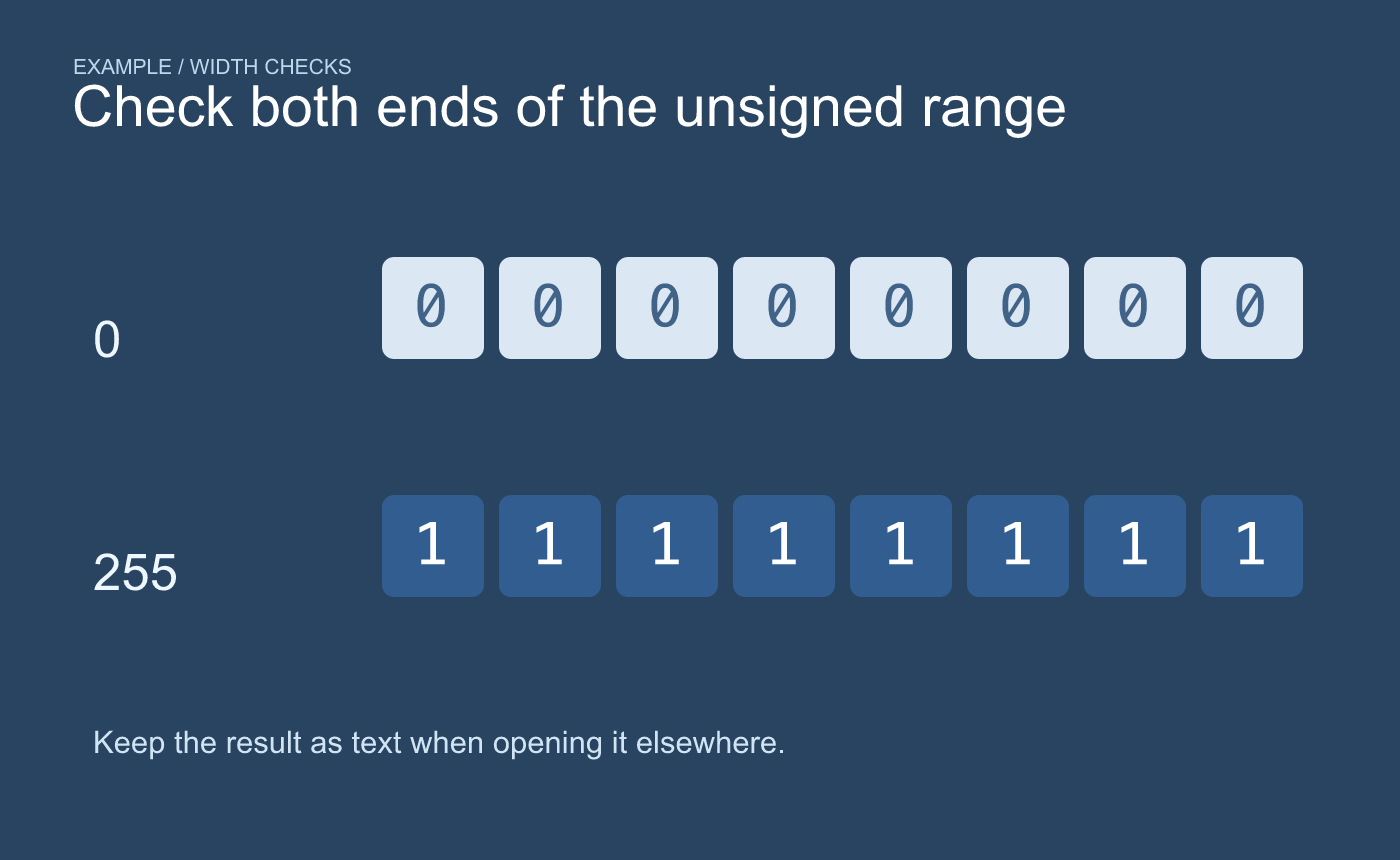
Example width checks. Keep the output as text so the leading zeros remain visible.
Verify the same formula with 0 and 255. Expect 00000000 and 11111111. If a CSV or another workbook will receive the result, check the imported value as text so that the eight-character width survives.



